


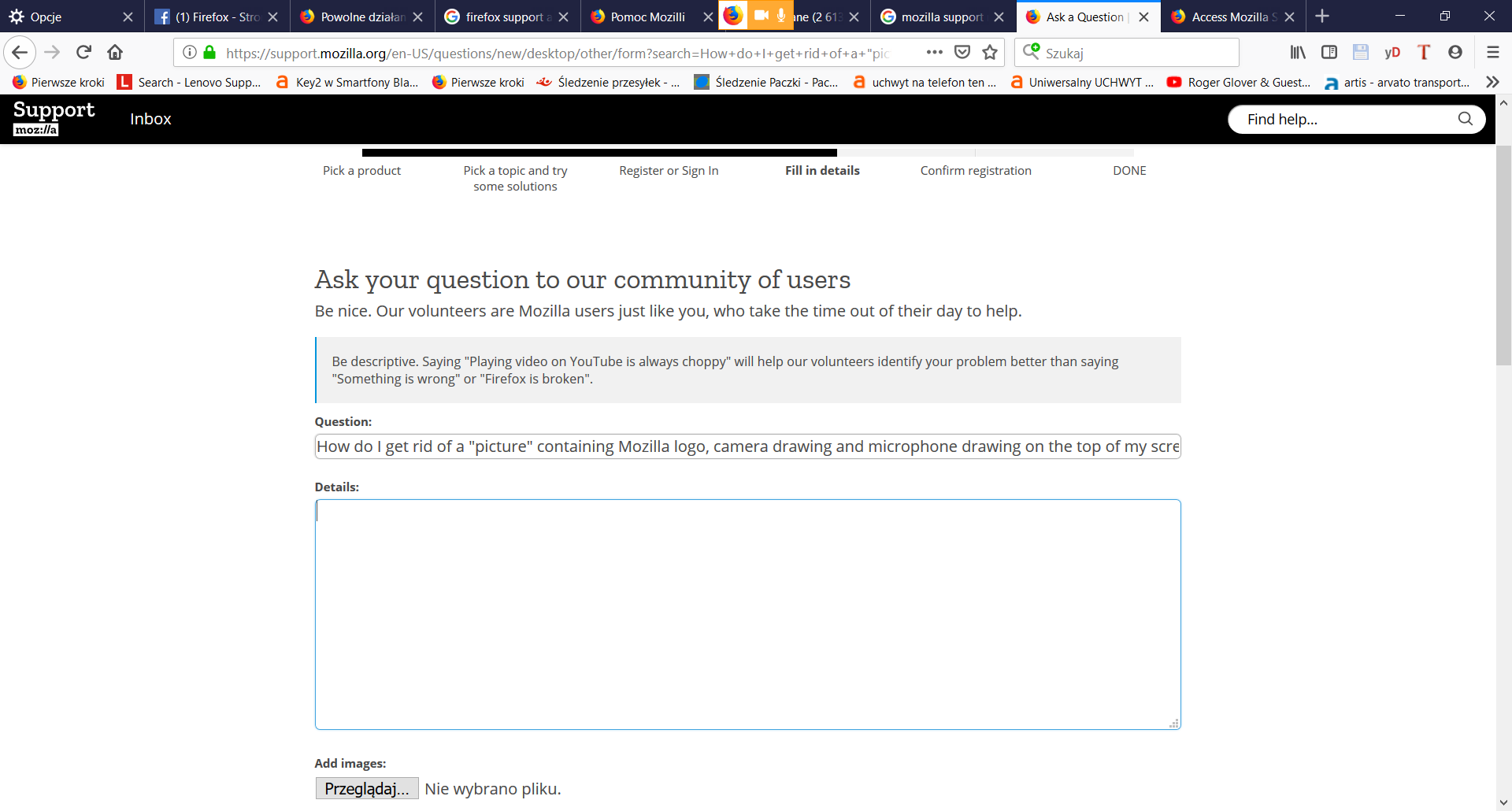
How do I get rid of a "picture" containing Mozilla logo, camera drawing and microphone drawing on the top of my screen when I'm talking over Google Hangouts?
The thing is always "on the top" covering part of any window I open, which is annoying, as well as "on the top" as in the upper part of my screen. I can only move it left and right. Can I hide it?
Thanks for any help, Rafau

Modified by Rafau
Chosen solution
Hello Rafau,
Maybe here you'll find a way to get rid of that overlay :
https://www.reddit.com/r/firefox/comments/7ihzpw/help_disable_webrtc_indicator_overlay/
Read this answer in context 👍 1All Replies (4)
Pic rel, I think It's not visible when I add it in my question post. It's the orange "feature" covering part of open tabs' list.
Modified by Rafau
Chosen Solution
Hello Rafau,
Maybe here you'll find a way to get rid of that overlay :
https://www.reddit.com/r/firefox/comments/7ihzpw/help_disable_webrtc_indicator_overlay/
McCoy said
Hello Rafau, Maybe here you'll find a way to get rid of that overlay : https://www.reddit.com/r/firefox/comments/7ihzpw/help_disable_webrtc_indicator_overlay/
userChrome.css works! Thanks and sorry for possibly n00b question but I didn't even know what to Google up.
Modified by Rafau
I'm glad it worked !
And definately NOT a n00b question !