


display/theme/general distaste for the new look

How can I change the appearance of firefox back to its old look. Sharp/boxxy/blocky tabs look unappealing and there's an overlay on top of my theme covering the tabs/bars/bookmarks that makes it super bright and irritating when it's a BLACK background
All Replies (3)
screenshot of what I'm reffering to in terms of there being a super bright filter on top of my theme
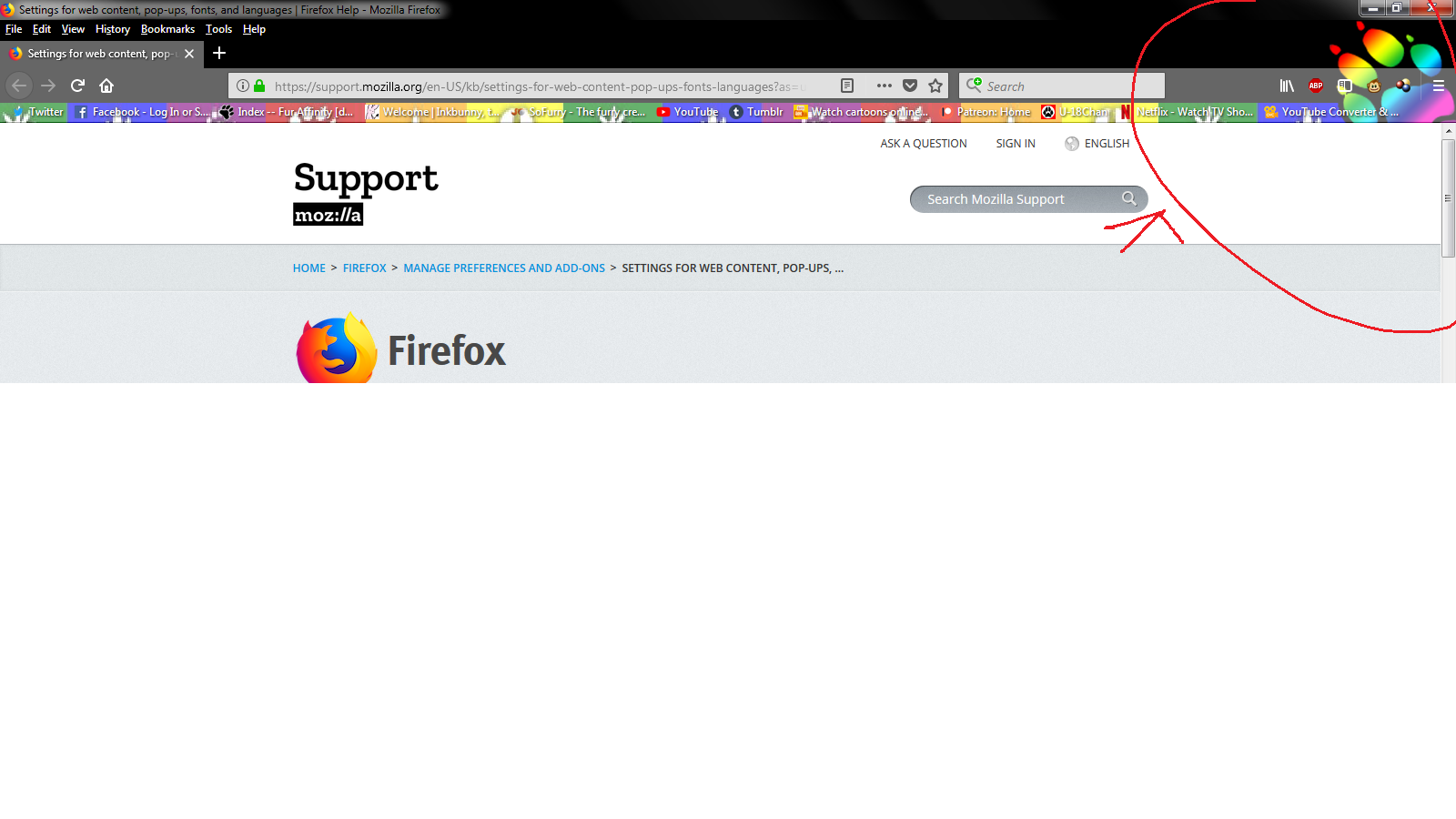
It could be your Desktop page background coming through but it does look like it is bleed.
Change to default and more info in 2 URL's
https://www.howtogeek.com/333110/how-to-customize-firefox-quantum-and-remove-the-white-space-around-the-title-bar/ and https://www.howtogeek.com/332449/whats-new-in-firefox-quantum/
Please let us know if this solved your issue or if need further assistance.
Update : Here's a more comprehensive project which affects not only tabs but brings back the old "grid-style" options menu.
https://github.com/axydavid/FirefoxUI/blob/master/README.md
It isn't completely possible to use the Australis design with Firefox 57, but depending on what you want, you might be able to customize the UI to look more like the old one:
   This project: https://github.com/wilfredwee/photon-australis lets you have the old tab bar appearance back in Firefox 57.
   You can remove the space around the address bar by right-clicking on the spaces, and choosing "remove from toolbar".
Note the Black Theme is a example and can be found in Customize
Please let us know if this solved your issue or if need further assistance.