


I added Wikipedia and Wikivoyage to my search tool and the icons are not there. How can I add them?

In the search tool in the top right of my browser, I recently added Wikipedia and Wikivoyage as options, but the icons are not there. Instead, I have a blank white page in the place of the icons. How can I add these in?
This is also happening on my work laptop which is a Macbook Air, so it's not limited to the Windows 7 version of Firefox.
Modified by number10a
Chosen Solution
When there is no icon data in the XML file then Firefox won't be able to display such an icon.
Try to add those search engines from the Mycroft Project website.
All Replies (7)
Do you see those search engines in the searchplugins folder in the Firefox profile folder?
You can use this button to go to the Firefox profile folder:
- Help > Troubleshooting Information > Profile Directory: Show Folder (Linux: Open Directory; Mac: Show in Finder)
Try to delete the search.json file and possible search-metadata.json and search.sqlite files in the Firefox profile folder to reset the search engines to the default.
Firefox will rebuild the search.json file from the default search engines in the "browser\searchplugins" folder in the Firefox program folder and the searchplugins folder in the Firefox profile folder.
Yes, they were in the searchplugins folder.
I removed the files that you mentioned and the search options went back to default. Then tried re-adding English Wikipedia as an option (it's not default as my browser is in Irish). When I see the option to add it, the icon is there (see BeforeAdding.png). Once I've added it the icon is gone and there's only a white sheet of paper in its place (see AfterAdding.png).
Any ideas of what I could try next?
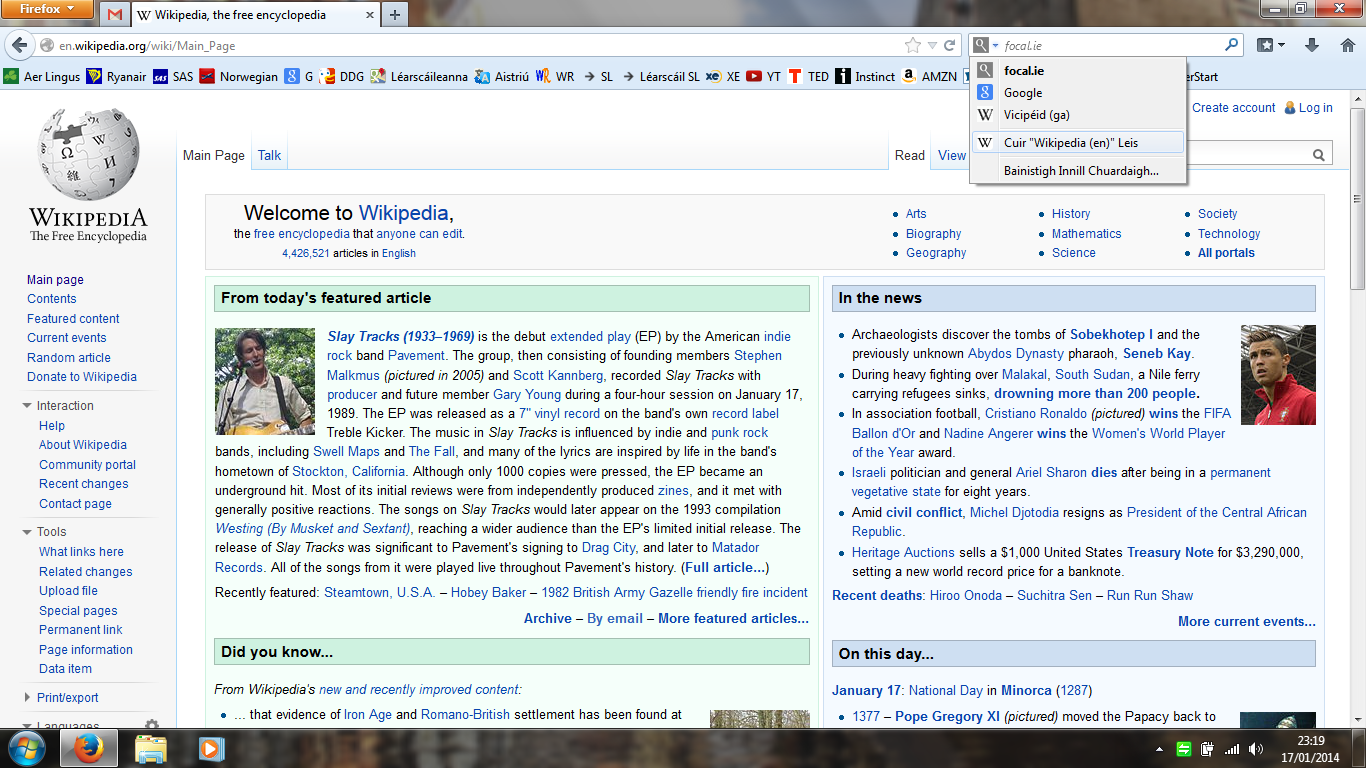

Those icons are stored as data URI in the XML file of the search engine and shouldn't be a problem.
Do they show correctly if you copy them from the XML file and paste them in the location bar?
Start Firefox in Safe Mode to check if one of the extensions (Firefox/Tools > Add-ons > Extensions) or if hardware acceleration is causing the problem (switch to the DEFAULT theme: Firefox/Tools > Add-ons > Appearance).
- Do NOT click the Reset button on the Safe Mode start window.
I have the default theme anyway, and I restarted in Safe Mode to disable add-ons but still no difference.
I've also had a look at the XML file of the search engine. I know very little about XML, but from what I can see there is nothing there to say what icon should appear. See attachment.
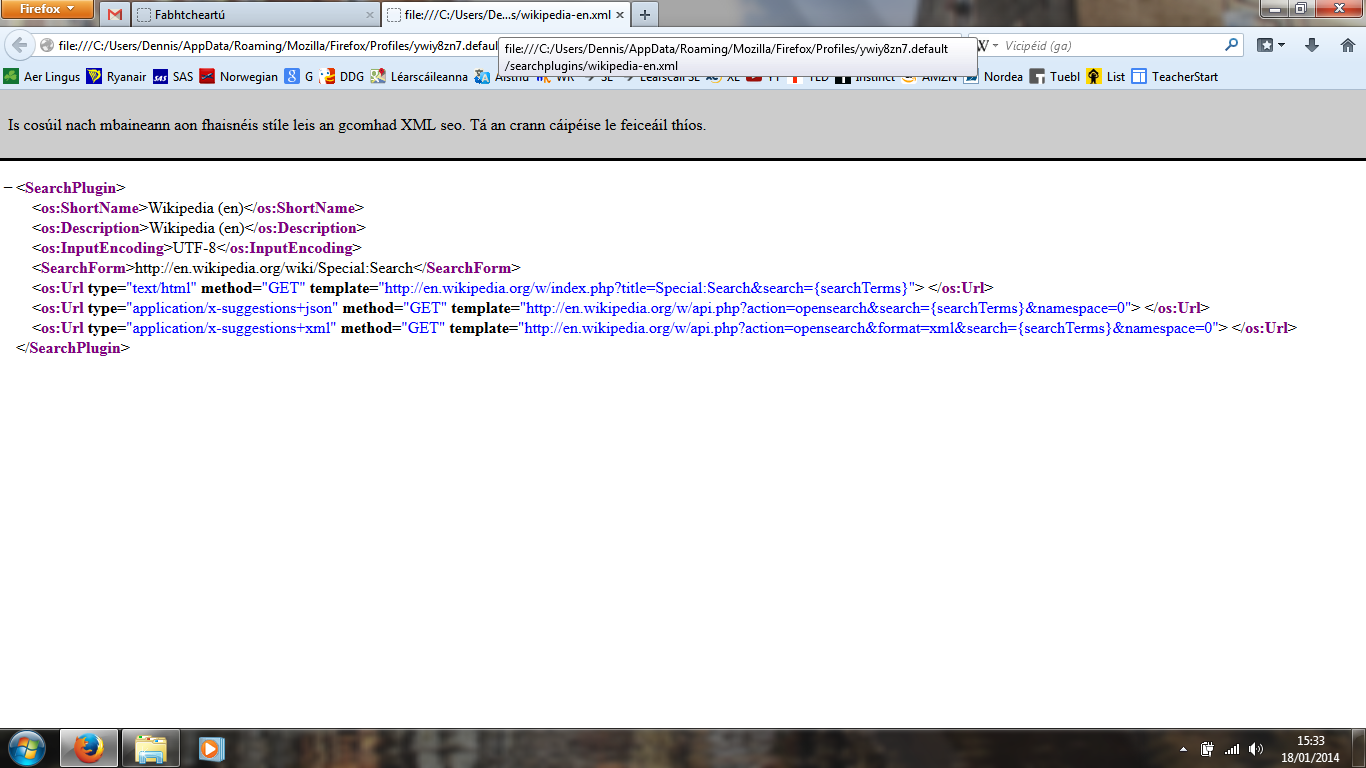
I've just tried adding DuckDuckGo as an alternative option in the Search Engine list. That icon appeared straight away and the XML file has data for the image.
So perhaps this is an issue with Wikipedia and Wikivoyage? Both are effectively run by the same people.
Chosen Solution
When there is no icon data in the XML file then Firefox won't be able to display such an icon.
Try to add those search engines from the Mycroft Project website.
Cor-el, thanks for all your help. You've been great. :-) That's solved my problem.