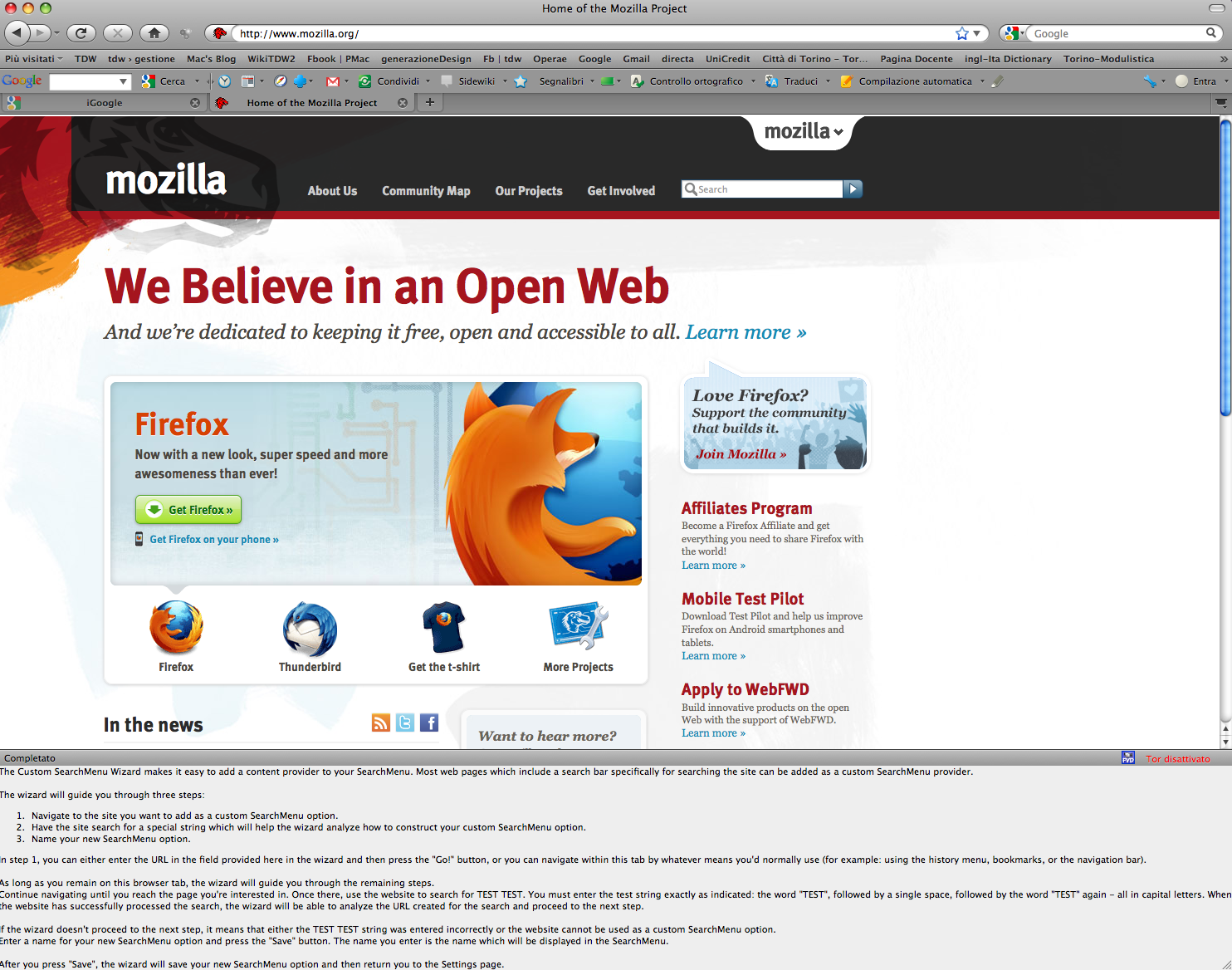
can't get rid of Custom search menu wizard

Can't work out the custom search menu?
Chosen Solution
Ok, so it seems to be a recent update of theirs that broke the 3.6 version of their add-on. You can update to the latest version of Firefox at: http://www.mozilla.org/firefox
All Replies (10)
PROBLEM SOLVED!!
The problem is with an Add-On called "Fast Video Download (with SearchMenu) 4.1.5
As soon as you disable or uninstall this, the dreaded message is gone!
Under Tools Menu / Add-On's / Fast Video Download / Disable or Uninstall Restart FireFox (PROBLEM SOLVED!!!)
Thank you so very much!!! It was very helpful and thanks for the quick reply. Great work!
Thank You, Thank You, Thank You.
I never had trouble with FVD but as soon as I installed a FF addon called 100 Search Engines for Firefox the custom wizard (in Google) opened up spontaneously instead and hung and could not be dislodged. I finally had to do a System Restore to a point before the addon (Windows Vista) to get rid of the thing. Disabling all addons in FF in Safe Mode did not do anything to relieve the problem either. So watch out for 100 Search Engines addon in case that starts the problem going. Would appreciate any further info on this. I do notice now that FVD is no longer in my extensions (tho it was before the problem started). Best to leave it off for now as it may be broken. Memo to Self: Always, always create a manual System Restore before any changes that may be a problem. Then you can always go home again easily.
Modified by claudchu1
Hello! Please, help me delete this awful message! I disable SearchMenu, restart Mozilla, but it's still on and I don't know what to do...Please, help! Thank you!
Oh, thank you! It helped now. But as I understand we can't use FVD without this disgusting message?
Thank you for your time Maria dej!
I'm just curious, when you downloaded FVD, did it tell you it was going to do this? Was this a recent update of theirs?
Chosen Solution
Ok, so it seems to be a recent update of theirs that broke the 3.6 version of their add-on. You can update to the latest version of Firefox at: http://www.mozilla.org/firefox
Problem solved: disable Fast Video Download. Unfortunately now the plugin dos'nt work. Thanks