Join us to show up for other Firefox users 🦊. Earn fun badges and Mozilla swag vouchers! Find out more: https://mzl.la/askafox150

Windows 10 reached EOS (end of support) on October 14, 2025. If you are on Windows 10, see this article.

Search Support

Avoid support scams. We will never ask you to call or text a phone number or share personal information. Please report suspicious activity using the “Report Abuse” option.

Learn More

Displayed on Google not displayed on Firefox

  • 2 replies
  • 0 have this problem
  • 17 views
  • Last reply by cor-el
  • Archived

Bonjour le monde,

I have recently installed a weather station on Weatherlink.com map page.

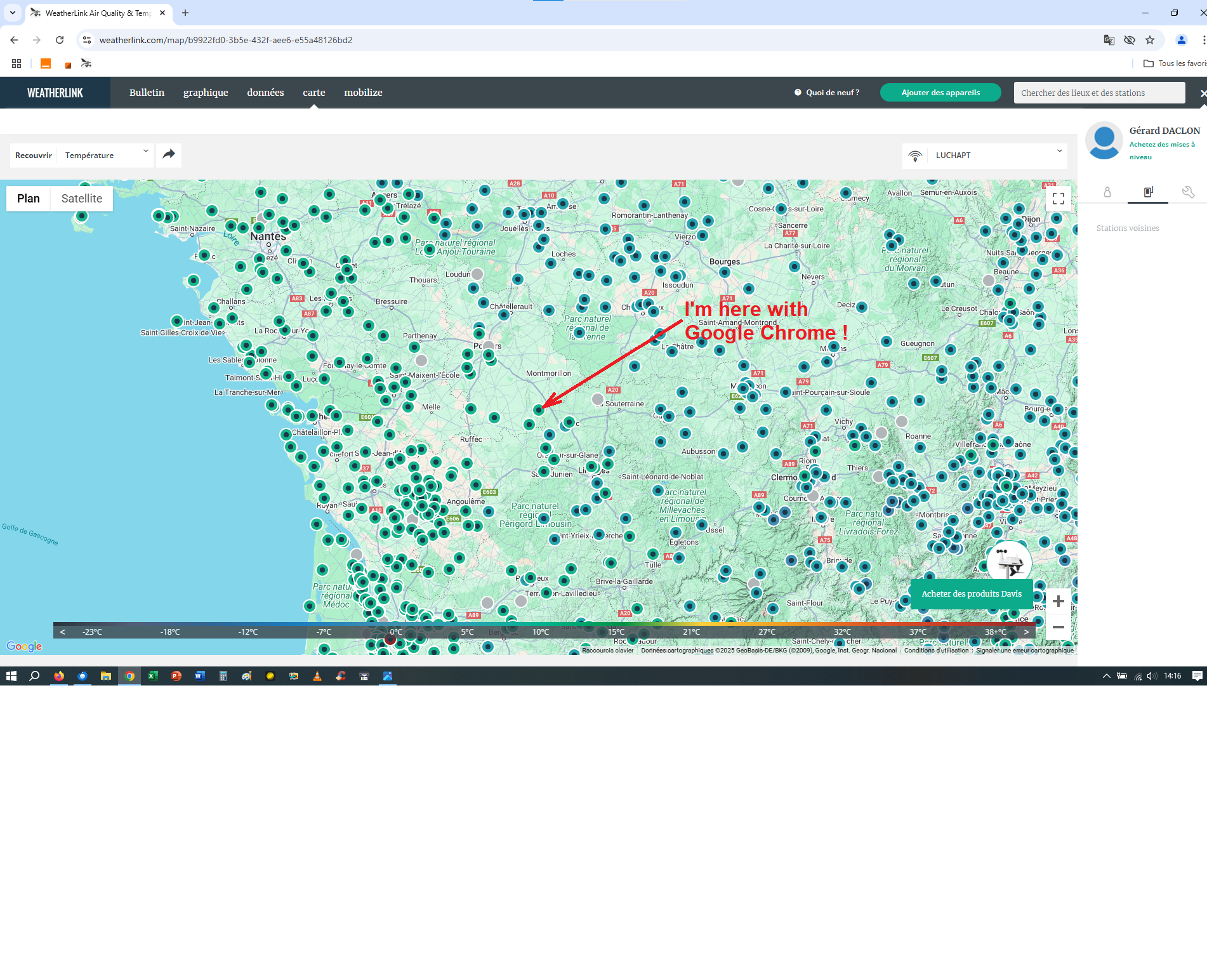
I can't see my station with Firefox my favorite Browser. I can see my station when I use Chrome.

May it possible for me set a parameter . I could be a non web conformity in the page of weatherlink. So you guessed I not a pro in IT so I will really appreciate some help in order to stay with my favorite browser.

Many thanks in advance. GD
Bonjour le monde, I have recently installed a weather station on Weatherlink.com map page. I can't see my station with Firefox my favorite Browser. I can see my station when I use Chrome. May it possible for me set a parameter . I could be a non web conformity in the page of weatherlink. So you guessed I not a pro in IT so I will really appreciate some help in order to stay with my favorite browser. Many thanks in advance. GD
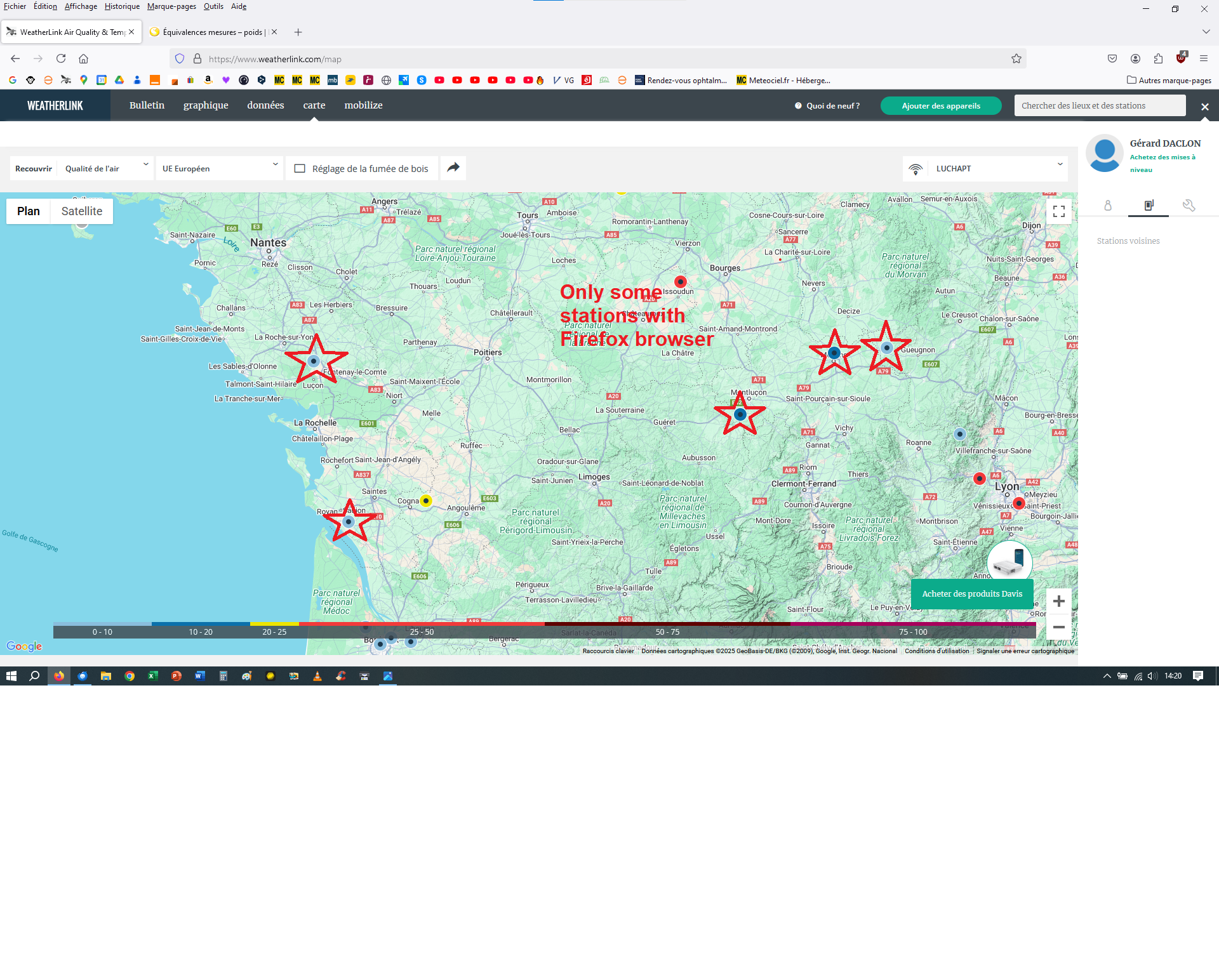
Attached screenshots

All Replies (2)

Did you try with Firefox in Troubleshoot Mode? https://support.mozilla.org/en-US/kb/diagnose-firefox-issues-using-troubleshoot-mode#w_how-to-start-firefox-in-4troubleshoot-modesf5safe-modesf Can you provide the same link to your station?
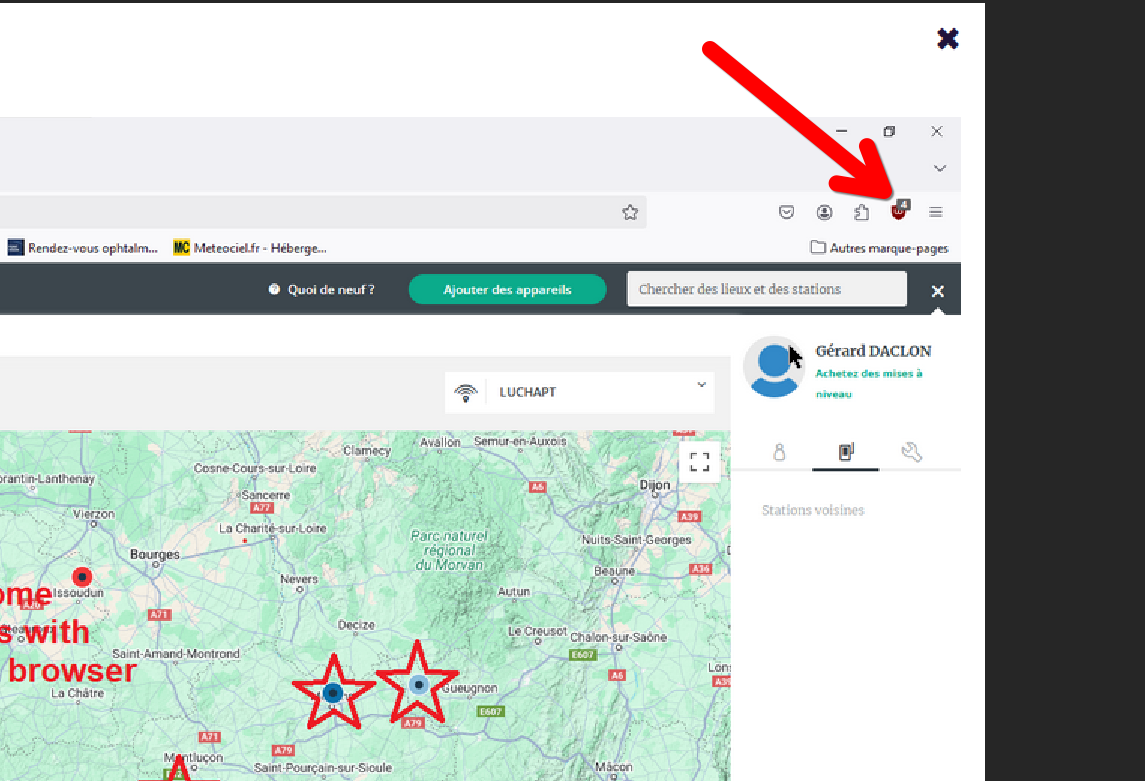
Modified by jonzn4SUSE

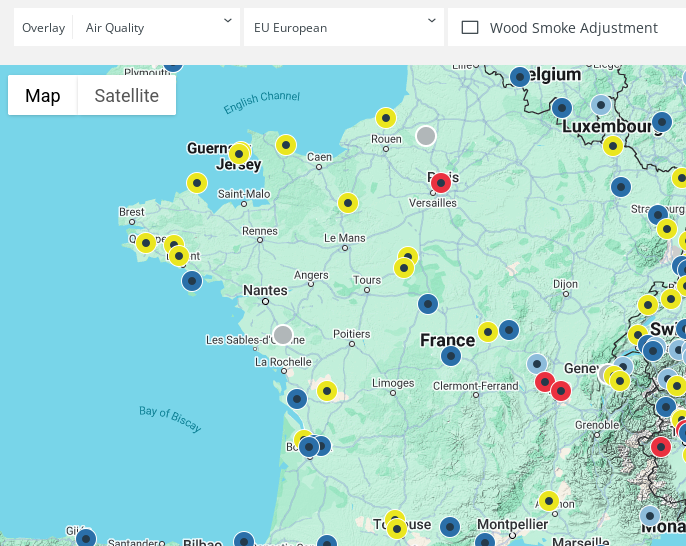
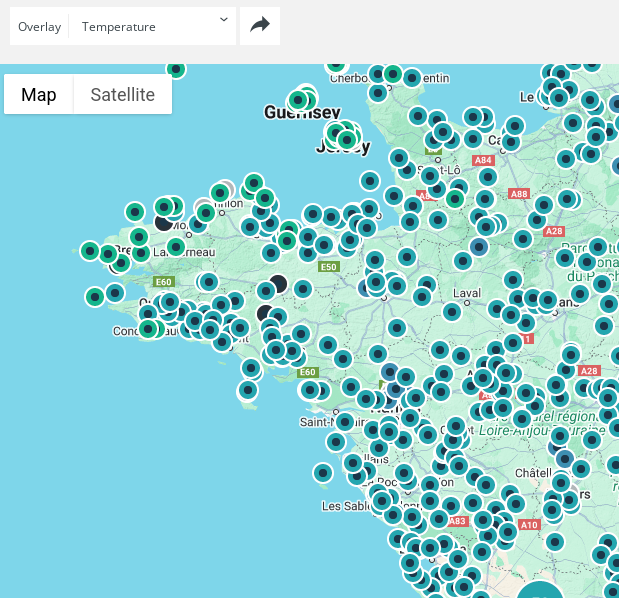
Note that your Google screenshot is showing the temperature and your Firefox is showing the air quality. If you select the temperature in Firefox as well then you should see a lot more stations.