


Firefox Desktop is showing mobile versions of the websites

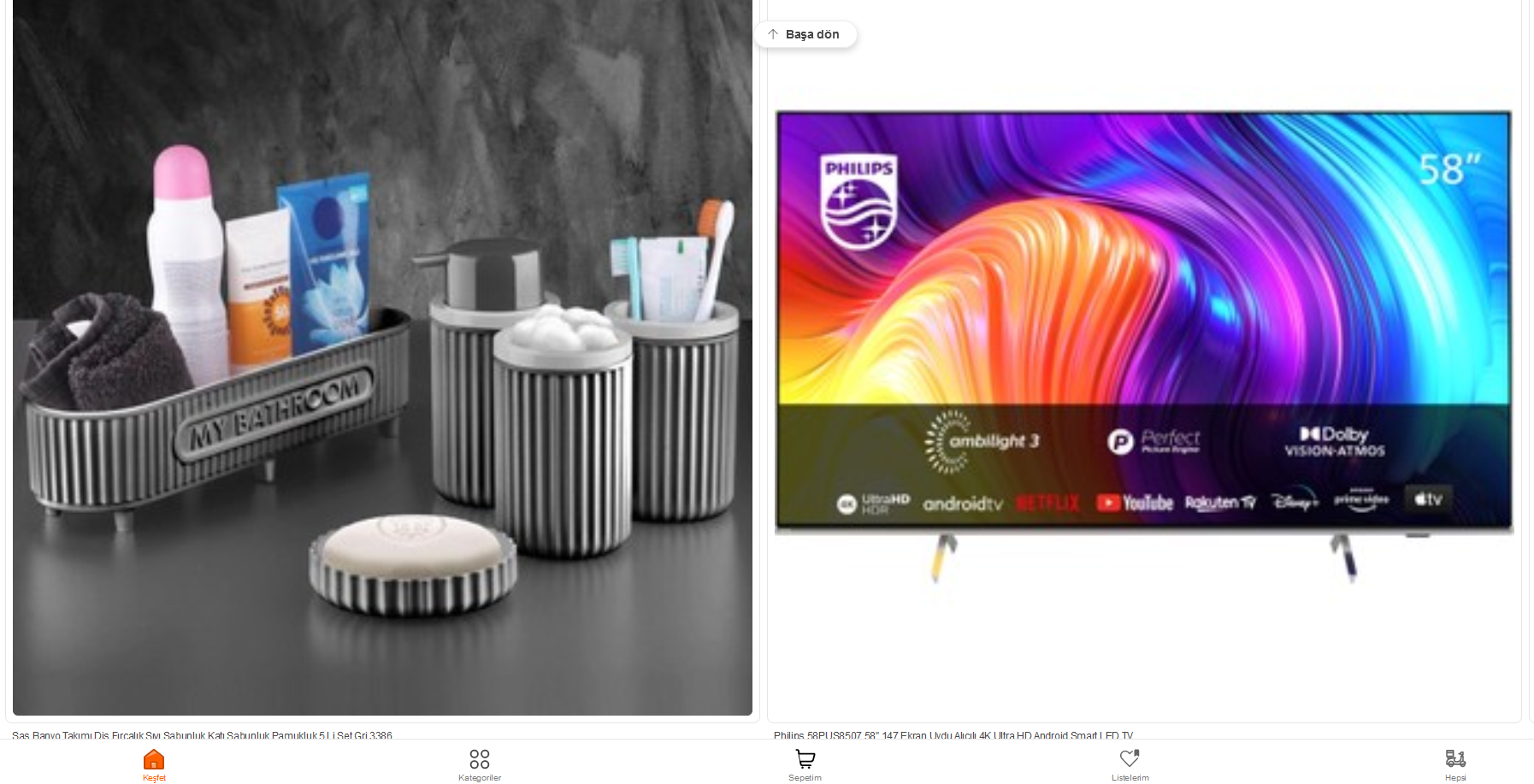
My Firefox Desktop browser is showing the mobile versions of some websites.
In another thread, it is suggested to clear cookies to fix this which I did and it does fix it first but it comes back to mobile version again.
I have browsed those websites on Microfot Edge and it displays them as normal with no issues.
Screenshots attahced for websites, hepsiburada.com and temu.com Strangely, both are shopping websites.
Many Thanks in advance.

Chosen Solution
Thank you @zeroknight. I found the guilty. It is the Side-View extention and the reviews of it confirms it.
Modified by ismailtemiz90
All Replies (4)
Does it still happen in Troubleshoot Mode?
zeroknight said
Does it still happen in Troubleshoot Mode?
Just tried it in Troubleshoot Mode and browsed the websites and no it does not happen in Troubleshoot Mode. What does that mean?
Try disabling your extensions.
Chosen Solution
Thank you @zeroknight. I found the guilty. It is the Side-View extention and the reviews of it confirms it.
Modified by ismailtemiz90