

This thread was archived.
Please ask a new question if you need help.

Archived
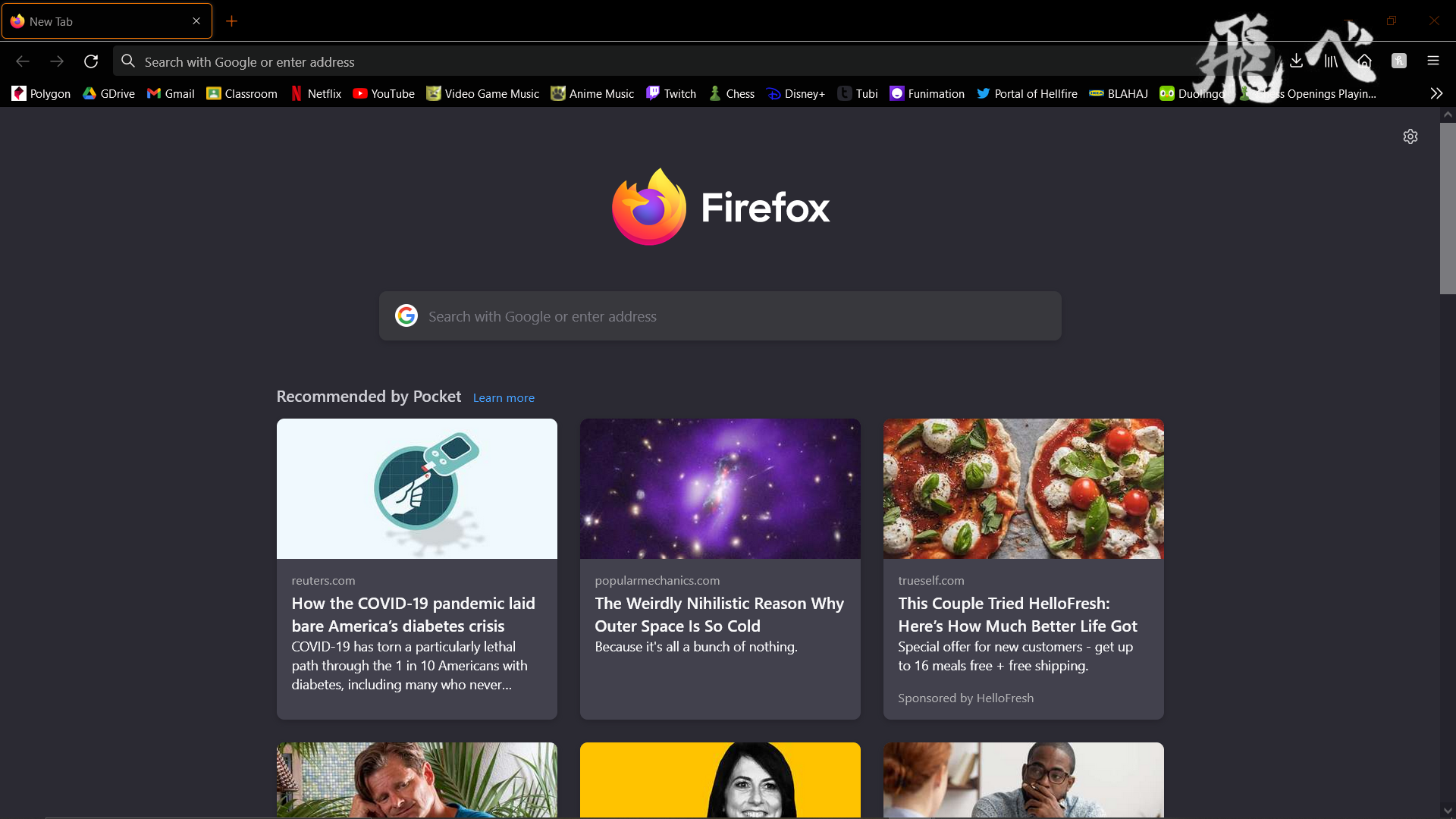
Firefox UI looks different again, how do I fix it this time?

Firefox's user interface changed again. I like the old, blocky visuals. How do I get them back?
I've already tried about:config>browser.proton.enabled
Firefox's user interface changed again. I like the old, blocky visuals. How do I get them back?
I've already tried about:config>browser.proton.enabled
All Replies (4)
Hi Andrew
That preference setting was only left in for testing purposes and has now been removed from Firefox.
I need to know how to get the UI back to the blocky version.

I don't know what you mean by blocky version. To change the UI you need css: https://support.mozilla.org/en-US/questions/1346582#answer-1434487
After learning the terms for the UI's, I would like to specify that I would like to revert my browser back to the "Photon" appearance.