


Fonts not displaying properly
Fonts not displaying properly. Pls see this attachment for clear idea.
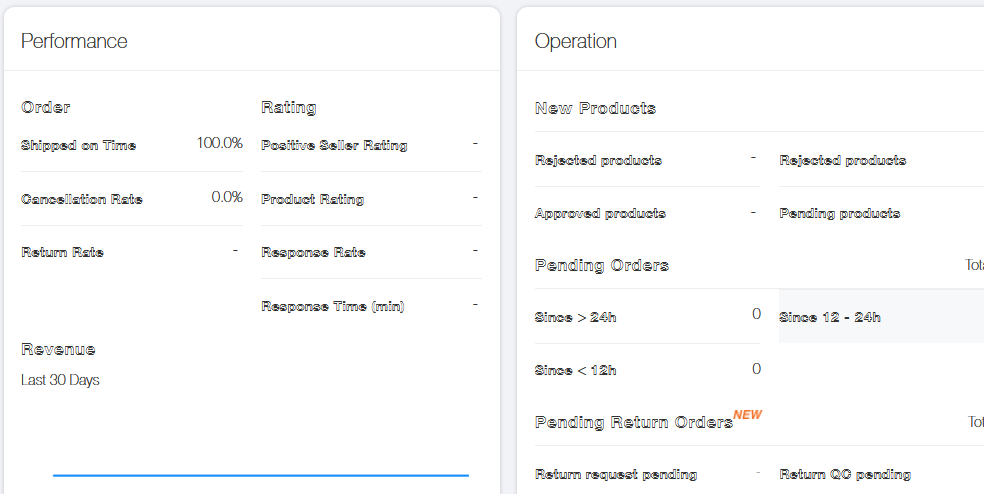
All Replies (7)
Can you provide a working example of this issue?
I also sent this attachment..... This is viewing problem....
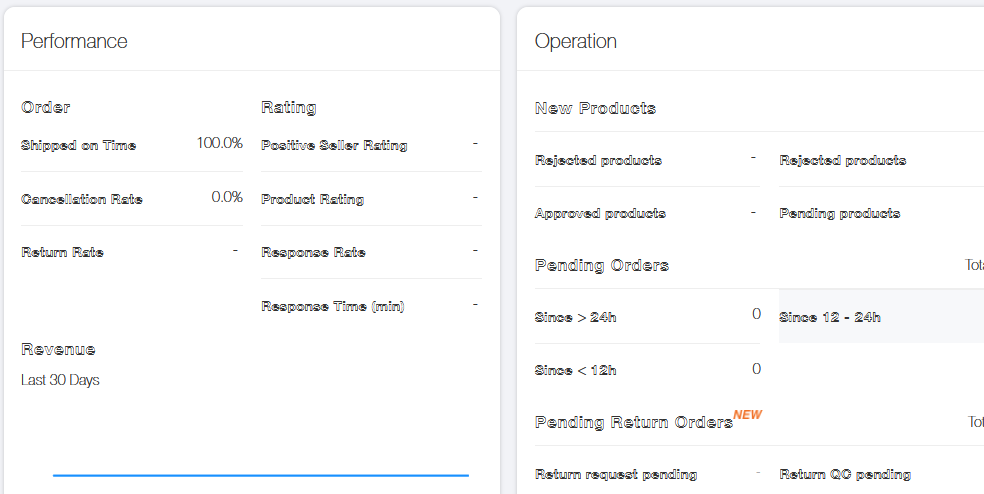
I can't see the URL of this page.
How can i share my attachment
When I open a site I can't see article properly. This Font Look like outline style. For this reason I can't read properly... Pls solve this problem. I am trying many ways But it can't work. If you need Remote in my device. No Problem. I will allow it...
This is likely a problem with a corrupted font.
You can right-click and select "Inspect Element" to open the builtin Inspector with this element selected.
You can check in the Rules tab in the right panel in the Inspector what font-family is used for selected text. You can check in the Font tab in the right panel in the Inspector what font is actually used because Firefox might be using a different font than specified by the website.