


Web Page won't load

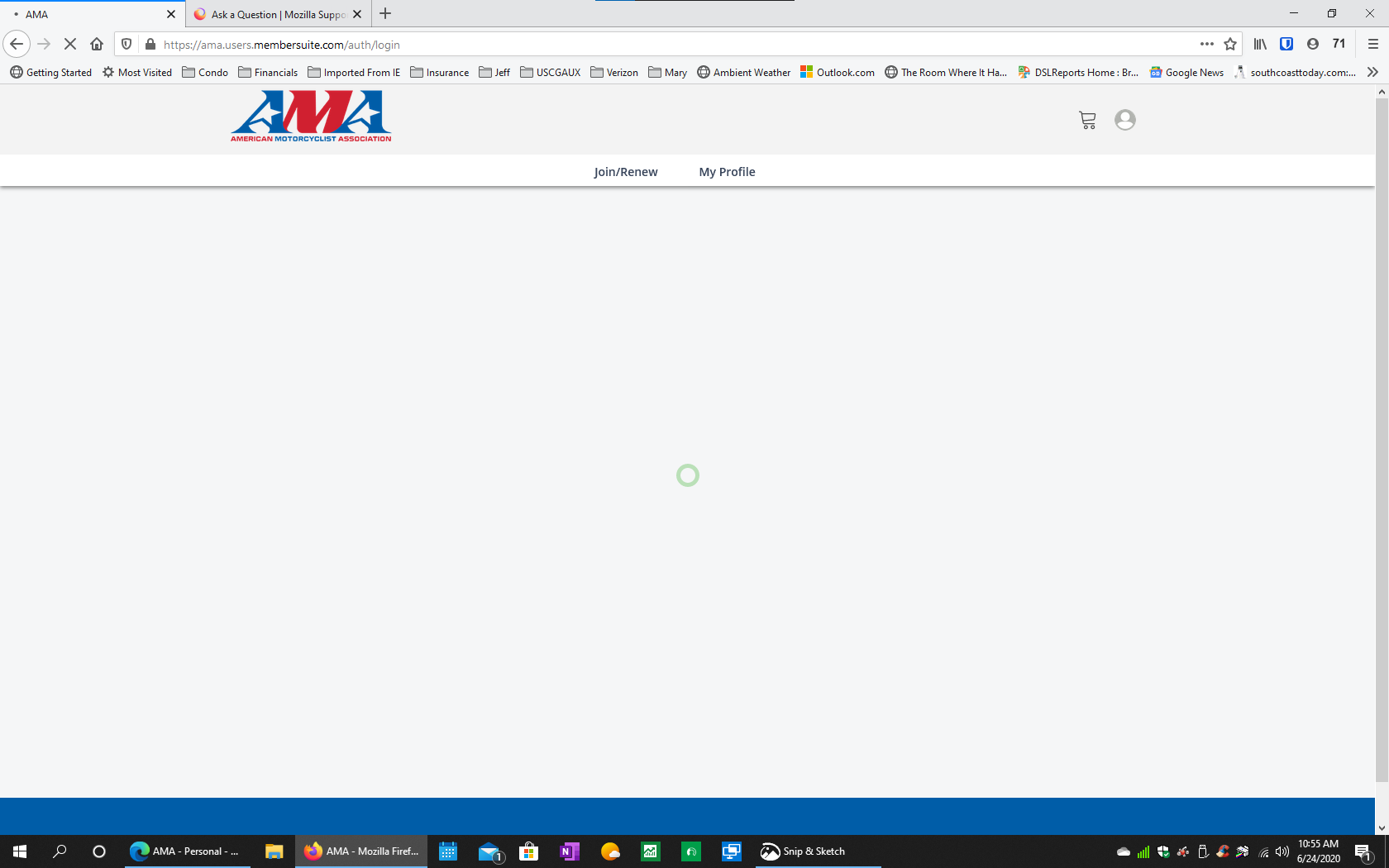
This website, https://ama.users.membersuite.com/home, is not able to load the "my profile" page for my account with this organization. Viewing the address bar the url keeps changing back and forth in a loop and the page never loads. Works just fine in Microsoft Edge browser.
All Replies (4)

Chosen Solution
Many site issues can be caused by corrupt cookies or cache.
Warning ! ! This will log you out of sites you're logged in to. You may also lose any settings for that website.
- How to clear the Firefox cache {web link}
If there is still a problem, Start Firefox in Safe Mode {web link}
by holding down the <Shift> (Mac=Options) key, and then starting Firefox.
A small dialog should appear. Click Start In Safe Mode (not Refresh).
Did this help?
While you are in safe mode;
Try disabling graphics hardware acceleration in Firefox. Since this feature was added to Firefox it has gradually improved but there are still a few glitches.
How to disable Hardware Acceleration {web link}
This issue can be caused by corrupted cookies or blocked cookies.
- check the permissions for the domain in the currently selected tab in "Tools -> Page Info -> Permissions"
- https://support.mozilla.org/en-US/kb/fix-login-issues-on-websites-require-passwords
If you use extensions ("3-bar" menu button or Tools -> Add-ons -> Extensions) that can block content (Adblock Plus, NoScript, Disconnect, Ghostery, Privacy Badger, uBlock Origin) always make sure such extensions do not block content.
- make sure your extensions and filters are updated to the latest version
- https://support.mozilla.org/en-US/kb/troubleshoot-extensions-themes-to-fix-problems
At first I did delete the cookies sqlite file and that worked but once I logged out of that site, closed then reopened Firefox that issue reappeared. Then once I unchecked disabling graphics hardware acceleration that worked continuously. Thanks.
Glad to help. Safe Surfing.