


Private window is not working

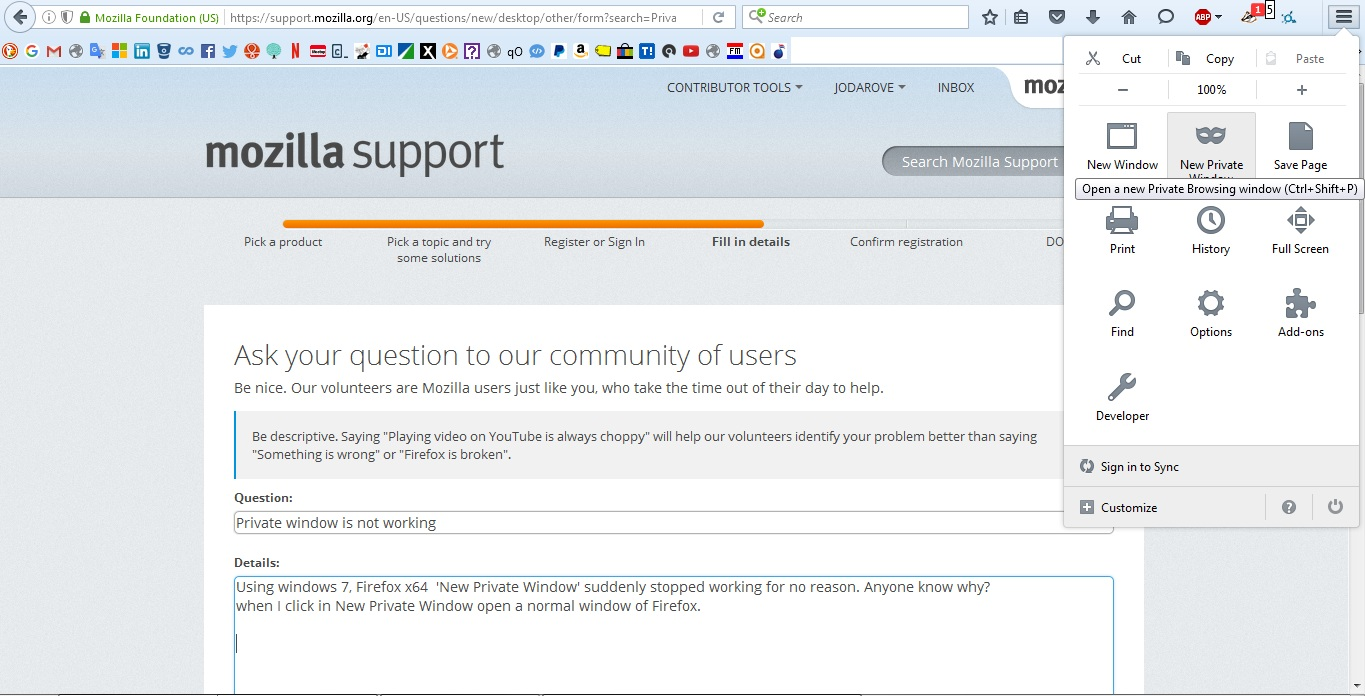
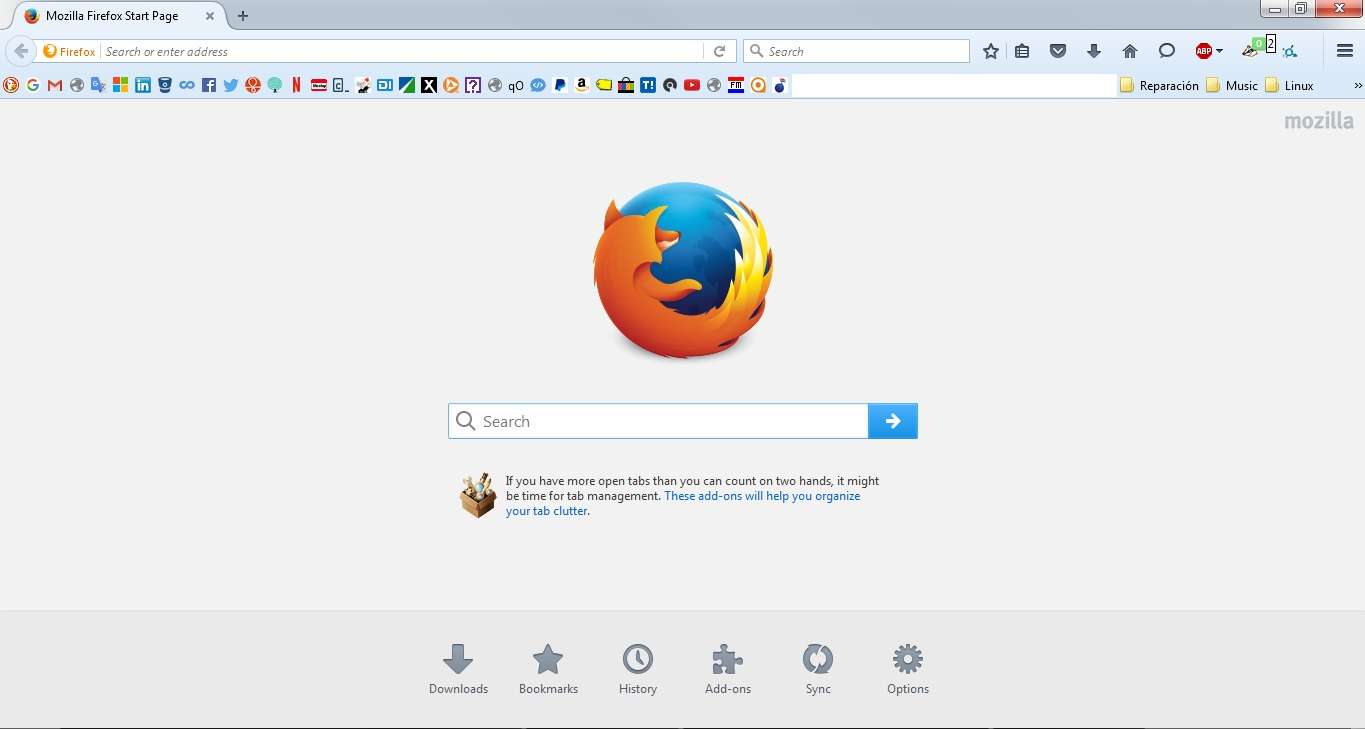
Using windows 7, Firefox x64 'New Private Window' suddenly stopped working for no reason. Anyone know why? when I click in New Private Window open a normal window of Firefox. My firefox is up to date: v 45.0
Chosen solution
This could happen if your Firefox is set to use automatic private browsing mode. In that case, all windows look the same. Could you check your setting here:
- "3-bar" menu button (or Tools) > Options
In the left column, click Privacy.
If the selector on the right side says "Firefox will: Never remember history" change that to "Firefox will: Use custom settings for history"
Then check: is there a checkmark in the box for "Always use private browsing mode"?
If Yes: What you are seeing is normal. Automatic private browsing only has private windows and they are not marked specially.
If No: Firefox seems to be broken!
Read this answer in context 👍 2All Replies (3)
Chosen Solution
This could happen if your Firefox is set to use automatic private browsing mode. In that case, all windows look the same. Could you check your setting here:
- "3-bar" menu button (or Tools) > Options
In the left column, click Privacy.
If the selector on the right side says "Firefox will: Never remember history" change that to "Firefox will: Use custom settings for history"
Then check: is there a checkmark in the box for "Always use private browsing mode"?
If Yes: What you are seeing is normal. Automatic private browsing only has private windows and they are not marked specially.
If No: Firefox seems to be broken!
jscher2000 thanks a lot!
Note that you can use an extension to get Private Browsing mode support per tab.
- https://addons.mozilla.org/firefox/addon/private-tab/
- Private Browsing mode tabs get a dashed underline
- You can toggle Private Browsing mode out-of- via the right-click context menu of a tab