This thread was archived.
Please ask a new question if you need help.

Archived
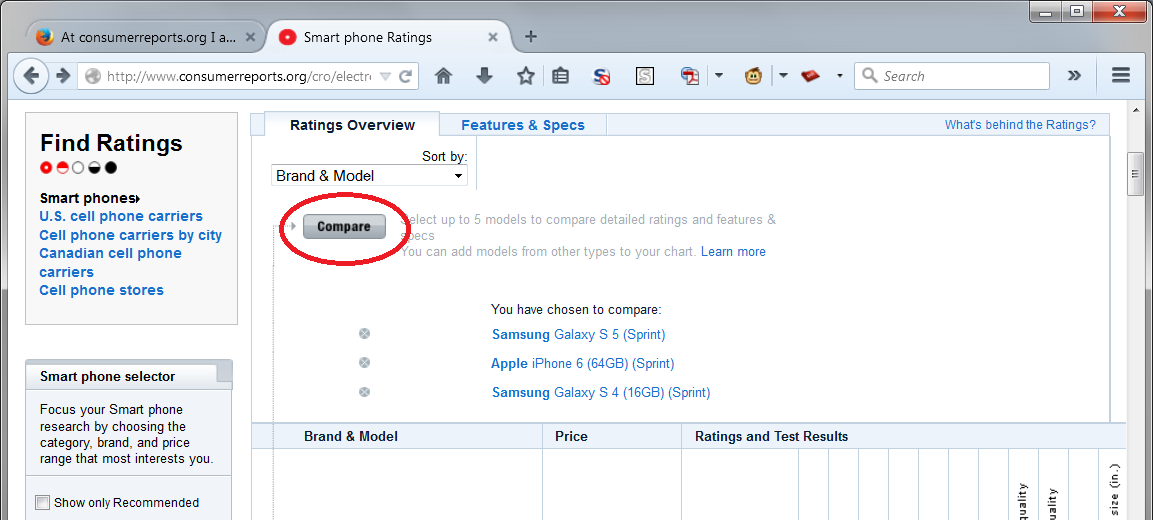
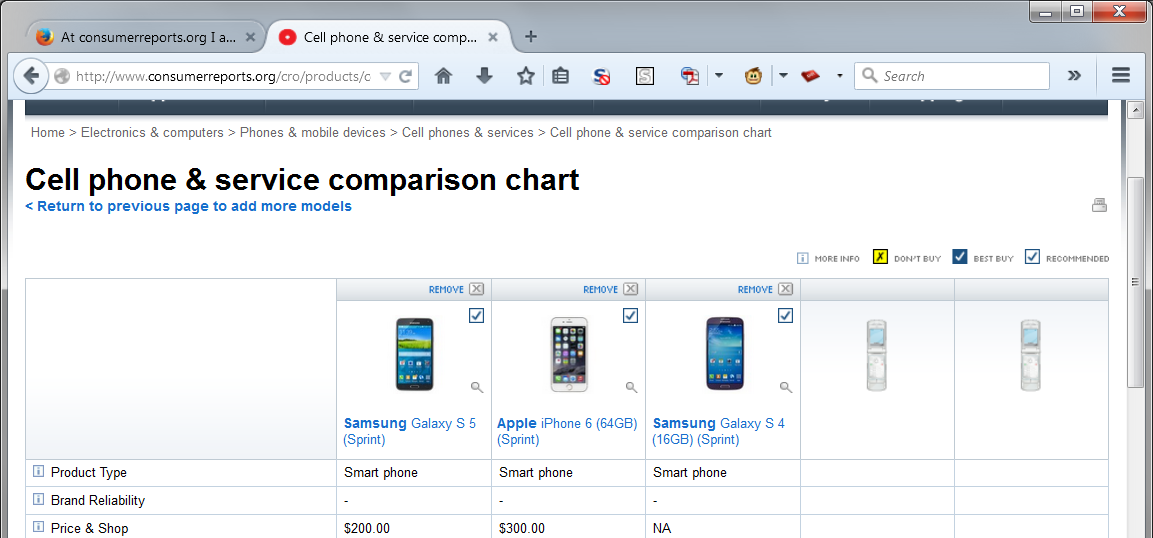
At consumerreports.org I am not able to use the “compare” function; I get the message “Your comparison chart is currently empty”. Any suggestions?

The Consumer Reports site allows for the comparison of up to 5 items. I had been able to use the "compare" function until I installed version 36.0.4. I have disabled extensions and retried, but no luck.
Thanks for your help.
The Consumer Reports site allows for the comparison of up to 5 items. I had been able to use the "compare" function until I installed version 36.0.4. I have disabled extensions and retried, but no luck.
Thanks for your help.
All Replies (2)
Please update to the most recent version of Firefox:
Does it also happen in version 37?
I'm testing in Firefox 37 on Windows 7, so that's a couple of variables difference.
Where do you get the message. When you click the button on the ratings page, or after the compare page loads? I have attached screen shots for reference.