


I cannot remove the function of Address Bar I don't need.
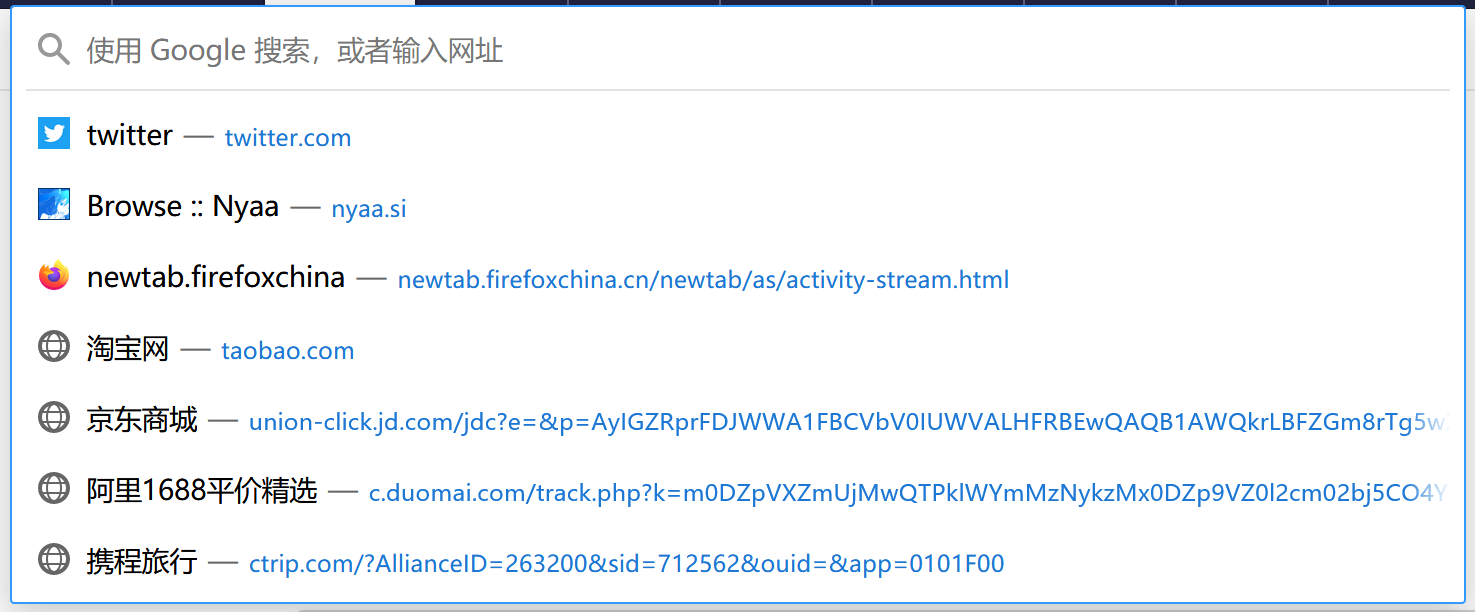
When I click on the Address Bar, these useless advice keep showing up. I want to remove them but I dont know how. And I tried everything in setting, nothing works.
All Replies (1)
Chosen Solution
Hello Raku,
The sites that are listed there, are those Top Sites from the
new tab page ?
If so : This is a temporary fix (so I'm told), but I am optimistically hoping that they will give us the opportunity to permanently disable this new feature.
Would you do this please :
Type in the address bar about:config and press Enter. (ignore the warning)
Type in the search bar and look for the preference :
browser.urlbar.openViewOnFocus
and set its value to false
Do the same with these preferences :
browser.urlbar.update1
browser.urlbar.update1.interventions
browser.urlbar.update1.searchTips
Then close and restart Firefox.
(if it's only the Top Sites suggestions that you want to get rid of :
setting the value of this preference to "false" will do that)
Modified by McCoy