


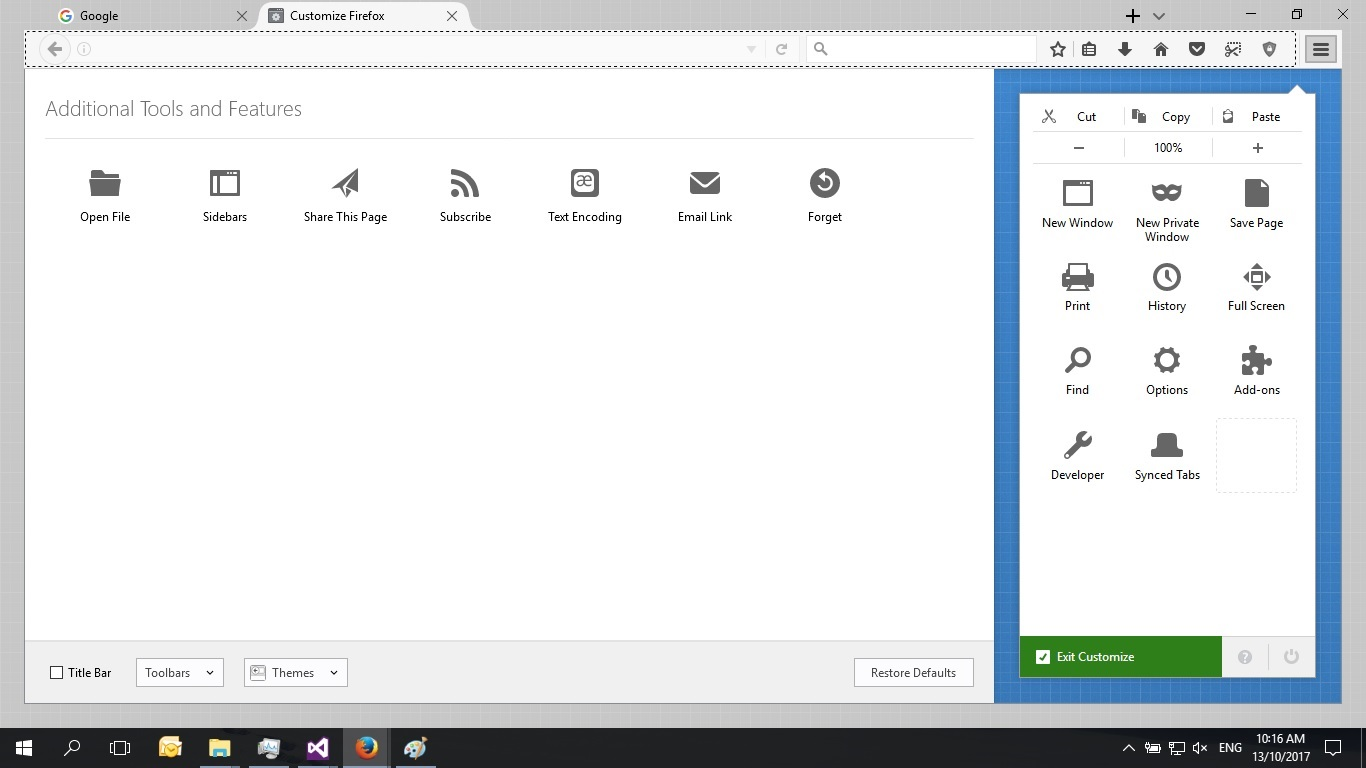
Firefox browser search bar appears in customize but disappears after save.

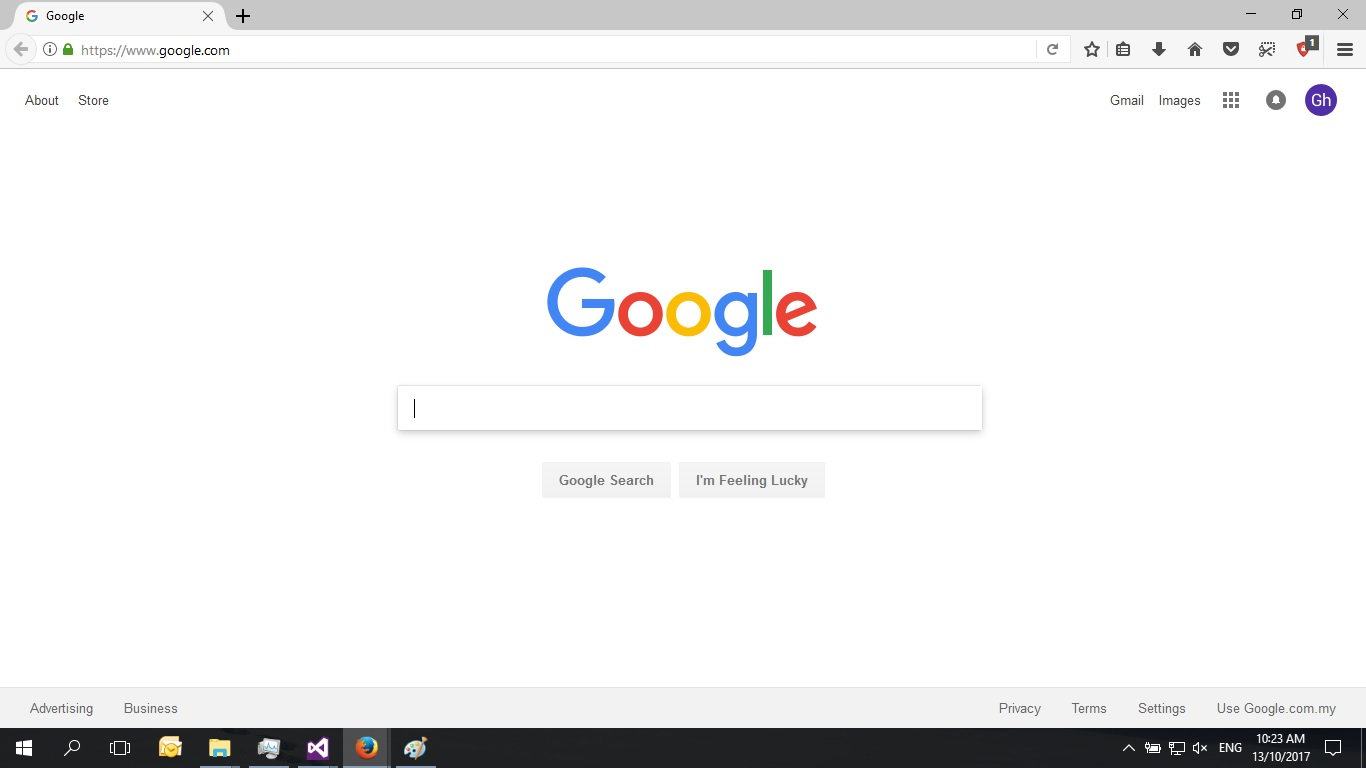
Firefox search bar missing every time I finish customize the layout and no matter where I put it. I tried 'Restore Defaults' but not working, anyone have a solution? My version of Firefox is 56.0.1 x64.
Chosen solution
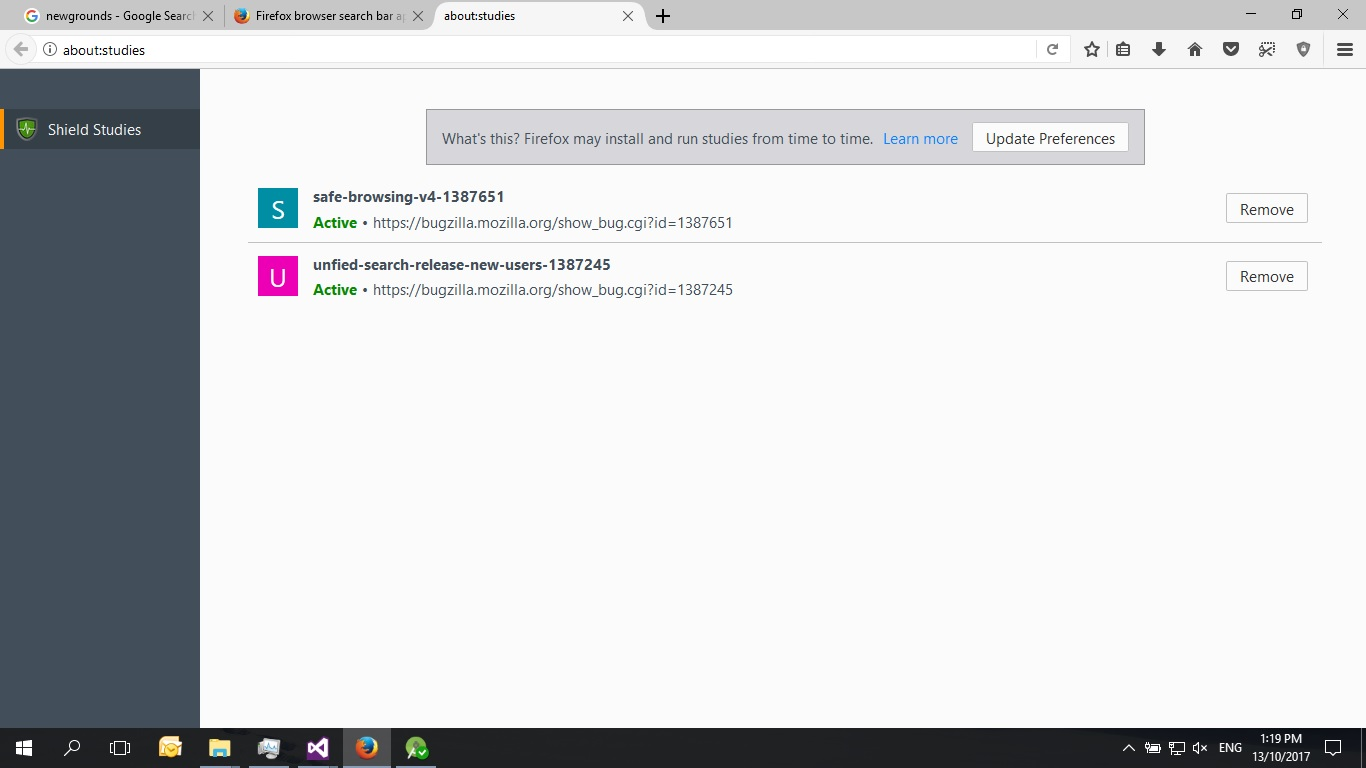
I think it's the "unified search" experiment that is causing the problem. Could you try removing that one?
Read this answer in context 👍 8All Replies (4)
Sorry for the confusion, this may be an experiment. Could you try this:
Type or paste about:studies in the address bar and press Enter (or Return) to load that page.
If you are enrolled in a user interface experiment, it should be listed on this page and there should be a way to uninstall/remove or to opt out.
Can you find it there?
More info about SHIELD studies and how to opt out globally if you prefer: About Studies.
jscher2000 said
Sorry for the confusion, this may be an experiment. Could you try this: Type or paste about:studies in the address bar and press Enter (or Return) to load that page. If you are enrolled in a user interface experiment, it should be listed on this page and there should be a way to uninstall/remove or to opt out. Can you find it there? More info about SHIELD studies and how to opt out globally if you prefer: About Studies.
Hi jscher2000 and thanks for your reply. It leads me to a page but im not sure what are those and what to remove.
Chosen Solution
I think it's the "unified search" experiment that is causing the problem. Could you try removing that one?
jscher2000 said
I think it's the "unified search" experiment that is causing the problem. Could you try removing that one?
Hi jscher2000, Thanks! The search bar appears and works fine.