


Can't use Java 64-bit install for mozilla?

Firefox is disabling the Java installation Java 7 u4, so I uninstalled it and I am trying to either get Firefox to recognize the 64-bit Java 7 u17 already installed or install 32-bit Java 7 u17. But when I try to install jre-7u17-windows-i586.exe it fails. Can either of these problems be solved so I can use Java in-browser?
I just uninstalled then immediately reinstalled the latest Mozilla Firefox and went into the appdata\Mozilla and install directory to clear everything in-between installs.
Chosen Solution
When I search for support on "wizard was interrupted" I find this advice, which you probably have seen:
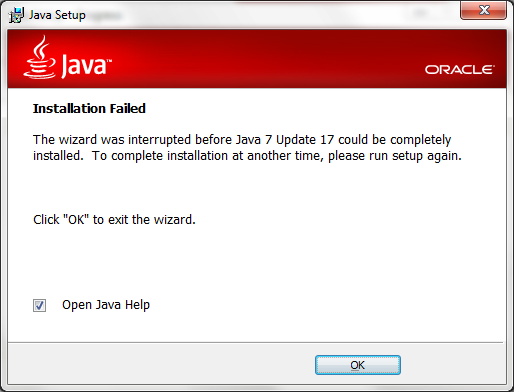
Error: The wizard was interrupted before Java(TM) 6 update could be completely installed.
That page links to a 30MB "offline" installer. I guess their theory is that the problem is related to using their stub installer.
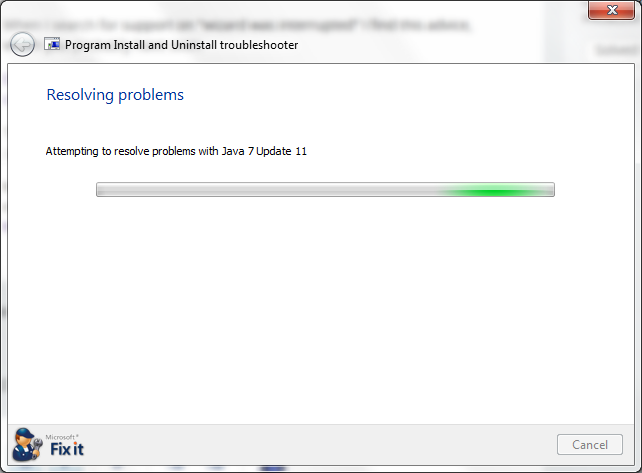
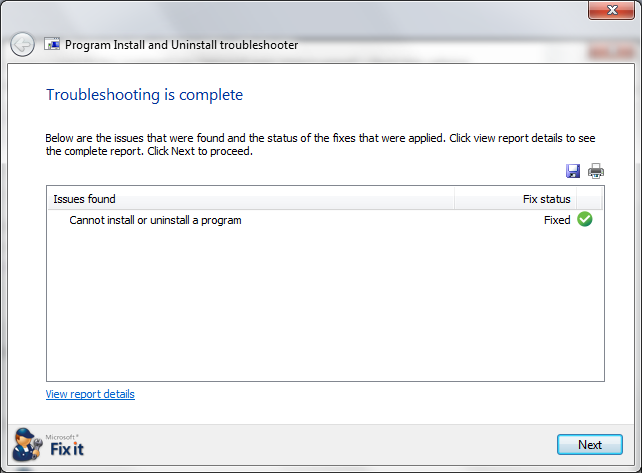
Note: If the old Java will not uninstall, there could be a registry issue. I saw a recommendation for this Microsoft "Fixit" in such cases: http://support.microsoft.com/mats/Program_Install_and_Uninstall/
All Replies (4)
Firefox is a 32-bit application, so it can't use the 64-bit plugin.
Are you getting the download through the automatic detection here?
Yes I am. here is a screenshot of the error I just reexperienced.
The last time I installed a 32bit java was the aforementioned Java 7 u4
Modified by 0xFFF1
Chosen Solution
When I search for support on "wizard was interrupted" I find this advice, which you probably have seen:
Error: The wizard was interrupted before Java(TM) 6 update could be completely installed.
That page links to a 30MB "offline" installer. I guess their theory is that the problem is related to using their stub installer.
Note: If the old Java will not uninstall, there could be a registry issue. I saw a recommendation for this Microsoft "Fixit" in such cases: http://support.microsoft.com/mats/Program_Install_and_Uninstall/
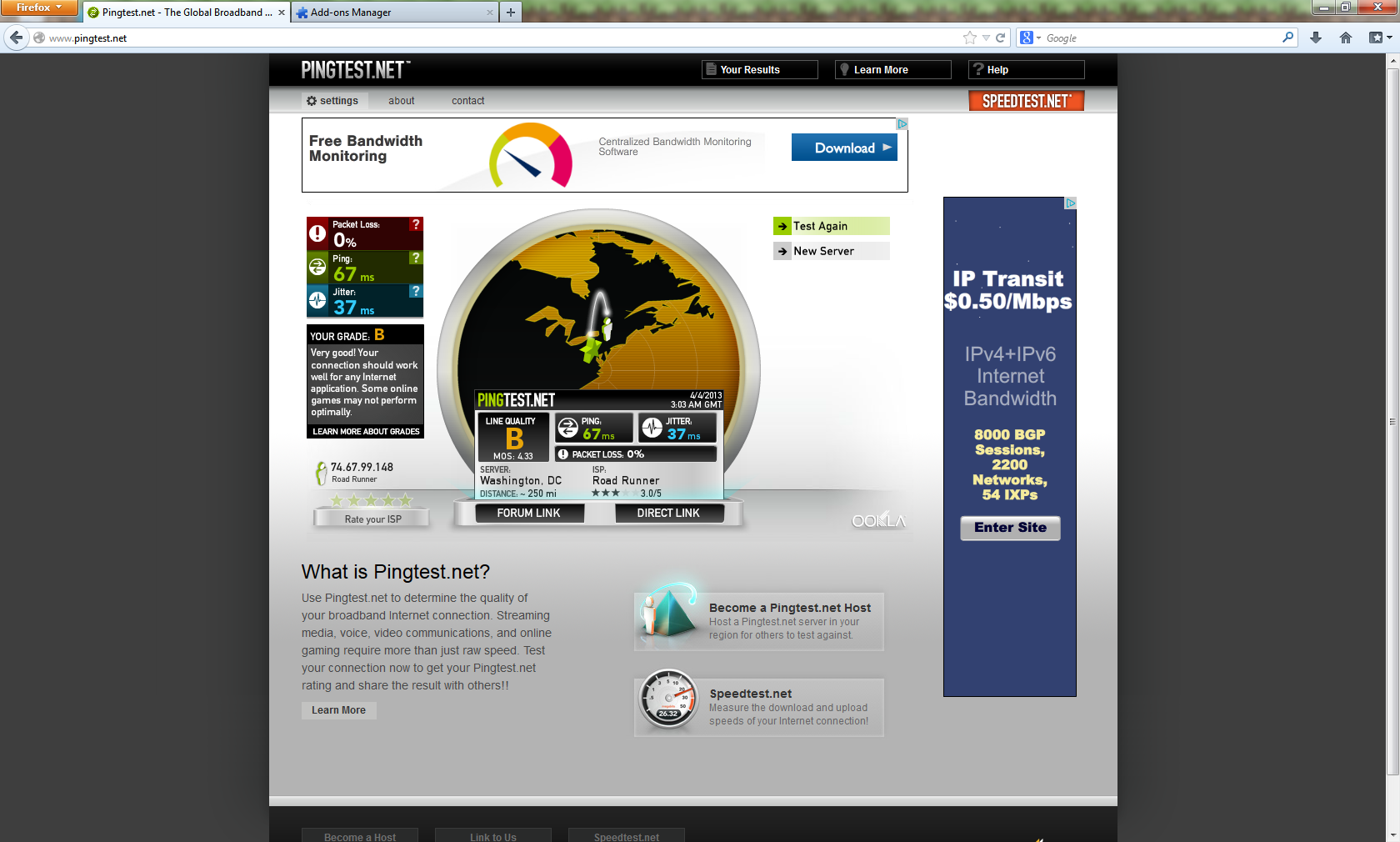
okay, thank you very much. included screenshot proof. games such as runescape (for example) and utilities such as pingtest work.

Modified by 0xFFF1