


For years now, frames have been empty

Over the years, with all versions of Firefox, after Netscape, frames have been empty, so making IE the only usable alternative, unfortunately, for many websites.
All Replies (8)
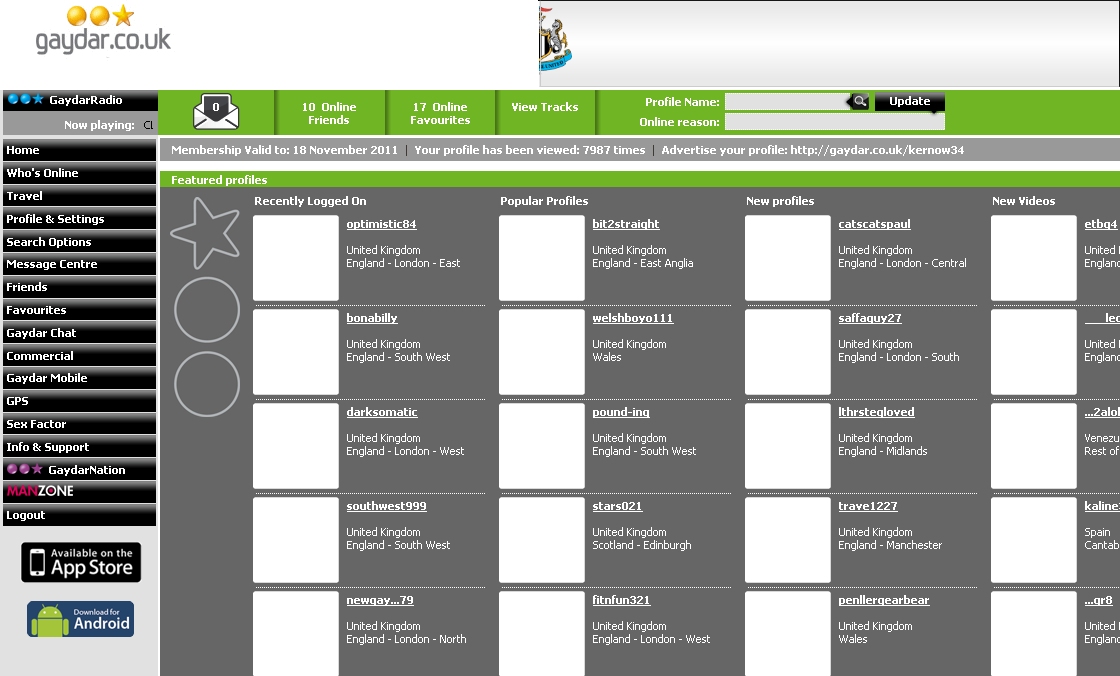
Can you provide a screenshot
Well - all you see is a page of text, with frames that have nothing in them!
It happens to any screen that contains frames. The frames WILL link to further pages, but again, any frames there containing pictures, don't show them!
Create a new profile as a test to check if your current profile is causing the problems.
See:
There may be extensions and plugins installed by default in a new profile, so check that in "Tools > Add-ons > Extensions & Plugins"
If that new profile works then you can transfer some files from the old profile to that new profile (be careful not to copy corrupted files)
See:
I can't see how a new "profile" can help.
I don't get the empty frames problem with IE! Nor do I get it on my laptop, with Firefox or IE on XP, nor on my wife's PC with XPpro.
I've wiped the previous version of Firefox, and then installed Firefox 4 without any improvement. I've temporarily disabled ZoneAlarmPro, with no change.
The empty frames problem has existed for many years now, on this desktop with XPpro, regardless of recent additions of plug-ins, so they are not the cause, as it existed before I had any plug-ins!
If you've never created a new profile during the years that you had this problem then it is worth to give that a try.
Also make sure that ZoneAlarm still isn't blocking that content. Some security software can be very persistent and hard to disable (you may have only disabled the user interface).
I DID disable ZP.
But ZoneAlarmPro doesn't block frames content in IE and it controls access to both IE andFirefox alike.
This profile business - does that mean another Windows User ?
No, it only involves to create a new profile folder that stores user data for Firefox.
See:
I'm sorry, this is completely beyond me. I took a look at permissions. something or other, but its unreadable.
I just want the damned thing to work, not to need PhD in computing. The page on profiles specifically says that its for experts, and not to be messed about by others.
I give up, this is an utter waste of time. DamnFirefox.
I'm near-on 80, and just want things to work properly. This help system is no help at all.
If other firms can have live online help, why can't Firefox?