


How can i stop the top of the browswer from being purple?

All of a sudden today the top of Firefox turned purple, I'd like it to be plain white as it was previously. Clicking on Themes did nothing to change it. Thanks for your help

All Replies (5)
Bonjour
A space for users to give product feedback https://support.mozilla.org/en-US/kb/what-mozilla-connect
The new Firefox design lands in today. This is what you can expect https://connect.mozilla.org/t5/discussions/the-new-firefox-design-lands-in-today-this-is-what-you-can/td-p/139524
https://support.mozilla.org/en-US/questions/1608290#answer-1851120
Screenshot 2 a test with userChrome.css
WARNING from the moderator team: This script is not provided by Mozilla and is not officially supported.
Firefox is a work in progress and, to allow for continuous innovation, Mozilla cannot guarantee future updates won’t impact your customizations. For this reason, Mozilla does not officially support style rules customization.
Please read Firefox advanced customization and configuration options to learn more.
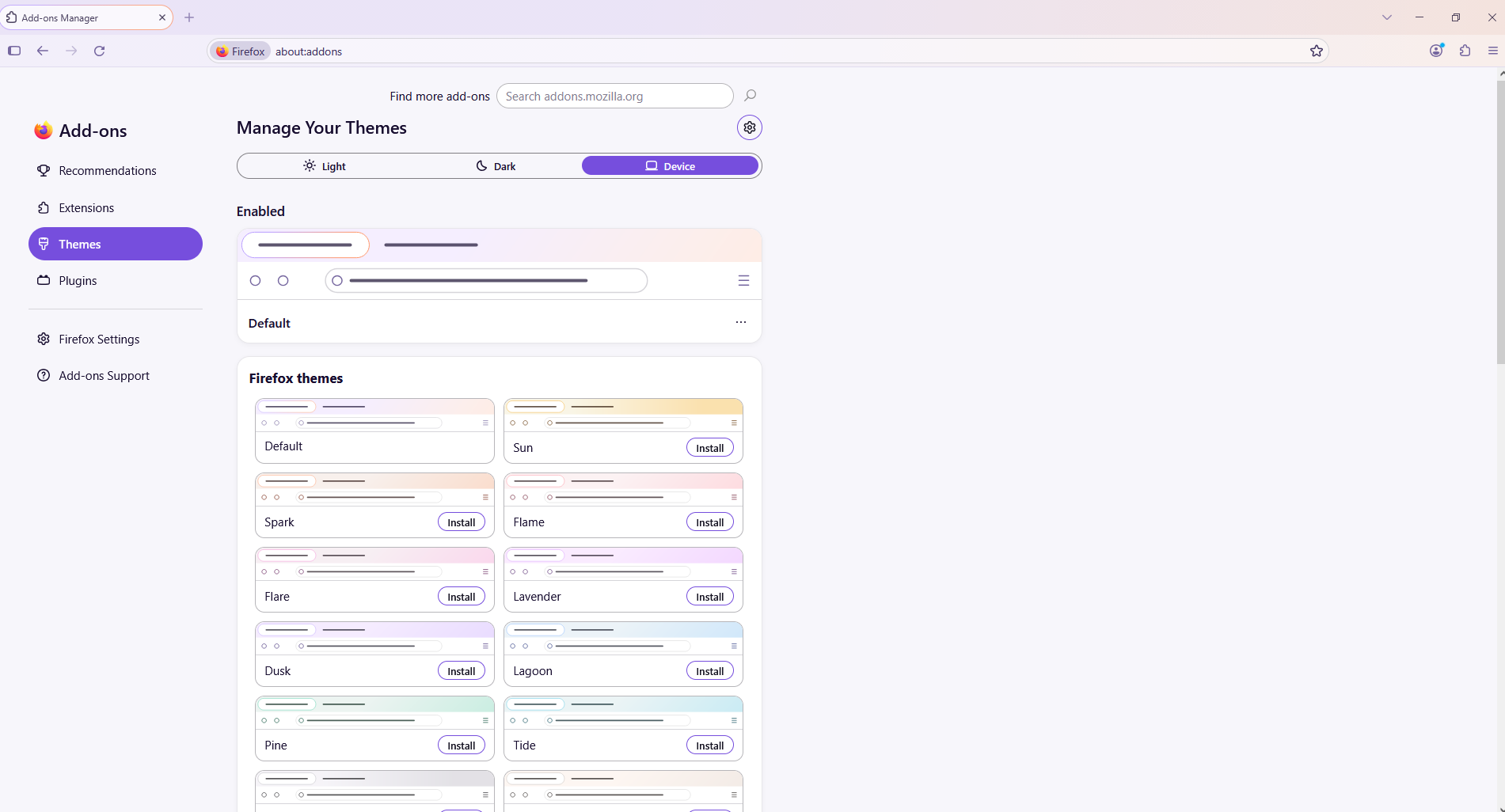
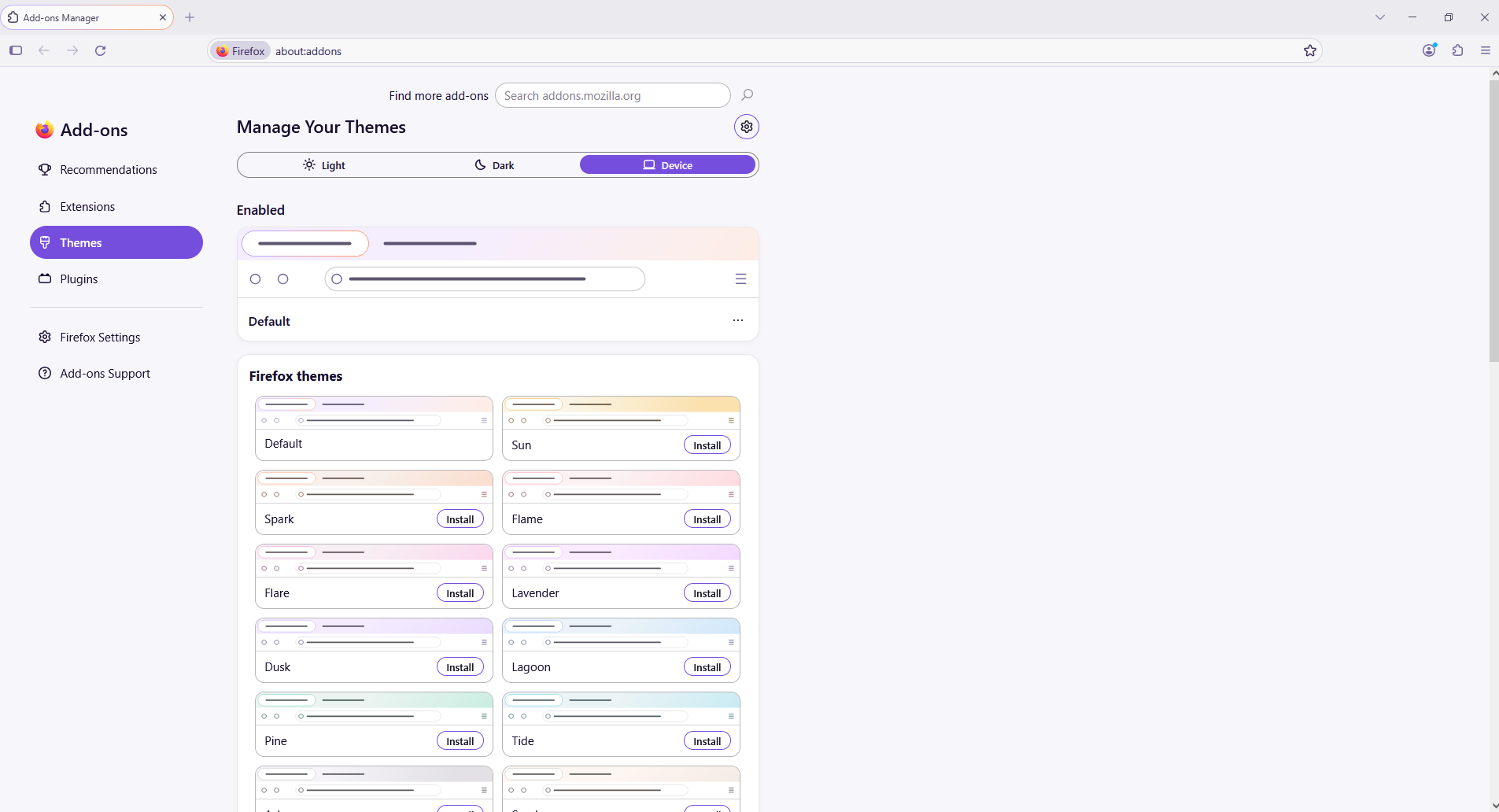
Modified by Paul
Chosen Solution
Hi
I recommend that you do not use any userChrome changes.
This theme may be a better option:
https://addons.mozilla.org/en-CA/firefox/addon/firefox-proton/

This particular response wasn't helpful. I don't use Chrome as my browser. I'm upset that Firefox made auto changes to this when I didn't specifically ask for it or okay it. But as the initial poster said, In I now have purple, or violet, or fuchsia as my background color, not the white I've always had.
Thanks Paul, proton is great solution. How can I discontinue being notified of further answers/responses? Best, CW
I just found that option, please ignore last.