How to fix Thunderbird tiny scroll bars, on Linux (Zorin Pro)

Hi,
I've read some of the support topics about the super narrow scroll bars in Thunderbird. I did go to: https://www.reddit.com/r/Thunderbird/comments/1fz9f5j/comment/lr02b8z/
which was suggested. I did the fix, which helped one problem (the super narrow scroll bar size), but there are no up & down arrows on the scroll bar. This was a really helpful feature. Is there any way to get the arrows back? The screenshot shows how TB looks in Windows 10. That's exactly what I want the scroll bars to look like.
I'm using Thunderbird 140.4.0esr (64-bit) on Linux (Zorin Pro 17) on a Lenovo Thinkpad X1 Carbon.
Thanks a lot, DD

All Replies (9)
On W11, the arrows only appear when the cursor hovers on the spot where they normally appear, so this might also be the case on Linux.
Hello
Of course, this is not the expected answer, nevertheless, for information purposes. https://connect.mozilla.org/t5/ideas/scroll-bar-width-in-thunderbird/idc-p/50540/highlight/true#M29344
A Test, below.
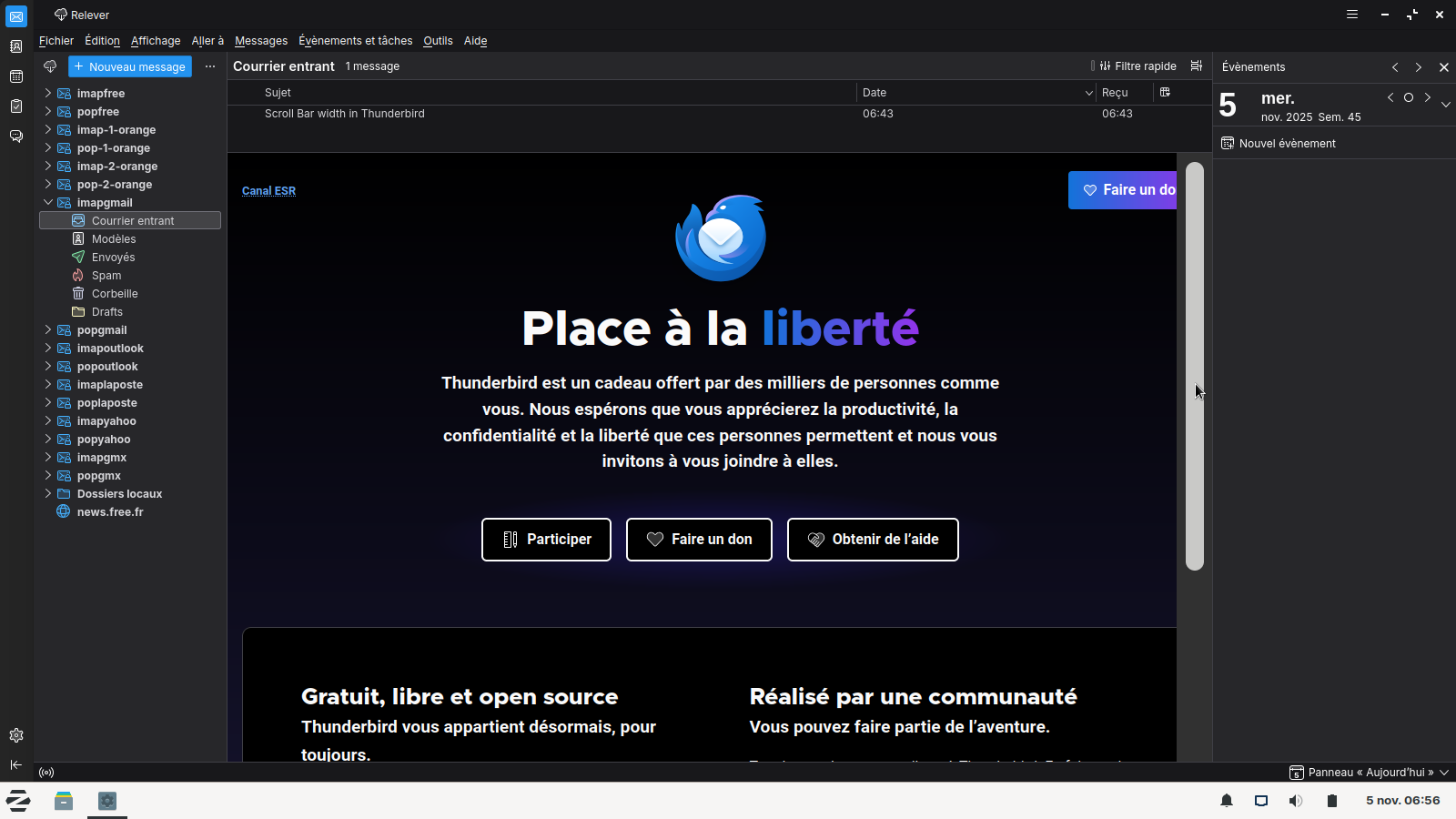
Update: after doing the fix I saw on Reddit mentioned above, my inbox got really weird. Emails were appearing and disappearing. It showed 6 of 1400 emails! I couldn't seem to get to any others. I tried returning to the default setting of "0", but that didn't seem to work.
I had to copy my old profile over the current profile. Luckily I had just backed it up a few hours ago, so I didn't lose many emails I hope!
There must be a better solution that doesn't mess everything up.
Hi sfhowes,
Yes, the scrollbars don't show up unless I hover over them, but the arrows never show up. They're just completely missing! And now that I'm back to the default scroll bars, they are like 1/4 of the width that they were on Windows 10. Really difficult to work with.
Thanks, DD
DD46 said
Hi sfhowes, Yes, the scrollbars don't show up unless I hover over them, but the arrows never show up. They're just completely missing! And now that I'm back to the default scroll bars, they are like 1/4 of the width that they were on Windows 10. Really difficult to work with. Thanks, DD
Besides the config. editor settings in TB, you might have to adjust something in Linux settings, as with W11 Settings.
Hi Agent Virtuel,
I don't think I want to mess with the Config Editor again. I'm not a super-techie person and I don't want to lose more emails. I hope there's a safer way to do this. And in your attached image, the arrows are also missing. I'd love to have the arrows and the wide scroll bar, as in my screenshot. It's very awkward to use the current style.
Thanks, DD
Does anyone have any other suggestions other than using the Config Editor?
Or else maybe a step-by-step way to use it so that I don't mess up my emails like before?
Thanks!
Hello
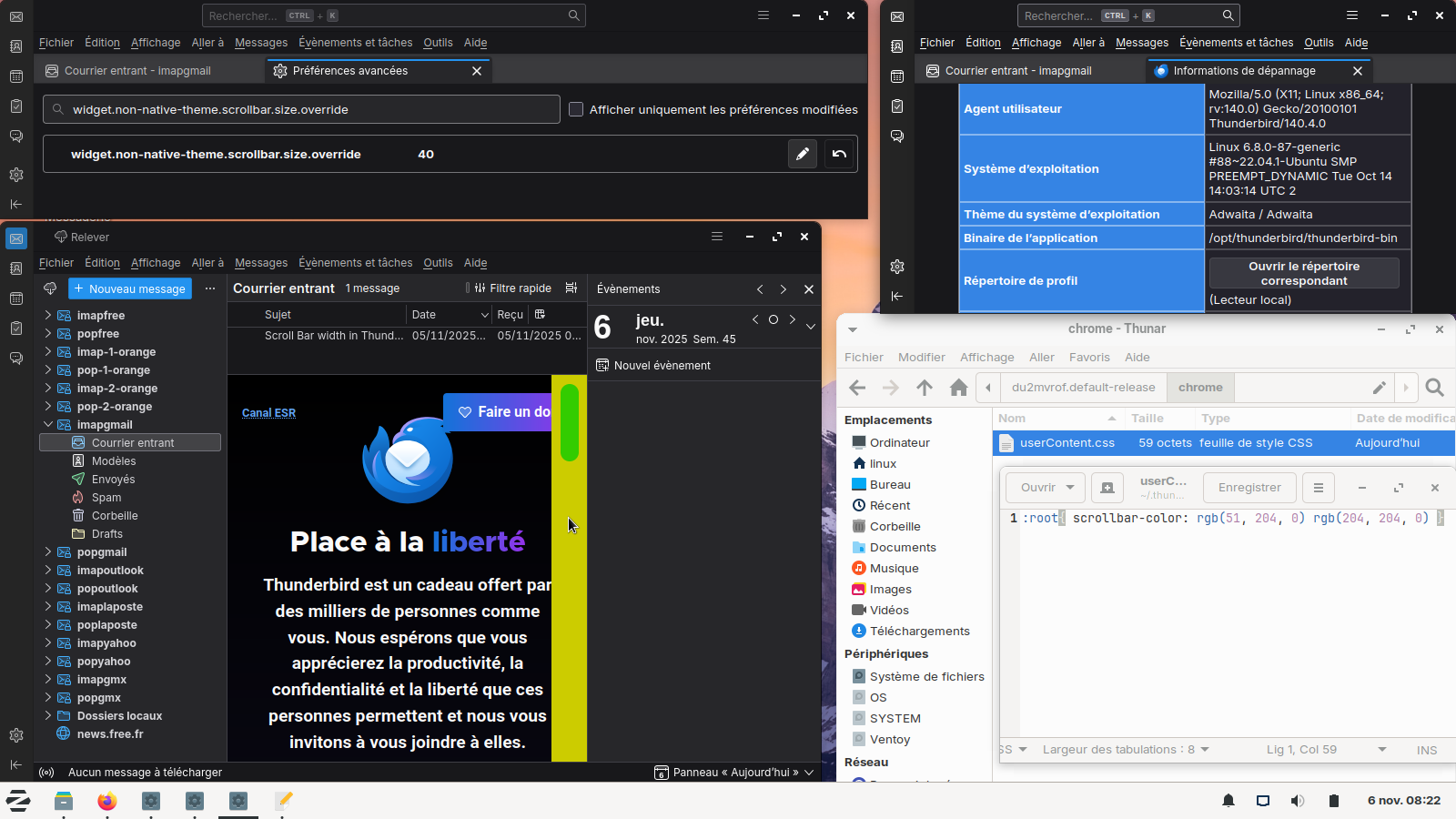
Go to config editor https://support.mozilla.org/en-US/kb/config-editor Next. Search a preference widget.non-native-theme.scrollbar.size.override Double-click on the preference, enter a new value, 40, for example.
About, scroll bar color, with the help of, userContent.css file, illustration custom colors. https://connect.mozilla.org/t5/ideas/scroll-bar-color/idc-p/57539/highlight/true#M33660