

This thread was archived.
Please ask a new question if you need help.

Solved
Archived
Not Able Add additional Mail ids to be existing Account

Dear Concern,
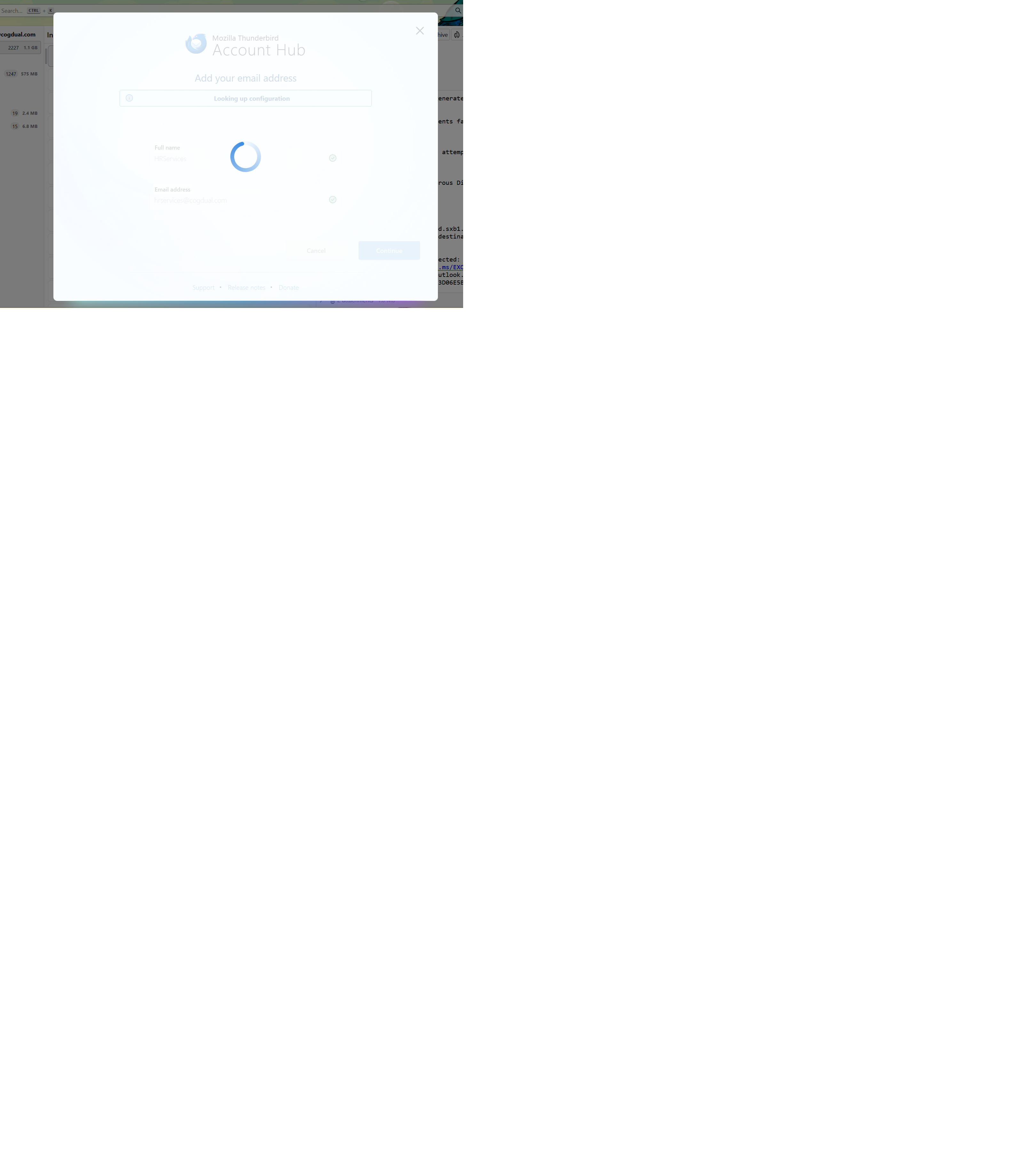
I have configured [edited] @cogdual.com as the primary mailbox. I am trying to add few more email ids to the same inbox which i am not able to. When i try to add the mail in the Add option, it is buffering and not process forward
Not resolve even after multiple efforts. Please guide
Regards,
Karthikeyan D [edited phone# from public community support forum]
Dear Concern,
I have configured [edited] @cogdual.com as the primary mailbox. I am trying to add few more email ids to the same inbox which i am not able to.
When i try to add the mail in the Add option, it is buffering and not process forward
Not resolve even after multiple efforts. Please guide
Regards,
Karthikeyan D
[edited phone# from public community support forum]
Modified by James
All Replies (1)

Chosen Solution
The new Account Hub has some bugs - try creating the account the old way:
- go to TB menu > Settings > General > Account hub > uncheck 'Create accounts in the new Account Hub'
- go to TB menu > New Account > Email