google account is not login on firefox

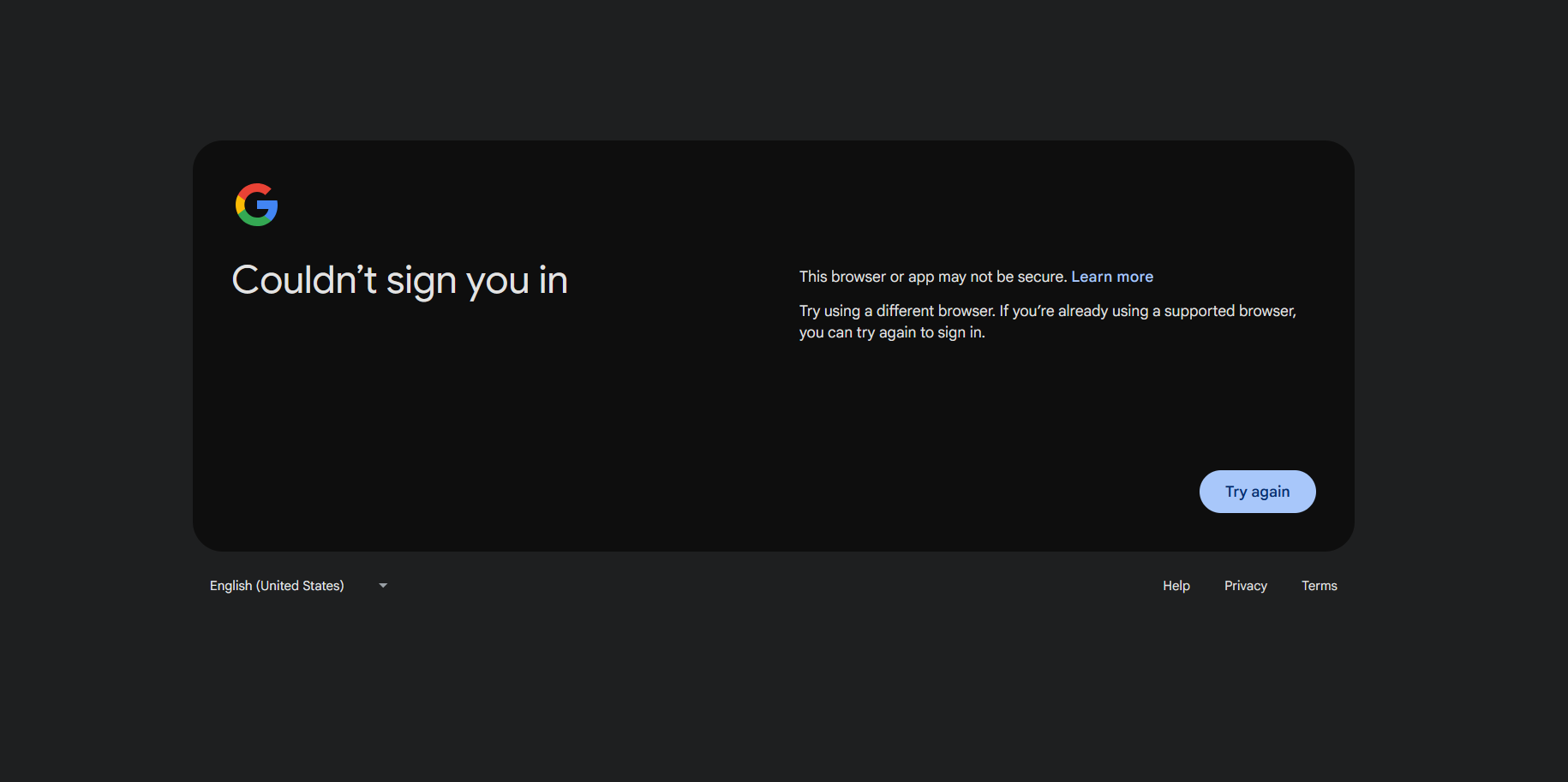
when i login my google account on firefox they say this browser is not try another browser. and if you already use supportive browser then try again and if click on try again and try it they still show me same statement.
Chosen solution
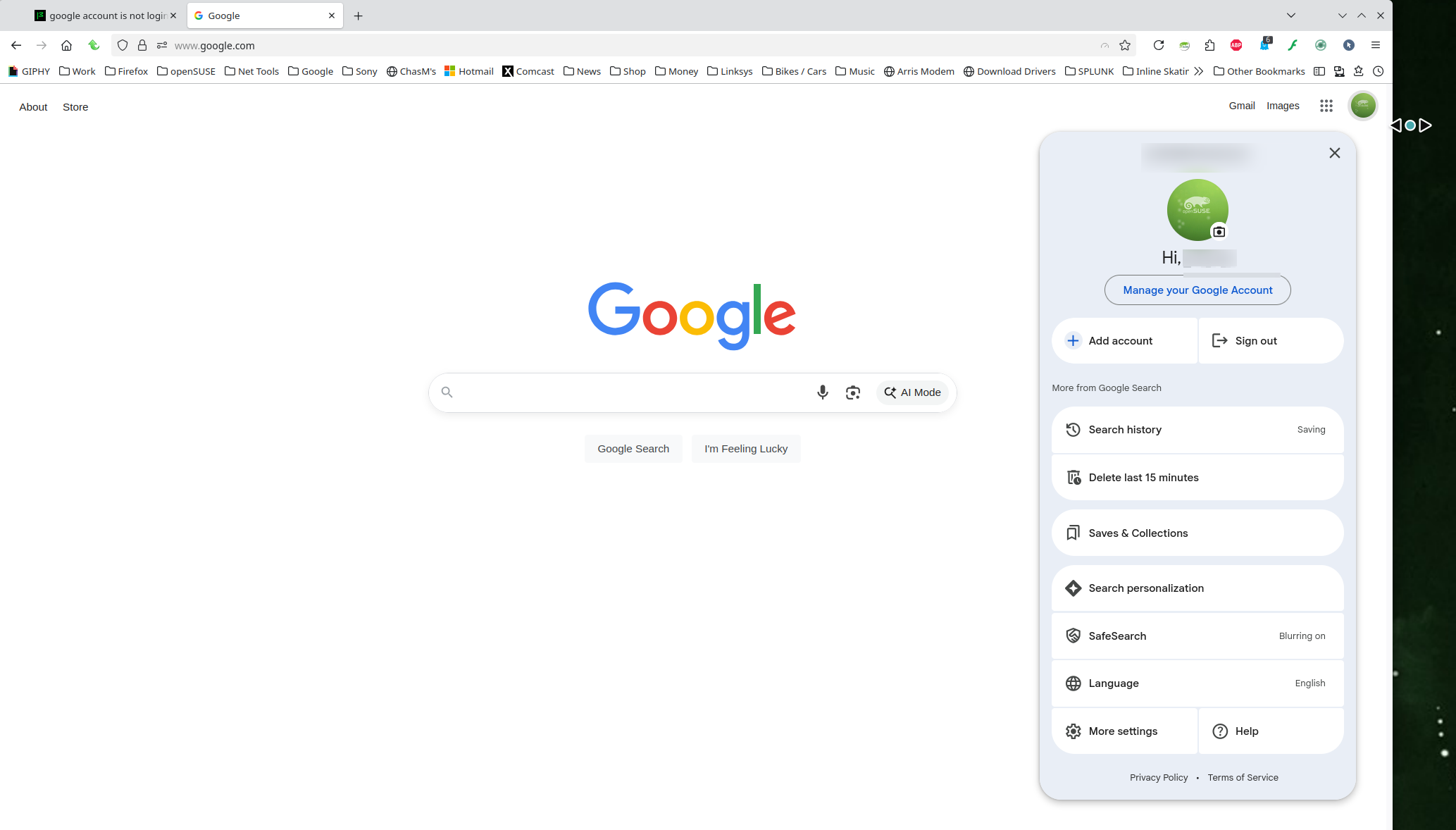
Works for me. see screenshot FYI... A full browser screenshot is always more useful.
Windows home or pro and are you running any security software besides MS Defender? If Windows Pro version, try testing in Windows Sandbox (VM) to see if you have the same issue. https://www.howtogeek.com/399290/how-to-use-windows-10s-new-sandbox-to-safely-test-apps/
Did you try with Firefox in Troubleshoot Mode? https://support.mozilla.org/en-US/kb/diagnose-firefox-issues-using-troubleshoot-mode#w_how-to-start-firefox-in-4troubleshoot-modesf5safe-modesf
Did you clear your browser cache? https://support.mozilla.org/en-US/kb/clear-cookies-and-site-data-firefox
Read this answer in context 👍 0All Replies (1)
Chosen Solution
Works for me. see screenshot FYI... A full browser screenshot is always more useful.
Windows home or pro and are you running any security software besides MS Defender? If Windows Pro version, try testing in Windows Sandbox (VM) to see if you have the same issue. https://www.howtogeek.com/399290/how-to-use-windows-10s-new-sandbox-to-safely-test-apps/
Did you try with Firefox in Troubleshoot Mode? https://support.mozilla.org/en-US/kb/diagnose-firefox-issues-using-troubleshoot-mode#w_how-to-start-firefox-in-4troubleshoot-modesf5safe-modesf
Did you clear your browser cache? https://support.mozilla.org/en-US/kb/clear-cookies-and-site-data-firefox