

Windows 10 reached EOS (end of support) on October 14, 2025. If you are on Windows 10, see this article.

Search Support

Avoid support scams. We will never ask you to call or text a phone number or share personal information. Please report suspicious activity using the “Report Abuse” option.

Learn More

How to set the browser's tab bar to lock and stay permanently

  • 1 reply
  • 0 have this problem
  • 130 views
  • Last reply by Paul

I want the browser's tab bar to display like the homepage, instead of disappearing after opening a webpage tab bar. I don't know if I can accurately express my meaning, but I will attach two pictures
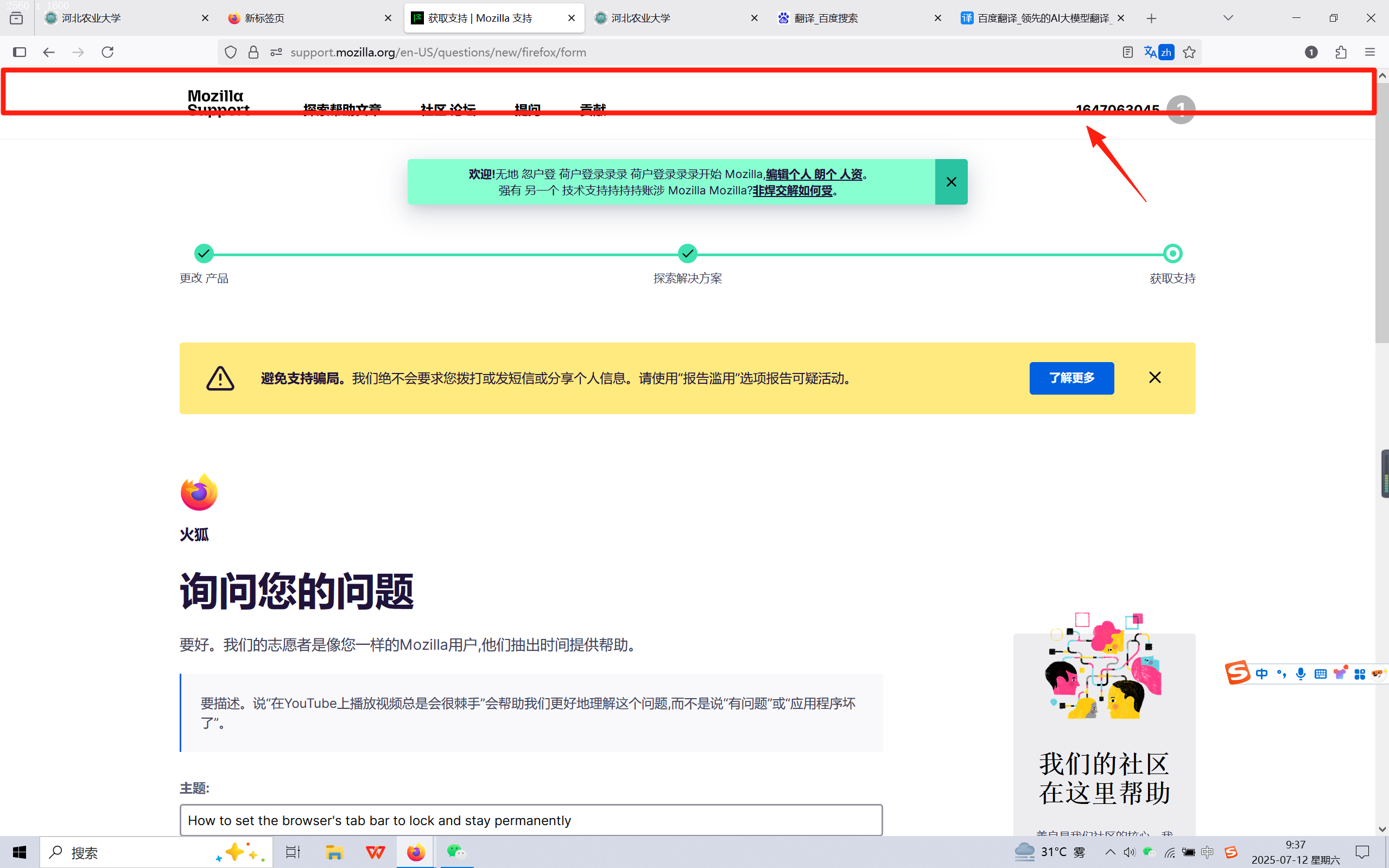
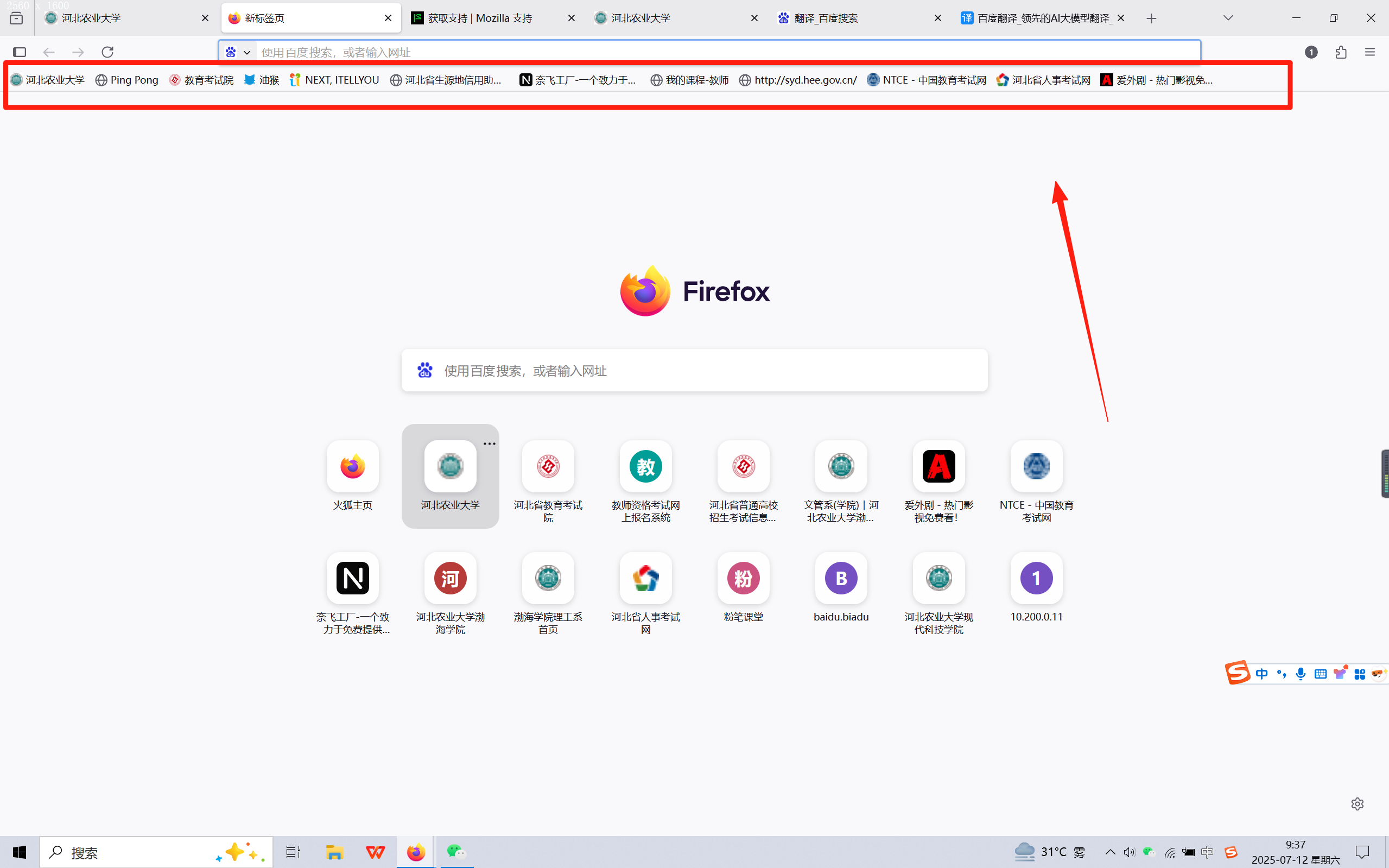
I want the browser's tab bar to display like the homepage, instead of disappearing after opening a webpage tab bar. I don't know if I can accurately express my meaning, but I will attach two pictures
Attached screenshots

Chosen solution

Hi

I think this support article should help:

https://support.mozilla.org/en-US/kb/bookmarks-toolbar-display-favorite-websites#w_show-or-hide-the-bookmarks-toolbar

If this does not help, pleasd let us know here and we will do our best to find a different solution.

Read this answer in context 👍 1

All Replies (1)

Chosen Solution

Hi

I think this support article should help:

https://support.mozilla.org/en-US/kb/bookmarks-toolbar-display-favorite-websites#w_show-or-hide-the-bookmarks-toolbar

If this does not help, pleasd let us know here and we will do our best to find a different solution.
