

This thread was archived.
Please ask a new question if you need help.

Solved
Archived
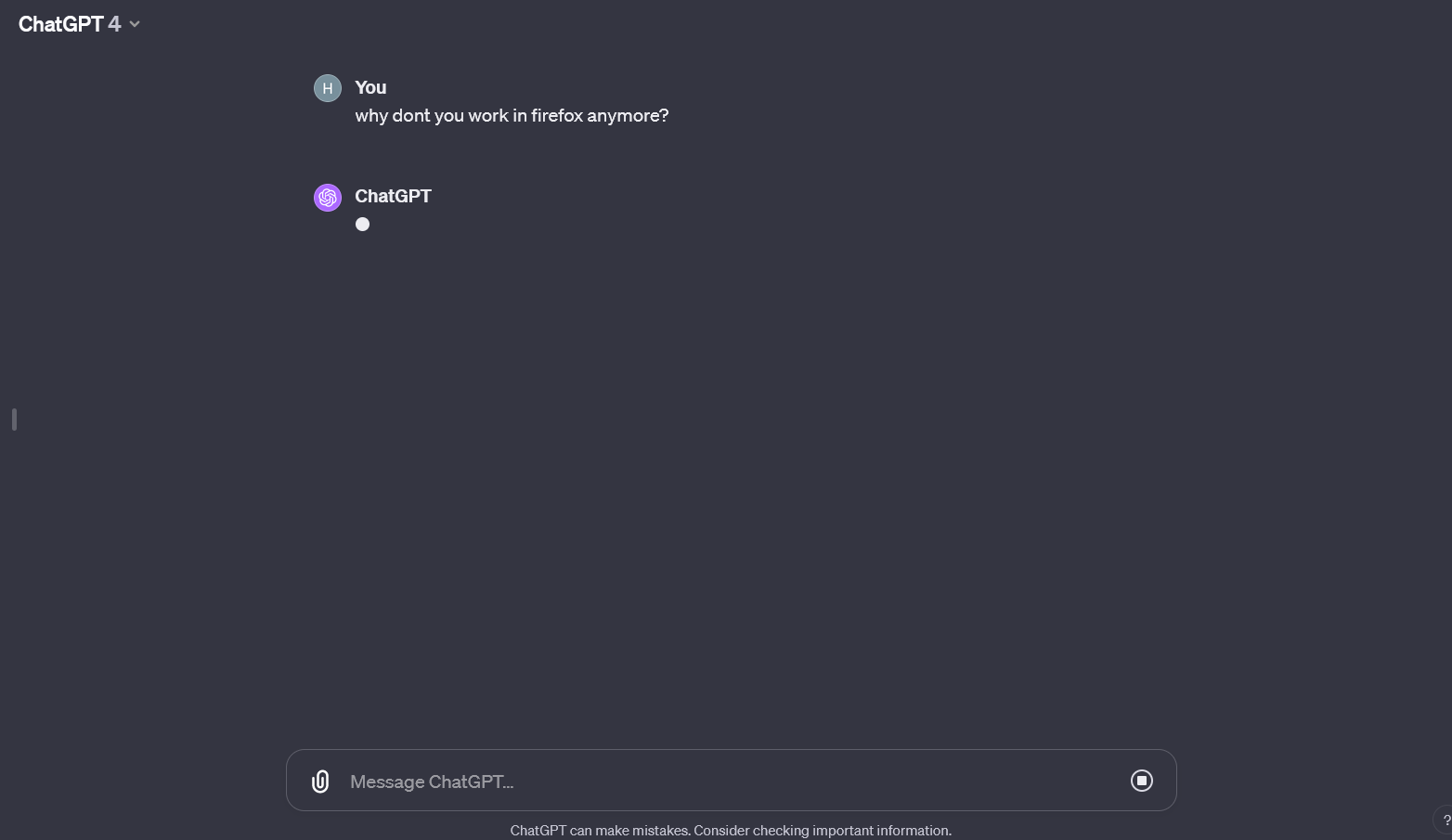
ChatGPT no longer gives any response in firefox

I tried clearing cache and temp files. I tried a new profile. I tried a fresh install without logging in on account. Tried disabling all addons, running in safemode and incognito. Nothing works.
When opening in Chrome, it works as always. Same computer.
I tried clearing cache and temp files. I tried a new profile. I tried a fresh install without logging in on account. Tried disabling all addons, running in safemode and incognito. Nothing works.
When opening in Chrome, it works as always. Same computer.
All Replies (1)
Chosen Solution
Are there any errors in the Web Console (Ctrl+Shift+K)?
Try changing DNS over HTTPS (DoH) to "Off" or "Max Protection" and in Connection Settings change "Use system proxy settings" to "No proxy".