


my Router page, times out can't log-in no problems connecting to the Internet’ in ‘Firefox’

I have been trying to log on to my router page for months! I was able to log-on once only. I have tried everything, with no luck. It seem as though Firefox is using AI within the browser for certain things... Why isn't there a better way to log-in to the Browser Page for using your router? it should not be so complicate being that many people use them.

Chosen Solution
The router is cute, but I wanted to see screenshots of the browser and any errors you're getting.
All Replies (5)
What router? Are you having login issues or trying to get to the page? Post a screenshot if needed.
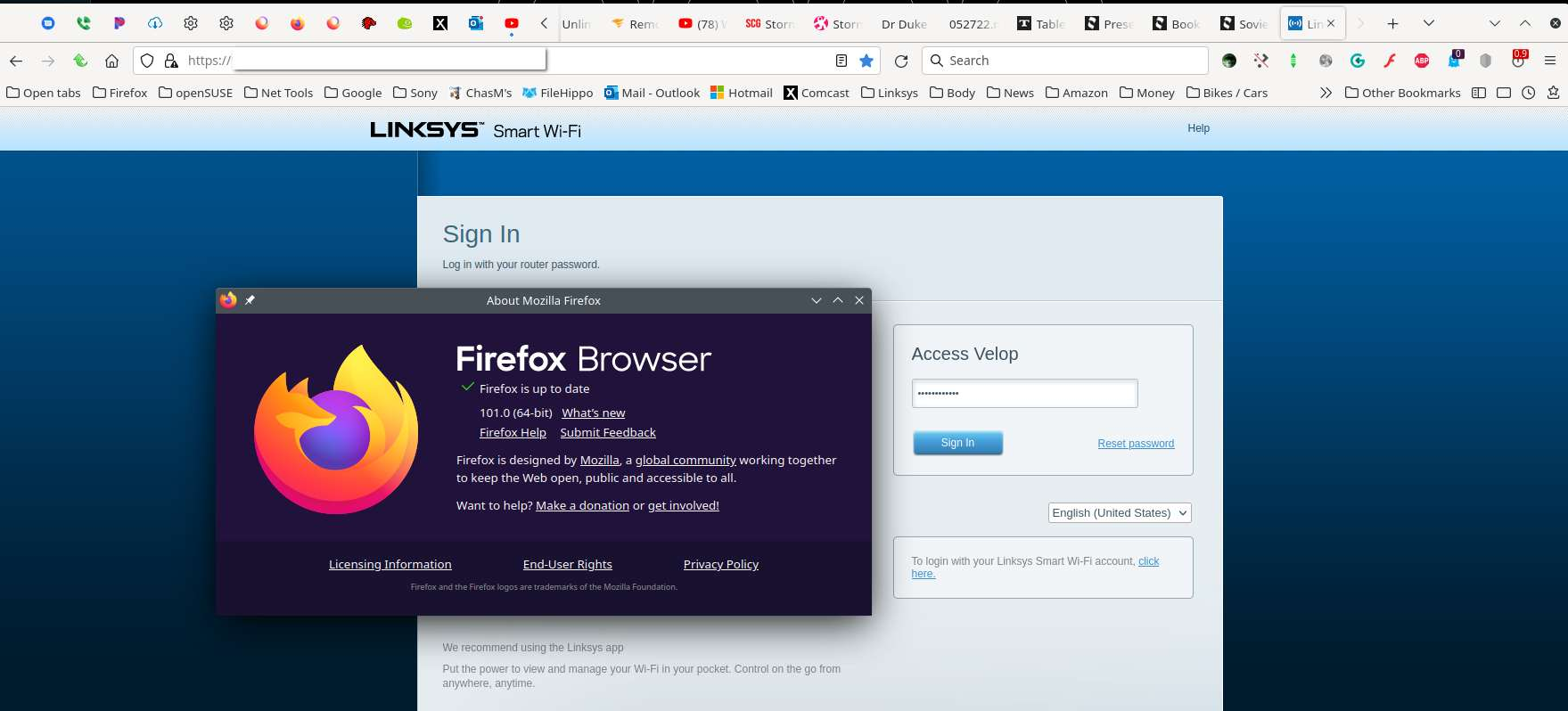

Try logging into its IP address (e.g http:// 168.0.0.1 without a blank space). You could also try making this preference false in about:config.
WARNING: Changing preferences through this interface not officially supported Hidden settings edited using the about:config tool are explicitly not supported, which means that Mozilla makes no guarantees they will be supported in the future, or that Mozilla will fix them if they break. Mozilla does not test these preferences, and will not in the future. That includes security and performance testing which these preferences may affect.
[Warning added by moderator]
browser.fixup.fallback-to-https
https://support.mozilla.org/en-US/kb/about-config-editor-firefox
Modified by Chris Ilias
Try logging into its IP address (e.g http:// 168.0.0.1 without a blank space). You could also try making this preference false in about:config. browser.fixup.fallback-to-https
WARNING: Changing preferences through this interface not officially supported Hidden settings edited using the about:config tool are explicitly not supported, which means that Mozilla makes no guarantees they will be supported in the future, or that Mozilla will fix them if they break. Mozilla does not test these preferences, and will not in the future. That includes security and performance testing which these preferences may affect.
[Warning added by moderator]
https://support.mozilla.org/en-US/kb/about-config-editor-firefox
Modified by Chris Ilias
I have a SLATE GL-AR750S-Ext
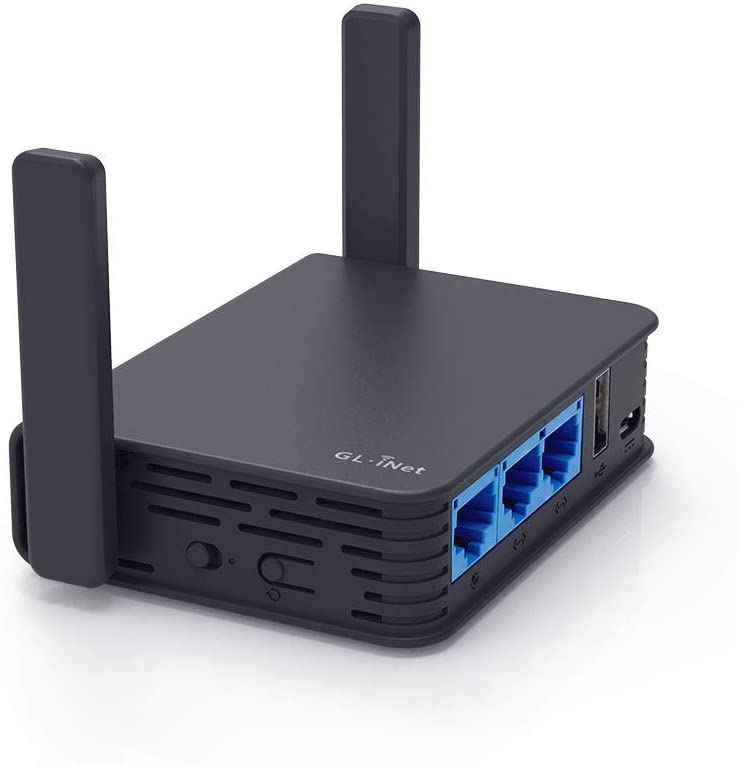
You could try entering the IP address (I hope you know what I mean) and also try changing the following preference in about:config to false. browser.fixup.fallback-to-https
https://support.mozilla.org/en-US/kb/about-config-editor-firefox
Modified by Terry
Chosen Solution
The router is cute, but I wanted to see screenshots of the browser and any errors you're getting.