

This thread was archived.
Please ask a new question if you need help.

Archived
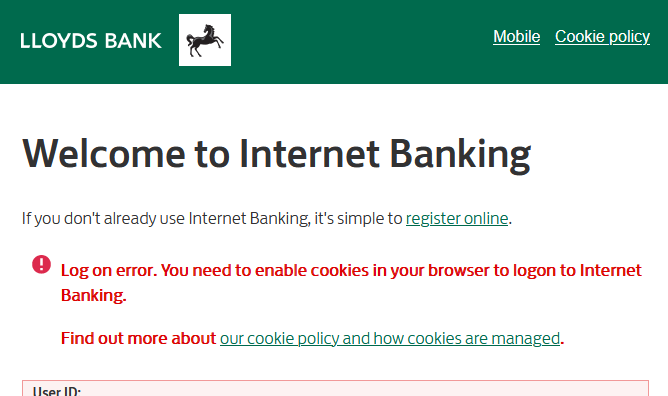
I'm unable to get Lloyds bank to recognize that cookies are enabled.

I'm unable to get Lloyds bank to recognize that cookies are enabled. I've tried clearing cache+history etc but no joy. Having tried the Lloyds bank cookies page and enabling cookies still no joy and login refused. Standard setting in Security & Privacy and advised resets all tried multiple times. Anything to do with "trusted" device? Trust prompt not reissued after resetting everything. Had to use Chrome to login - and got the "trust this device" prompt on first use.
I'm unable to get Lloyds bank to recognize that cookies are enabled. I've tried clearing cache+history etc but no joy. Having tried the Lloyds bank cookies page and enabling cookies still no joy and login refused. Standard setting in Security & Privacy and advised resets all tried multiple times. Anything to do with "trusted" device? Trust prompt not reissued after resetting everything. Had to use Chrome to login - and got the "trust this device" prompt on first use.
All Replies (1)
I don't have adblocker ... have just tried a private window and I get the same results ...