


Firefox Mozila Browser - remove Freshy

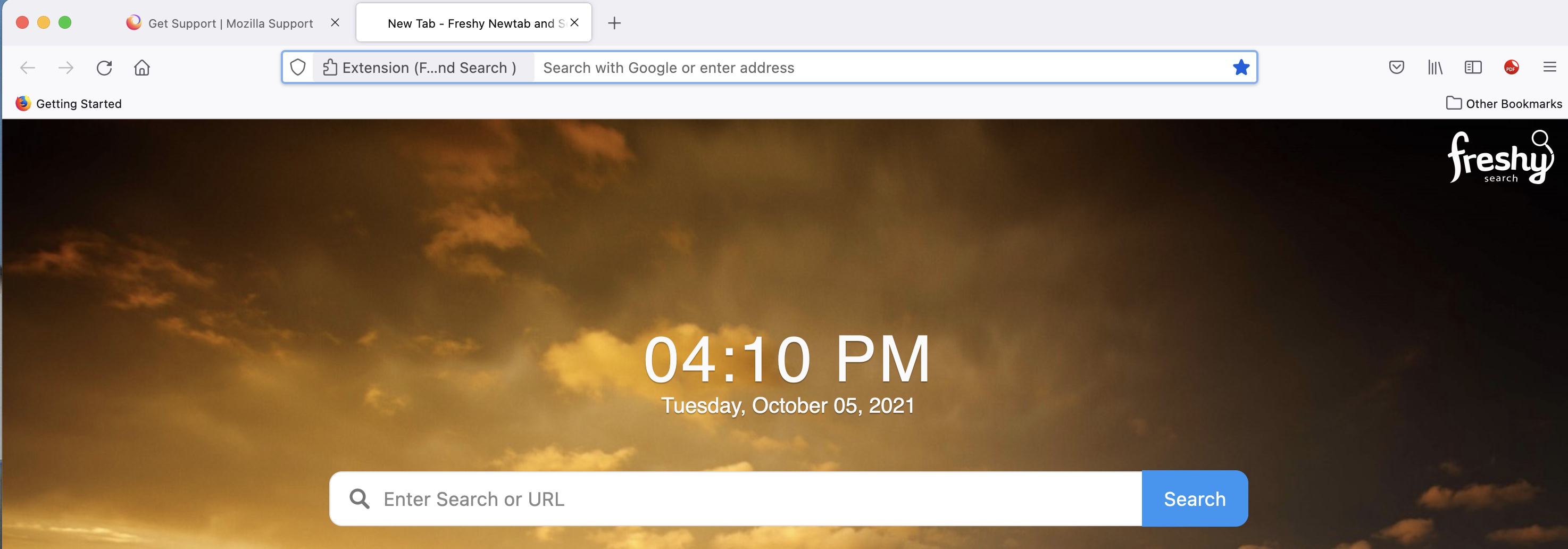
I have Freshy and want it removed. How do I do that on Mac OS Big Sur?
I have Freshy and want it removed. How do I do that on Mac OS Big Sur?
All Replies (3)

Is it an add-on? website? . . .
Are you talking about the home page? https://support.mozilla.org/en-US/kb/how-to-set-the-home-page
Or the search engine? Type about:preferences#search<enter> in the address bar. You can select any search engine to be your default from here.
You can also remove any engine from here.

At the bottom of the Freshy page there is an "Unsubscribe" tab.
Looks like an extension that overrides the new tab page.
See also: