

This thread was archived.
Please ask a new question if you need help.

Solved
Archived
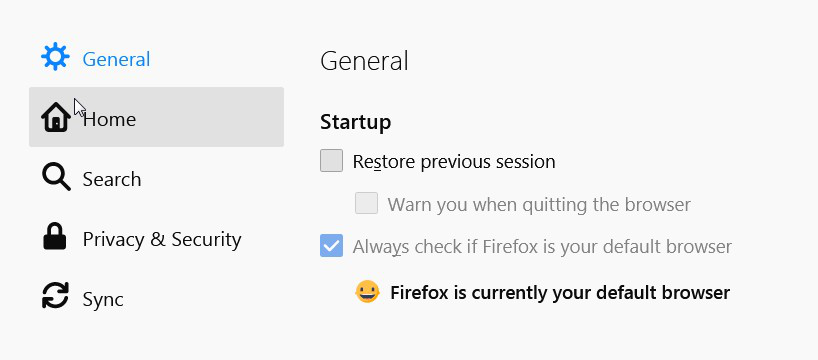
cant open Privacy & Security in Options

The Privacy & Security is fade-out and I'm able to select this option to make changes.
The Privacy & Security is fade-out and I'm able to select this option to make changes.
All Replies (1)

Chosen Solution
Try entering this in the url bar: about:preferences#privacy You may need a new profile: https://support.mozilla.org/en-US/kb/profile-manager-create-remove-switch-firefox-profiles With Firefox closed, you can copy files from the old profile after renaming their new equivalents: https://support.mozilla.org/en-US/kb/recovering-important-data-from-an-old-profile