


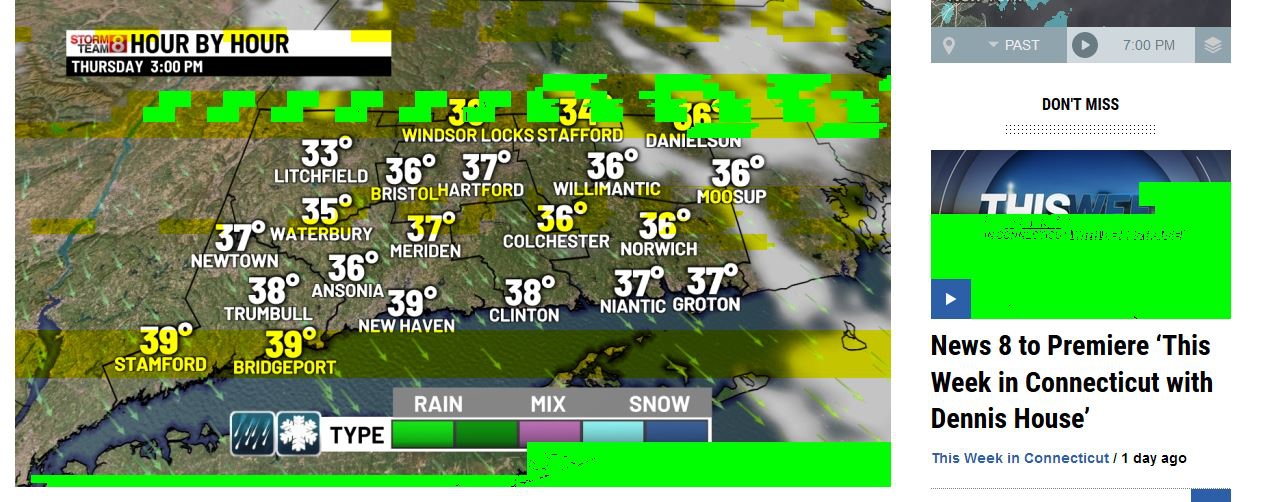
Lime green rendering

Would like help fixing these lime green blocks within images. They usually disappear upon reload but not always. Am using VPN if that helps.
Chosen solution
Start Firefox in Safe Mode to check if one of the extensions ("3-bar" menu button or Tools -> Add-ons -> Extensions) or if hardware acceleration or userChrome.css is causing the problem.
- switch to the DEFAULT theme: "3-bar" menu button or Tools -> Add-ons -> Themes
- do NOT click the "Refresh Firefox" button on the Safe Mode start window
- https://support.mozilla.org/en-US/kb/troubleshoot-firefox-issues-using-safe-mode
- https://support.mozilla.org/en-US/kb/troubleshoot-extensions-themes-to-fix-problems
- https://support.mozilla.org/en-US/kb/upgrade-graphics-drivers-use-hardware-acceleration
All Replies (2)
Chosen Solution
Start Firefox in Safe Mode to check if one of the extensions ("3-bar" menu button or Tools -> Add-ons -> Extensions) or if hardware acceleration or userChrome.css is causing the problem.
- switch to the DEFAULT theme: "3-bar" menu button or Tools -> Add-ons -> Themes
- do NOT click the "Refresh Firefox" button on the Safe Mode start window
Thanks. Either 'hardware acceleration' or 'use recommended performance settings' seems to have been the problem. I've unchecked both. Under General -> Performance, uncheck both 'Use recommended performance settings' and 'Use hardware acceleration when available'. Thanks again.