


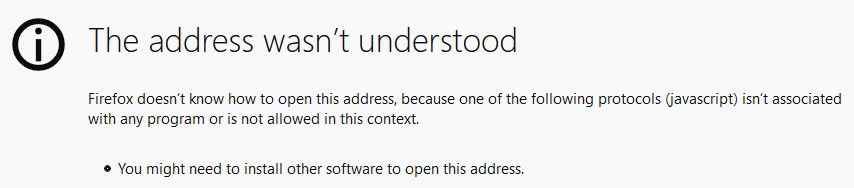
The Address wasn't Understood

I got this message when clicked on a link within my online banking site after I had logged in. It was followed by a reference to Javascript and the suggestion that additional software may need to be installed. As suggested on forums I restarted Firefox with add-ons disabled (safe mode) but the problem persisted. I have Javascript enabled in Firefox.
I tried in MS Edge and had no problem with this.
Here is the link I am having trouble with: javascript:callAjax('/AUGCB/JBA/mmInit/flow.action','COAAppLayout');
If someone has an idea how to fix this please let me know?
All Replies (2)

Were you trying to open it in a new tab/window? Try just clicking on it.
Chosen Solution
You can check this pref on the about:config page and make sure it is default (false).
- network.protocol-handler.external.javascript = false
You can open the about:config page via the location/address bar. You can click the button to "Accept the Risk and Continue".