


websites dont load properly in FF but work in IE and Chrome

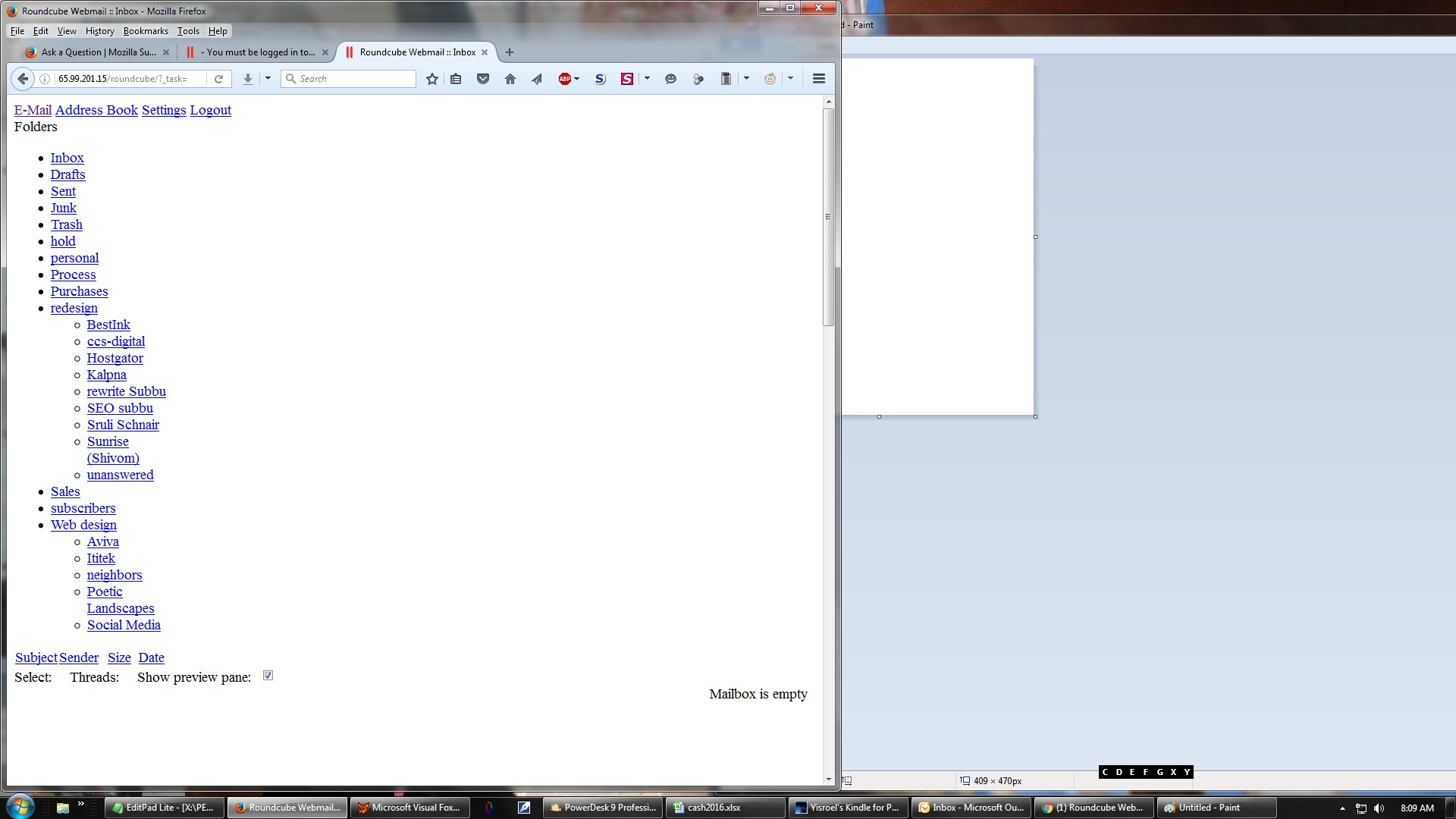
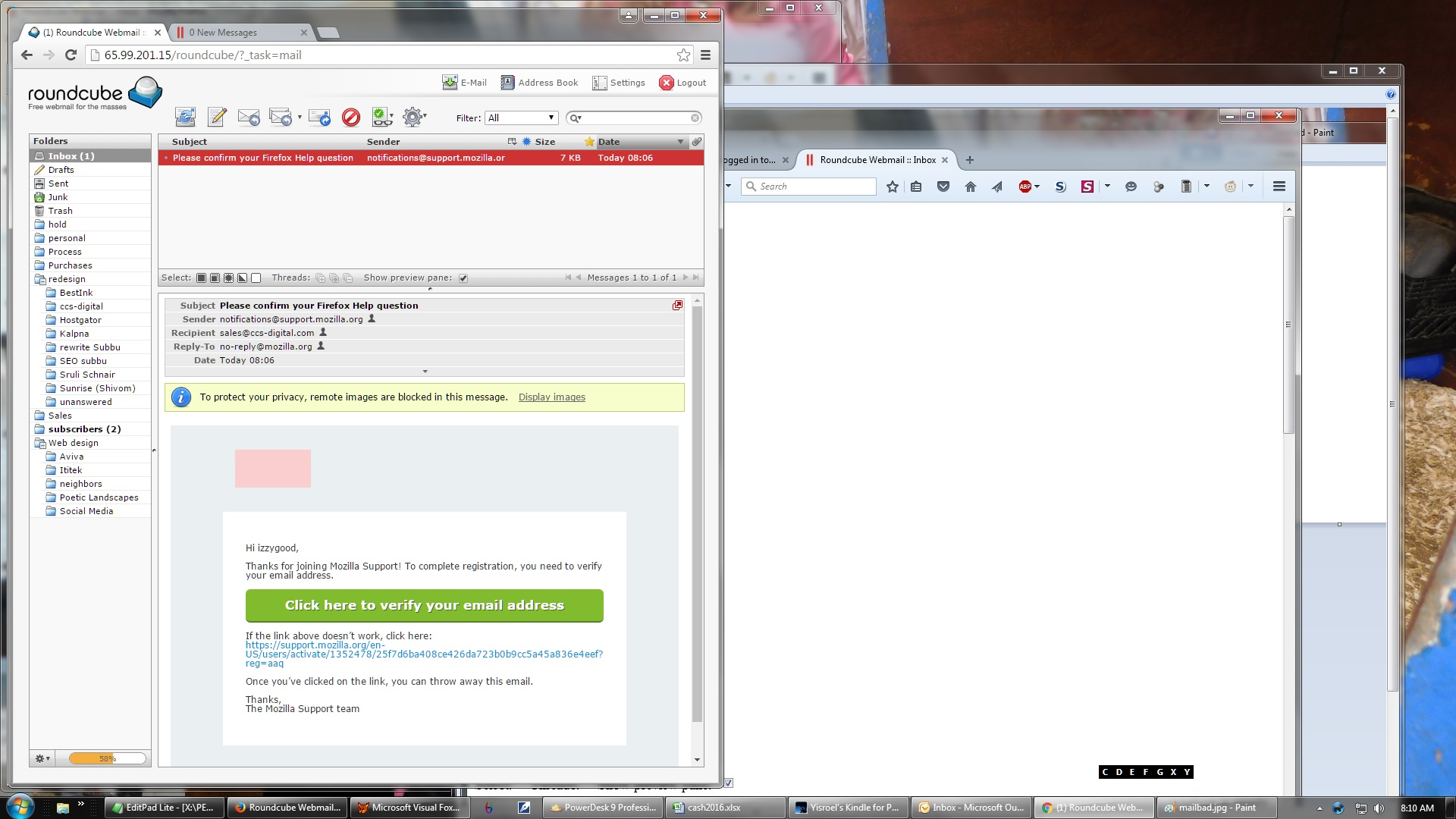
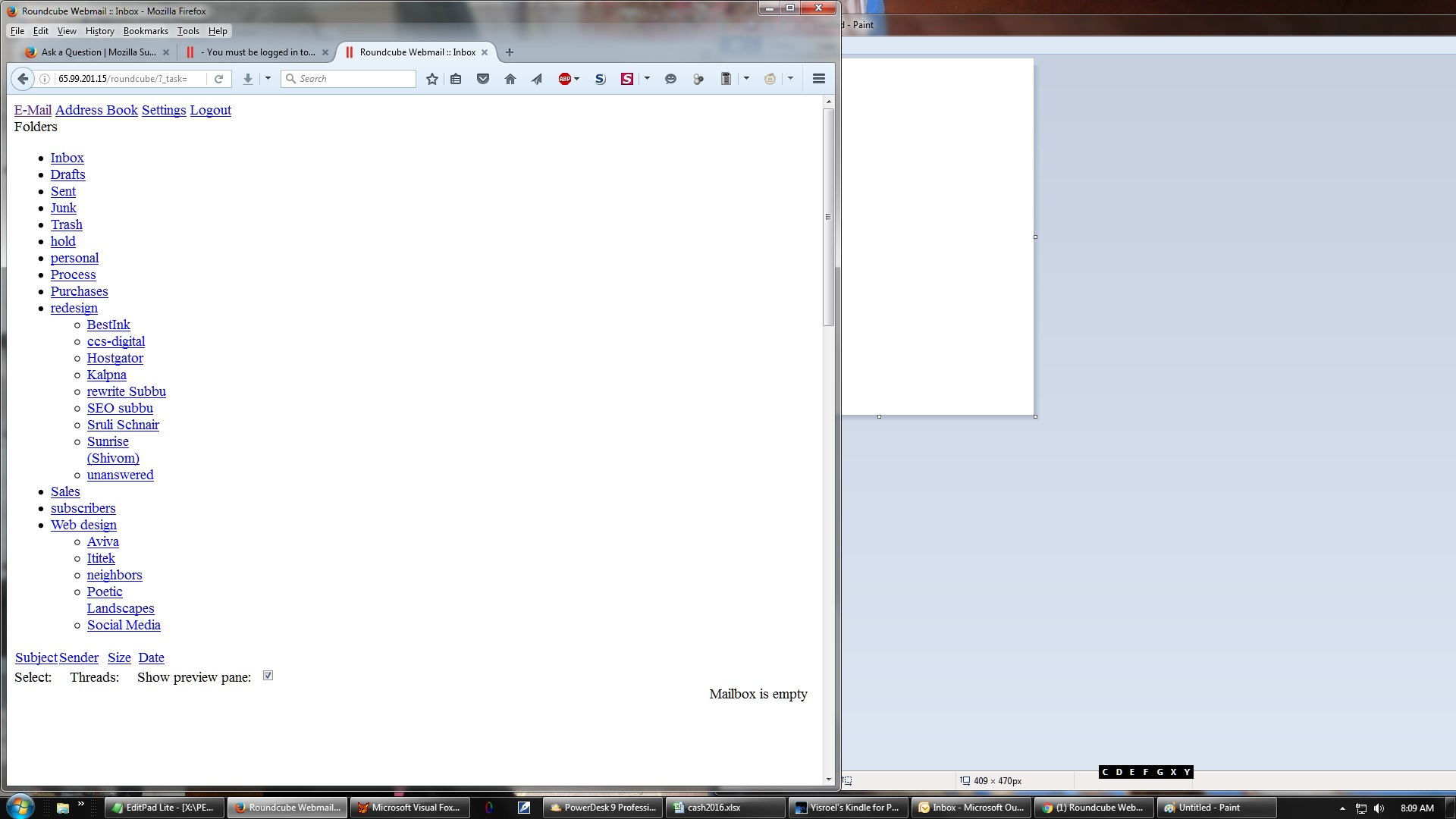
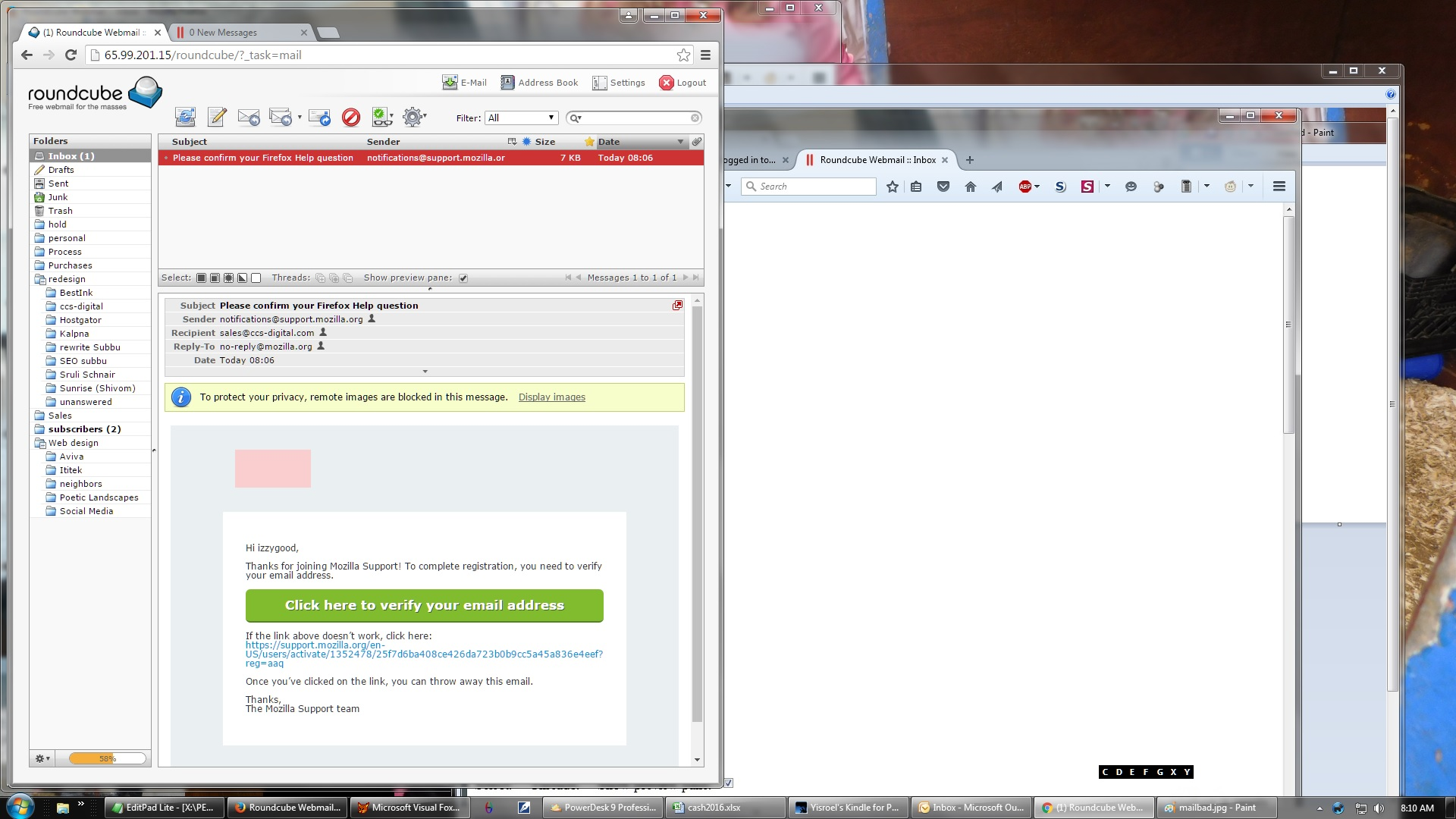
two days ago (about 8/29) the sites I use to check email started acting up. I confirmed with my web host that email programs had not been updated. They work perfectly fine in IE and Chrome. But in firefox I get all text and no graphics and clicking on folders like inbox does not bring up the messages so I am forced to use chrome. I tried attaching JPGs of what the site should look like (as seen under chrome) and what it looks like now under FF and it spun for 5 minutes without finishing so I used Chrome and it works fine. Why does Mozilla work under chrome but not FF? Just FYI, I reloaded FF this morning from mozilla.org just in case there was an update I was missing and it said I was up to date.
Chosen solution
Load the web page. Once done, hold down the <Shift> key and reload page.
Many site issues can be caused by corrupt cookies or cache.
- Clear the Cache and
- Remove Cookies
Warning ! ! This will log you out of sites you're logged in to.
Type about:preferences<Enter> in the address bar.
- Cookies; Select Privacy. Under History, select Firefox will Use Custom Settings. Press the button on the right side called Show Cookies. Use the search bar to look for the site. Note; There may be more than one entry. Remove All of them.
- Cache; Select Advanced > Network. Across from Cached Web Content, Press Clear Now.
If there is still a problem, Start Firefox in Safe Mode {web link} A small dialog should appear. Click Start In Safe Mode (not Refresh). While you are in safe mode;
Type about:preferences#advanced<Enter> in the address bar.
Under Advanced, Select General. Look for and turn off Use Hardware Acceleration.
Poke around safe websites. Are there any problems?
Then restart.
Read this answer in context 👍 0All Replies (3)

Chosen Solution
Load the web page. Once done, hold down the <Shift> key and reload page.
Many site issues can be caused by corrupt cookies or cache.
- Clear the Cache and
- Remove Cookies
Warning ! ! This will log you out of sites you're logged in to.
Type about:preferences<Enter> in the address bar.
- Cookies; Select Privacy. Under History, select Firefox will Use Custom Settings. Press the button on the right side called Show Cookies. Use the search bar to look for the site. Note; There may be more than one entry. Remove All of them.
- Cache; Select Advanced > Network. Across from Cached Web Content, Press Clear Now.
If there is still a problem, Start Firefox in Safe Mode {web link} A small dialog should appear. Click Start In Safe Mode (not Refresh). While you are in safe mode;
Type about:preferences#advanced<Enter> in the address bar.
Under Advanced, Select General. Look for and turn off Use Hardware Acceleration.
Poke around safe websites. Are there any problems?
Then restart.
I started stepping through your solution and at one point there was a suggestion to refresh firefox. that appears to have solve the issue. Thank you. By the way, I have FF configured to clear cache and history each time.
Glad to help. Safe Surfing.