


facebook "like" icons not displaying?
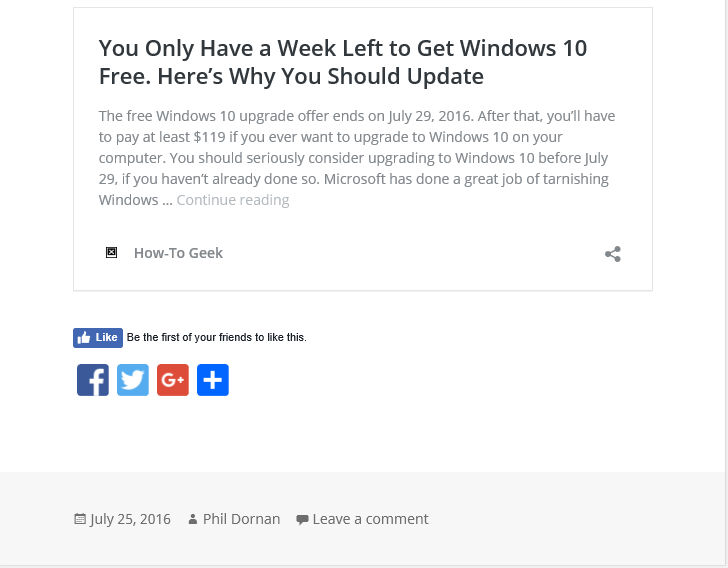
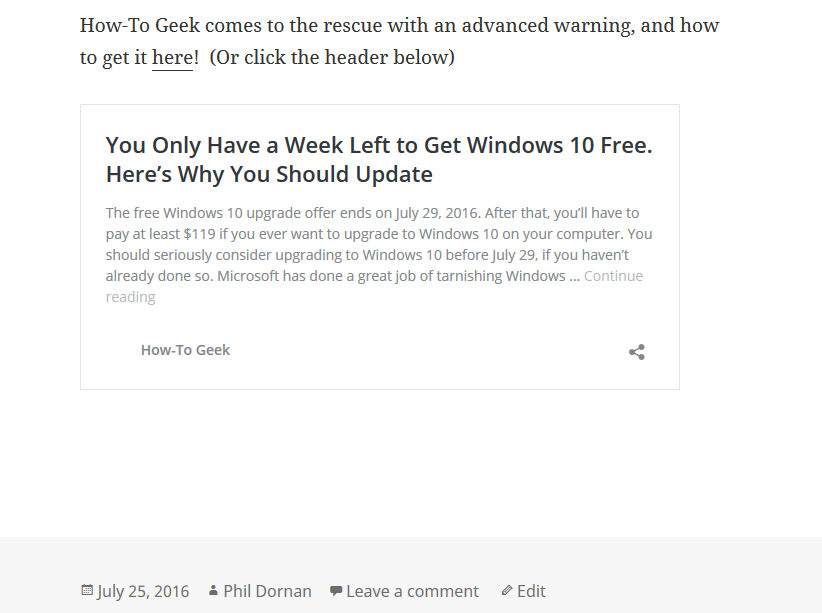
I have a blog that displays the Facebook "Like" icons (and others) on each post. They do, however, display in Edge and Chrome. I'm guessing it's a setting I'm missing somewhere, but for the life of me, I can't can't find it.
I've attached images of Firefox/Edge (there is an extra icon in there because I tried a different product, but neither show up in Firefox).
Here's the blog.
http://apexcomputerconsulting.us/Wordpress/
Thanks!
Phil
All Replies (2)
Chosen Solution
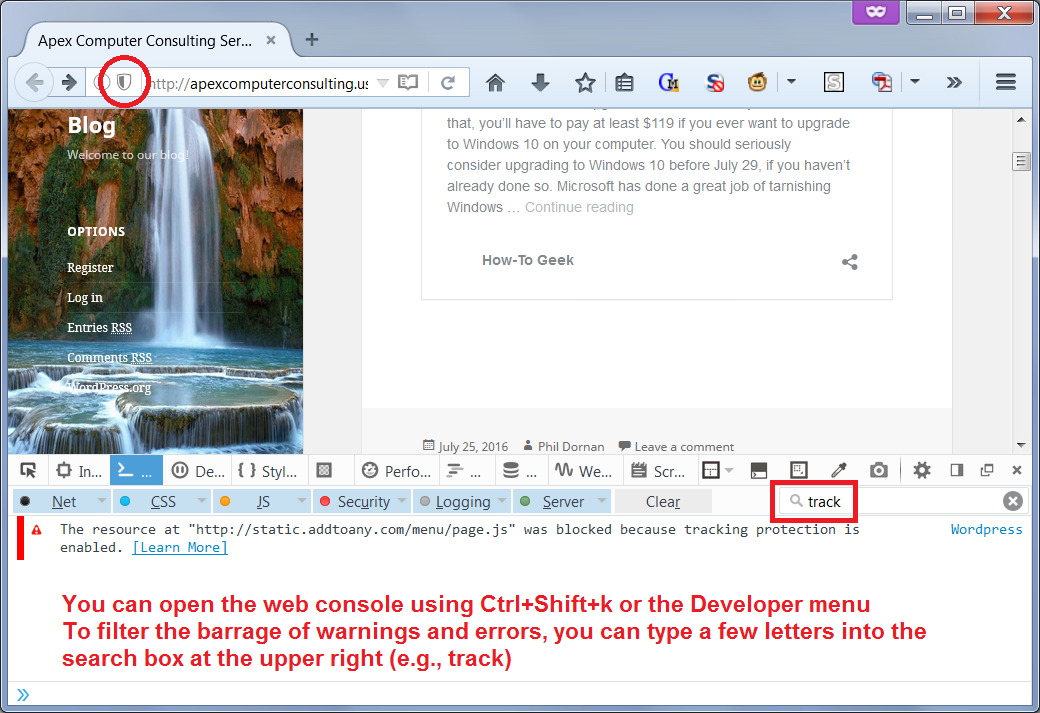
Did you view your blog in a private window? Firefox's Tracking Protection feature is enabled by default in private windows, and appears to block the script injected by the Add-to-Any plugin. See the attached screen shot.
More info on this feature: What happened to Tracking Protection?
Welp, that did it! Now there's a catch-22 eh? Tracking or not tracking. Thanks a bunch! Especially for the quick response!
Phil