


Prevent Firefox from attempting to restore tabs on Crash?

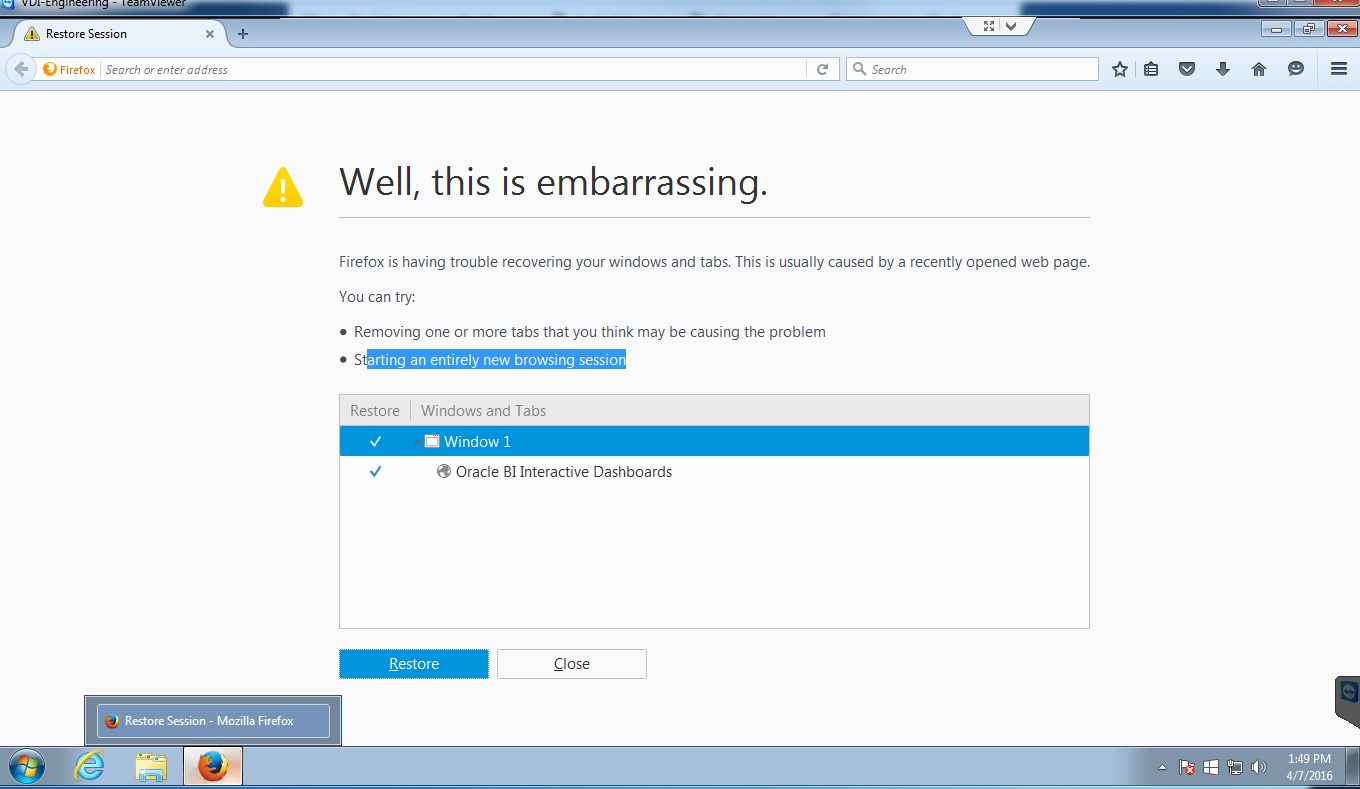
We have VDI devices which run Firefox on startup. They open to a specific home page for a company and display statistics. Recently, upon restarting, the VDI will open to the, "Well this is embarrasing" Page instead of the home page. I want firefox, no matter what, to open up to the specific homepage I have set for it. Anyone can help? Thanks. -Mitch
All Replies (6)
Here is what it looks like.

Chosen Solution
Type about:config<enter> in the address bar. If a warning screen comes up, press the Be Careful button. At the top of the screen is a search bar.
Type browser.sessionstore.resume_from_crash and set this to False.
Thanks, will check in the morning once they restart.
You can set browser.sessionstore.max_resumed_crashes to 0 on the about:config page to get the about:sessionrestore page immediately with the first start after a crash has occurred or the Task Manager was used to close Firefox.
You can open the about:config page via the location/address bar. You can accept the warning and click "I'll be careful" to continue.
Thanks again! Setting it to false fixed the issue.
Glad to help. Safe Surfing.