

This thread was archived.
Please ask a new question if you need help.

Archived
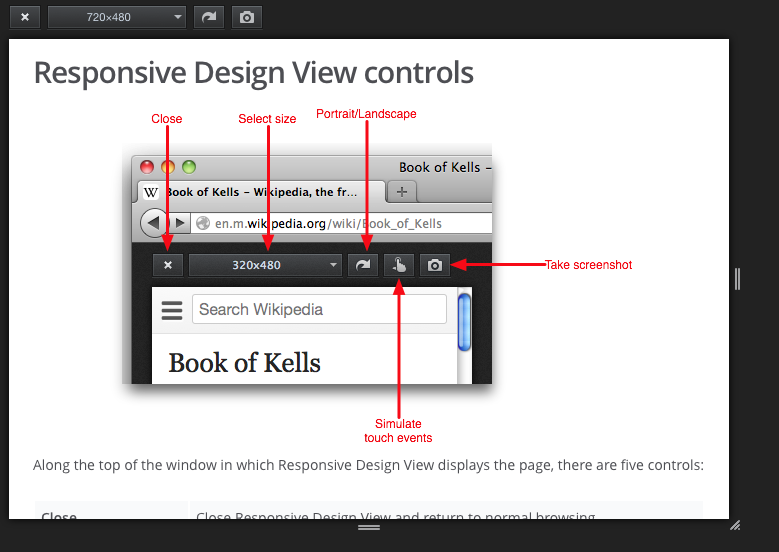
Why is the "Simulate touch events" button missing in Responsive Design View?

The Simulate touch events button doesn't show up as illustrated on the Responsive Design View page (https://developer.mozilla.org/en-US/docs/Tools/Responsive_Design_View).
Also: is there a way to disable hovering (:hover) effect when simulating touch devices?
The Simulate touch events button doesn't show up as illustrated on the Responsive Design View page (https://developer.mozilla.org/en-US/docs/Tools/Responsive_Design_View).
Also: is there a way to disable hovering (:hover) effect when simulating touch devices?
All Replies (3)
Here is a screenshot
Do you have e10s (multi-process) enabled?
- about:preferences#general: Enable multi-process Firefox Developer Edition
Multi-process was enabled. I disabled it and the touch simulation came back. Now I've enabled it again and the touch simulation stays in place. The only thing I found quite useless is that touch simulation does not prevent rollover effects —wich should be the case on a touch device, shouldn't it?
Thanks cor-el