


Am I able to sync Thunderbird with my gmail. So if I delete an email from Thunderbird, it deletes off ALL devices (Gmail website, phone, etc.)

My Gmail does have IMAP enabled automatically, and I followed the steps presented by one of the help topics, although it's not working. What am I doing wrong? I really want to be able to sync everything as it'll be so much more convenient.
Chosen solution
"POP server" . There you go. Make sure IMAP is enabled on this account on the Gmail settings web page. Set up the account in Thunderbird again but this time select IMAP.
When you have this second account up and running in Thunderbird, you can move messages that you want to keep fro the POP account to the IMAP account, then delete the POP account.
Read this answer in context 👍 1All Replies (8)
That's how IMAP works; you see all of your emails on all of your devices, because the messages are all stored on the server and that's what all of your devices look at. Well, OK, some phones are smart and selective because you probably don't want to fill up a phone with your complete email history. My Blackberry allows me to delete messages on the phone without also deleting from the server. So they are doing a slight variation away from pure IMAP.
So, if you want to keep a message, don't delete it. You presumably DO want to keep these messages, or you wouldn't be complaining that they vanish from the phone etc.
Modified by Zenos
This still doesn't answer my question. I want everything to be synced with one another. So, when I delete a message in Thunderbird, it deletes off of all my devices.
And which devices or locations does it not delete from when deleted in Thunderbird?
I read your initial question to mean the opposite of what it now appears you intended.
ALL devices. If I delete it from Thunderbird, it deletes from Thunderbird only, and not the website or gmail app on my phone.
I have never seen that happen with Thunderbird and Gmail with IMAP. Please check the account is set up in Thunderbird to use IMAP:
Tools|Account Settings|{select account}|Server Settings→Server Type
Are you moving messages to other folders in Thunderbird?
Are you looking at the peculiar All Mail folder?
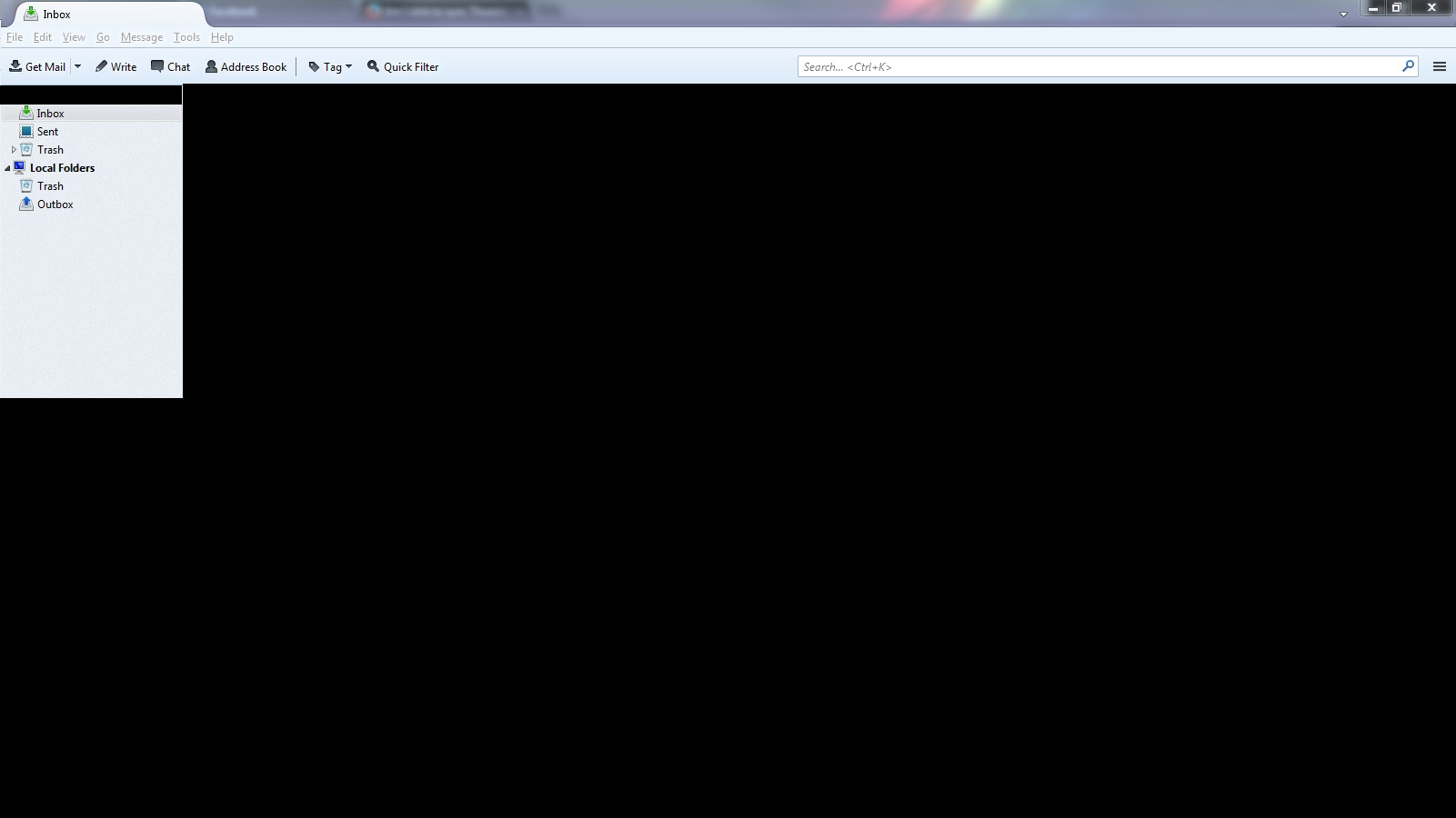
The server type says it's a POP Mail Server. No I am not moving any messages to any folders and it's not called the 'All mail folder' it's just titled 'Inbox'. I'll provide a screenshot to maybe help you.
Chosen Solution
"POP server" . There you go. Make sure IMAP is enabled on this account on the Gmail settings web page. Set up the account in Thunderbird again but this time select IMAP.
When you have this second account up and running in Thunderbird, you can move messages that you want to keep fro the POP account to the IMAP account, then delete the POP account.
You're a bloody legend, mate!! So, I had IMAP enabled the entire time, but was using POP3 on the Thunderbird thing. Thanks a heap! It's all synced across all my devices. <3 Love you!