Firefox v5 suddenly has corrupted web images

All images from the websites have small squares repeated over them - I have a screen grab if you need it. When I start in safe mode then it's fine but when I close and restart normally the squares are still there.
All Replies (4)
Try to disable hardware acceleration.
- Tools > Options > Advanced > General > Browsing: "Use hardware acceleration when available"
If disabling hardware acceleration works then check if there is an update available for your graphics display driver.
Thanks, it worked, I think now it was an automatic graphics update from ATI that was the culprit
You're welcome
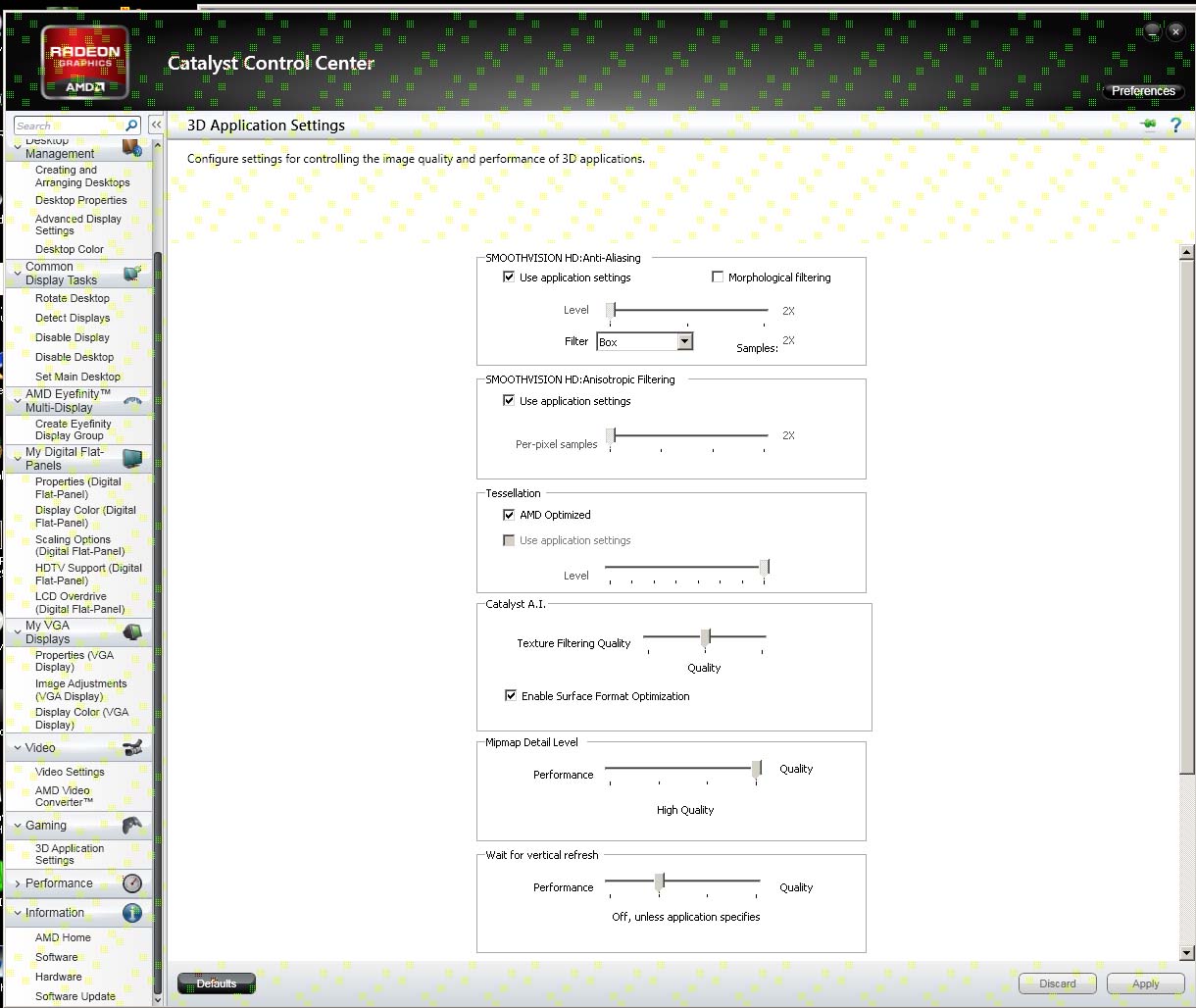
Try to disable "Morphological Filtering" in the Catalyst display driver:
- Catalyst Control Center > 3D Settings > Disable Morphological Filtering
The Morphological Filtering is already disabled - I did notice though that the Catalyst Control Center window has the same image corruption as before (little green squares at the top) as in my attachment but Firefox is back to normal after disabling hardware acceleration.