

This thread was archived.
Please ask a new question if you need help.

Archived
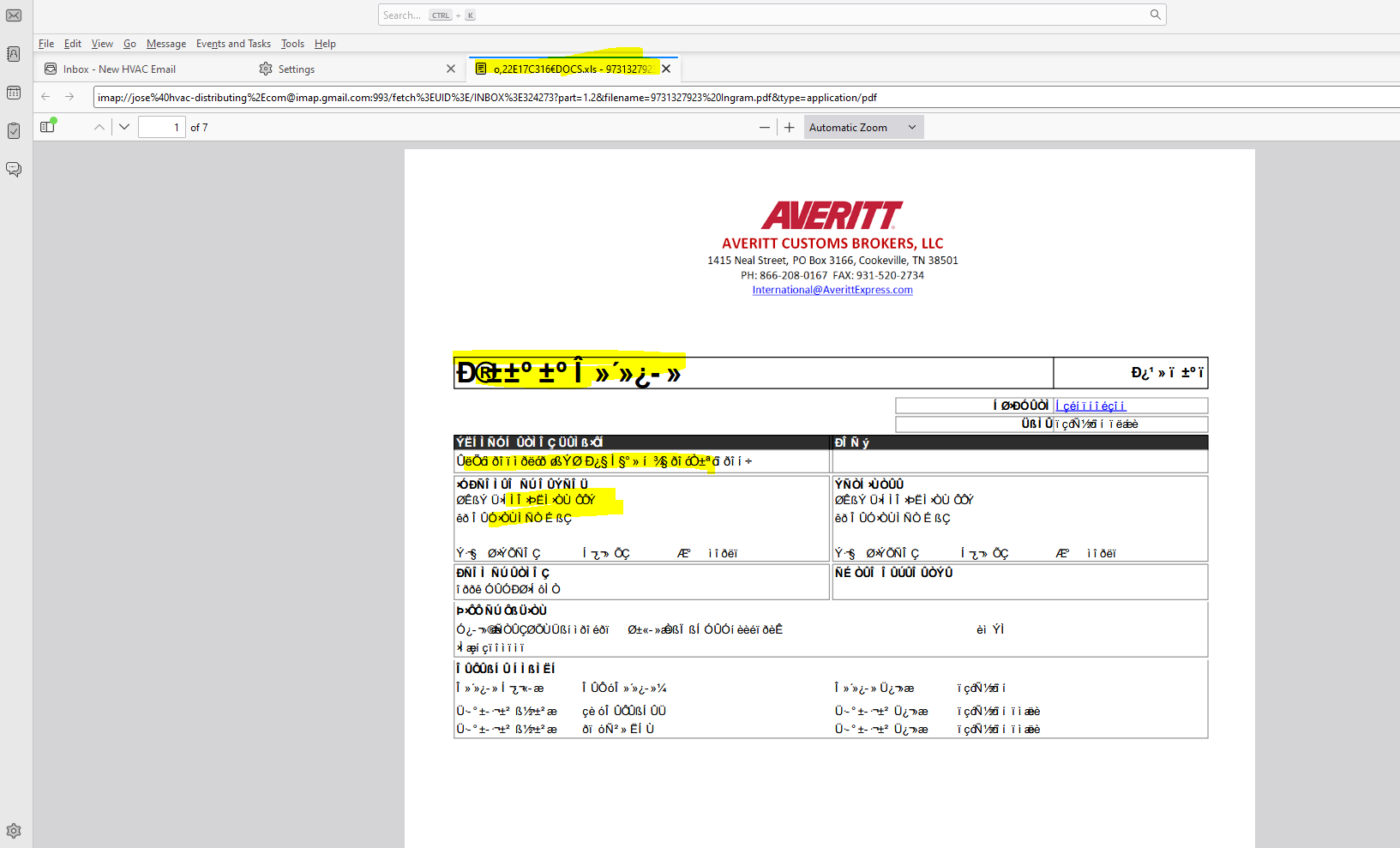
When opening attachments they are not readable

Please see the attached picture when I try to open the attachment with in Thunderbird, it just started happening about 4 days a go. It was working just fine. Not sure what happened. Please help.
Please see the attached picture when I try to open the attachment with in Thunderbird, it just started happening about 4 days a go. It was working just fine. Not sure what happened. Please help.
All Replies (3)
The attachment is showing as both and XLS file and a PDF.
My "guess" is the actual email has issues. Do you have other emails that actually work and it is only these malformed ones that have issues?
There was an update on thunderbird and it started happening after that update was installed. I never had an issues before that.
Jose Pineda said
There was an update on Thunderbird and it started happening after that update was installed. I never had an issues before that.
Unfortunately that adds nothing to the discussion.
Perhaps you could do the following?
- Open the email and your the Ctrl+U keys to show the source.
- Use the menu to copy the email source.
- Go to https://pastebin.mozilla.org/, paste the clipboard by right clicking in the large text area, select paste from the menu, change the retention period to expire in 28 days, use the Paste Snippet button to create a page containing your info, then copy the resulting URL (address) of the page created.
- Open a reply to this post, and paste the URL to your troubleshooting information you just copied.
- Please also provide results for the following test on your system
- Does Thunderbird work as expected in Thunderbird troubleshooting mode?
- Does Thunderbird work as expected with your OS started in safe mode with Networking. Instructions for each operating system: Windows 10/11, Windows 8, Windows 7, OSX