I am trying to install Thunderbird (the EN-GB) version on Linux using APT

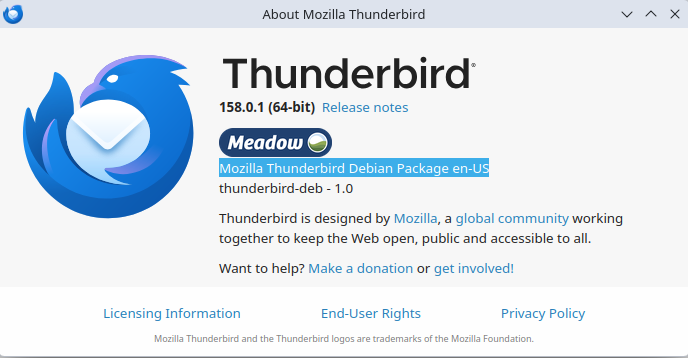
Trying to install Thunderbird (the EN-GB) version on Linux using apt. I have found the package to install using the help and used apt-get install thunderbird-l10n-en-gb This command also pulls as a requisite the base thunderbird (the "en-US"/default version) which may or may not be reasonable? When I go into thunderbird help after the install finishes the "about" still shows "Mozilla Thunderbird Debian Package en-US" I know the difference is only subtle (small spellings etc) but I would like to have some confidence in what I am actually running, Is this a bug or was it just never checked? I have attached the help about image below.

Chosen Solution
thunderbird-l10n-en-gb is a just language pack, not a full install.
The Thunderbird language installed by Debian matches your Debian language.
In Thunderbirds App Menu > Settings > Language you can check and change the language used by Thunderbird.
Quick check: en-gb renames the Trash folder to Deleted.
All Replies (4)

I'd suggest you ask in a Debian support forum.
Well maybe but I am hoping that the people who create thunderbird would have a better idea of what SHOULD be installed whereas those making a package will know "what will be" installed. The install instructions come from Mozilla, the code is written by Mozilla, I think they know, and my system lists both packages en-US and en-GB as being installed.
Chosen Solution
thunderbird-l10n-en-gb is a just language pack, not a full install.
The Thunderbird language installed by Debian matches your Debian language.
In Thunderbirds App Menu > Settings > Language you can check and change the language used by Thunderbird.
Quick check: en-gb renames the Trash folder to Deleted.
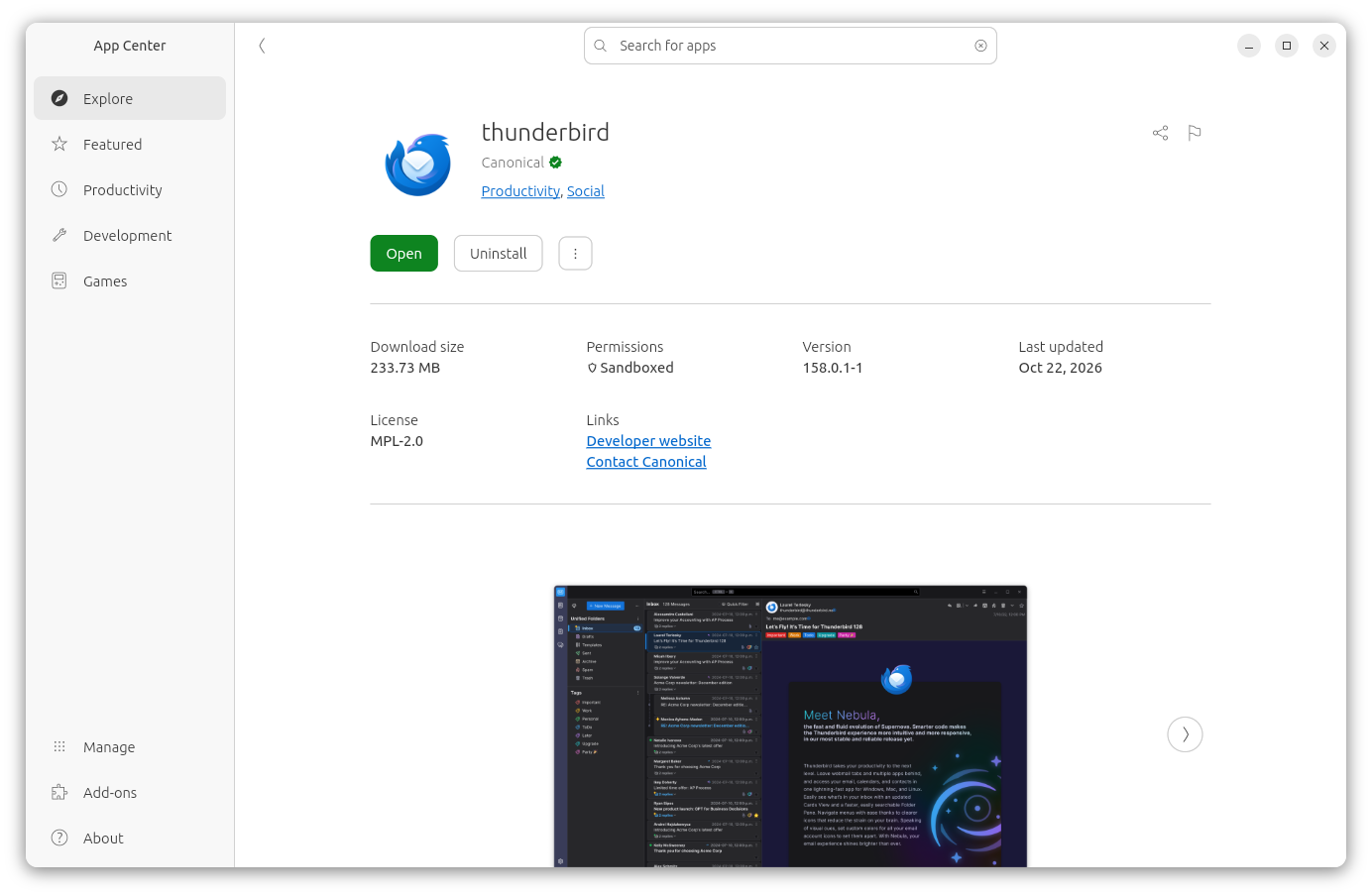
You should remove "thunderbird-l10n-en-gb" and install TB from the App Center (or equivalent). Please see screenshot from a Ubuntu system.