Firefox is blocking access to websites I routinely visit

Tell me how I am supposed to access websites that Firefox is now blocking.
All Replies (3)
Firefox is usually not blocking any sites, unless they've been compromised and blocklisted globally — do you have an example what you're trying to open and what happens (incl. any particular error screens or codes)?
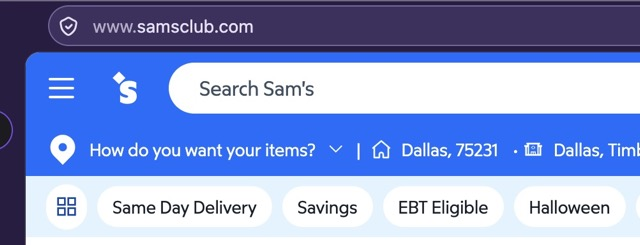
samsclub.com is one. It started after the latest update from Mozilla. I was able to get in using Microsoft Edge, which I hate using, but I guess that is where I need to go since Firefox is being terribly unwelcoming. Reminds me of Microsoft's exceedingly frequent updates that they release without thoroughly testing.
And you're sure it's not the other way around — that the site (or their security/networking vendor) has blocked your connection for whatever reason?
Your troubleshooter log shows something like Norton/Avast/AVG is decrypting your traffic so if you're getting broken connections, check with their support why is that — and if they're blocking something on their side.