firefox 154 search bar

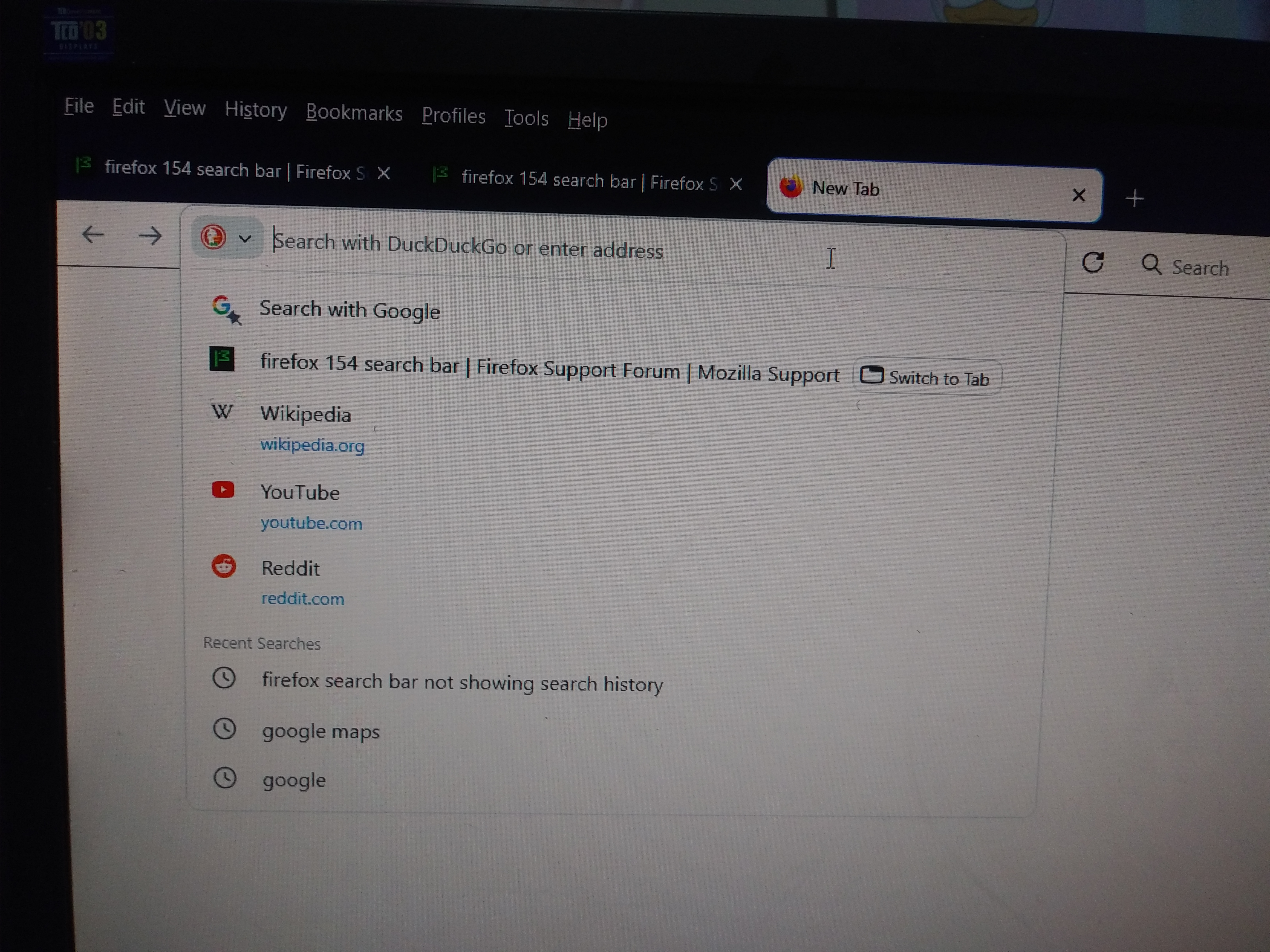
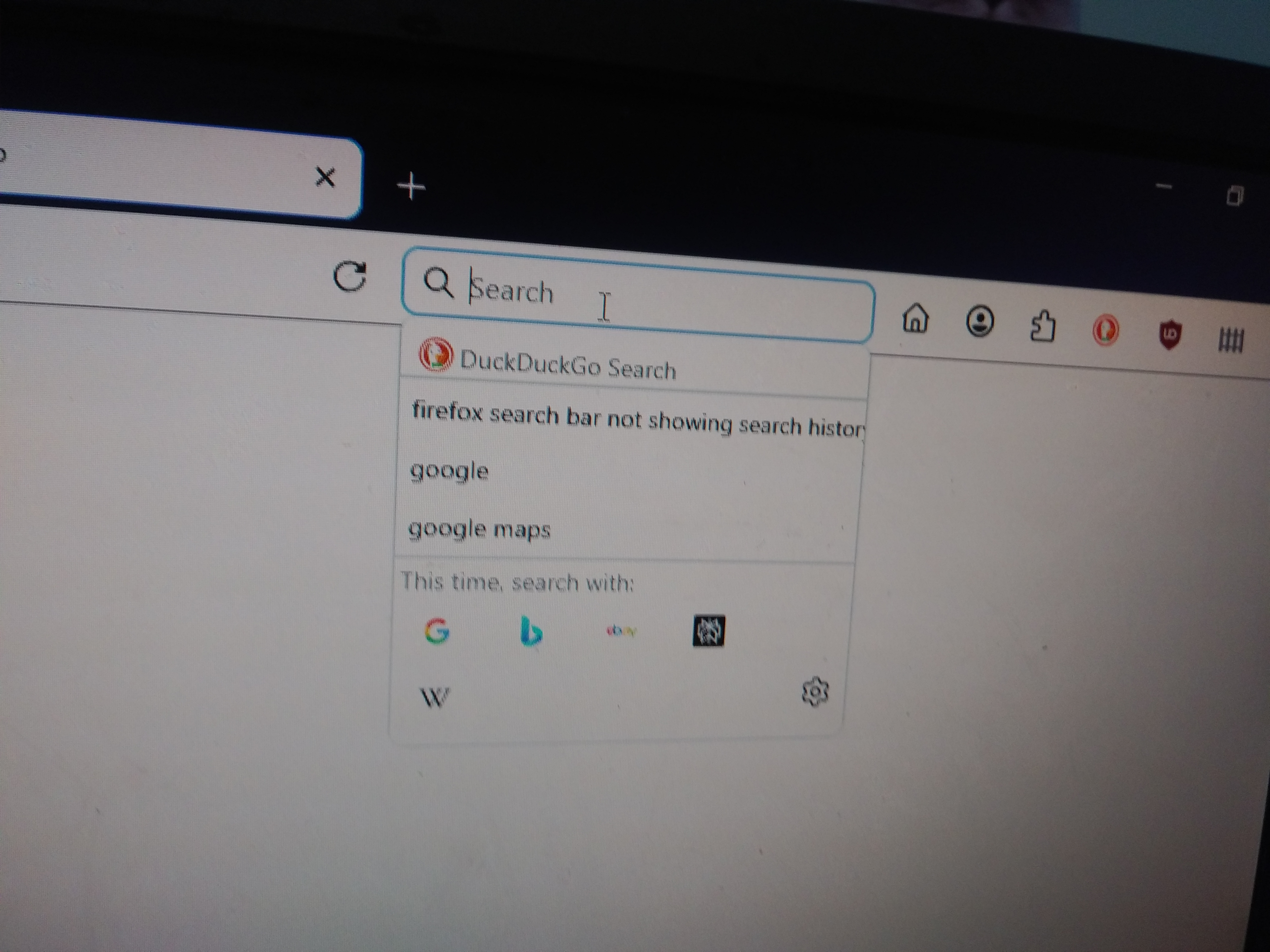
I use the setting brower.search.widget.new = false to customize my search bar. Since the latest update of Firefox (Firefox 154), I noticed that spacing between search results is larger and I don't like it as much. I am hoping to revert to the previous version where the spacing is more tight and easier to navigate. The first pic is Firefox 154 and the second is a previous version (147).
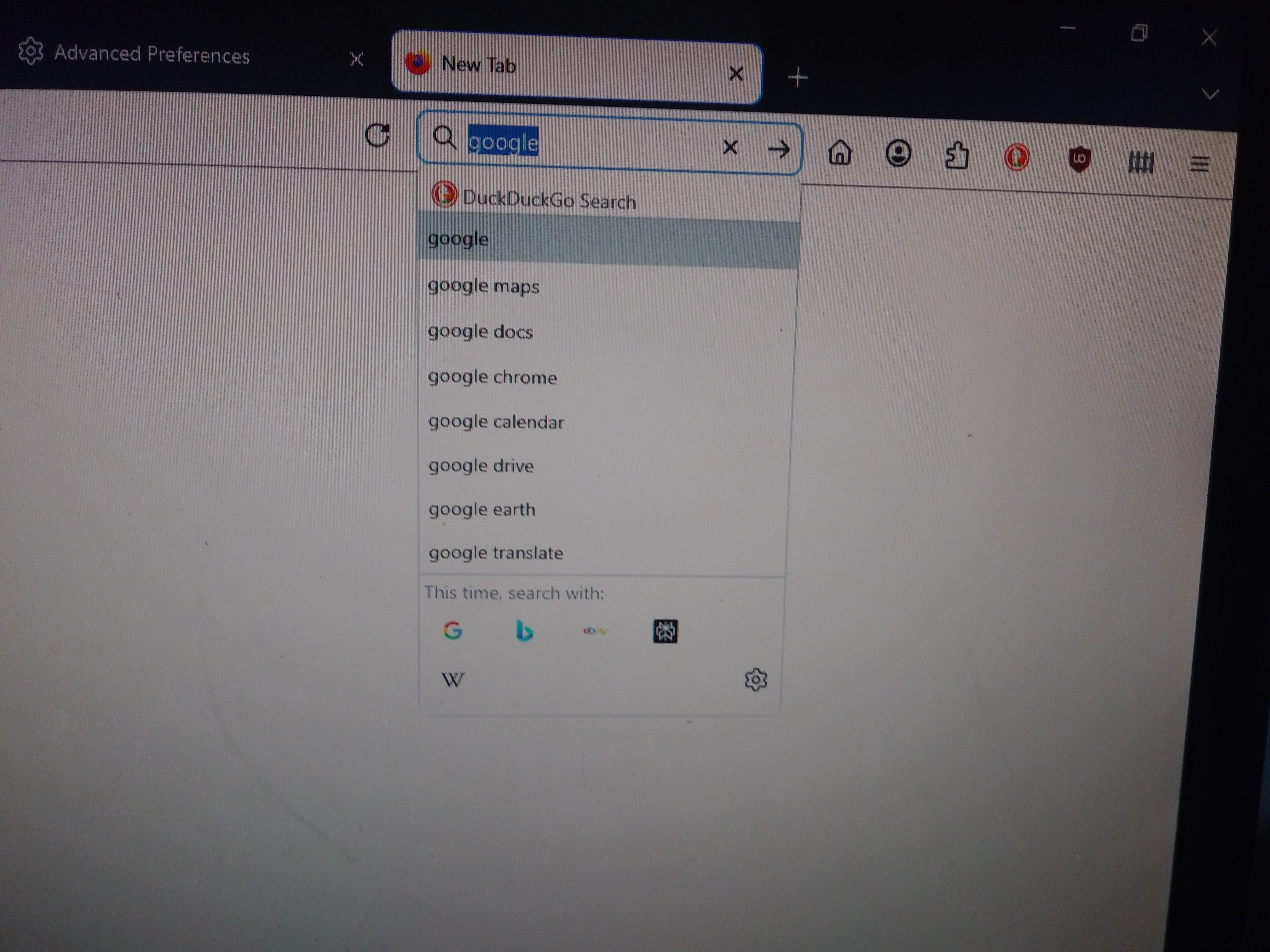

All Replies (6)
Hello
Just to see https://support.mozilla.org/en-US/questions/1588124
For illustration https://www.youtube.com/watch?v=8Nl0n9KePCU
I did that (browser.search.widget.new = false) but there is still more vertical spacing between search results in the search bar. The older versions have less space between search result which is what I'm used to more.
A native search bar is coming to the New Tab page (and it's already available in Nightly). In case you don't find a way to fix your issue, you may consider switching to it.
Hello
Is it, about, searches entered in the Firefox Home search field.


Agent virtuel said
Hello Is it, about, searches entered in the Firefox Home search field.
That's what I've been referring to (but the original question is about the deprecated search bar).
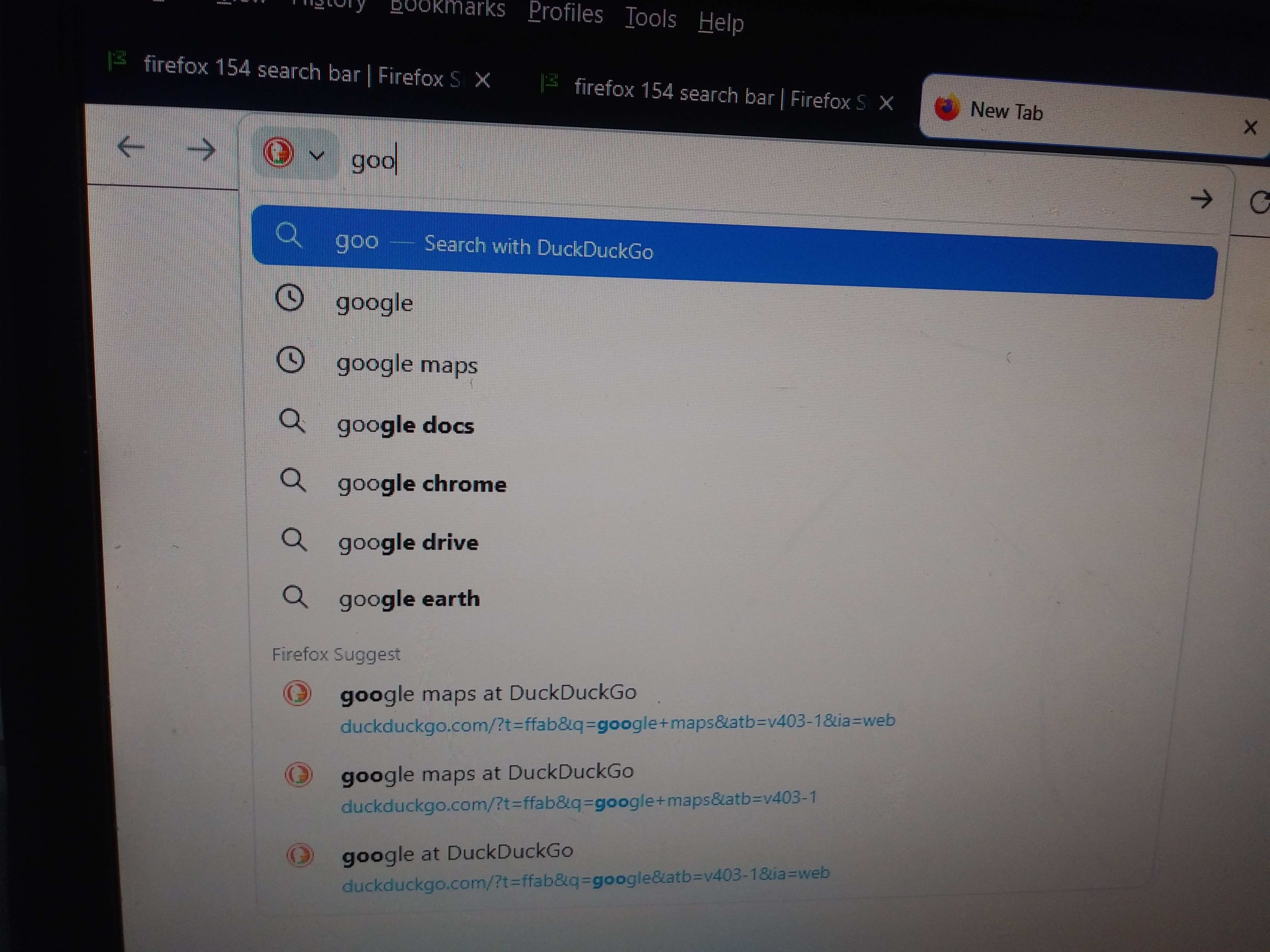
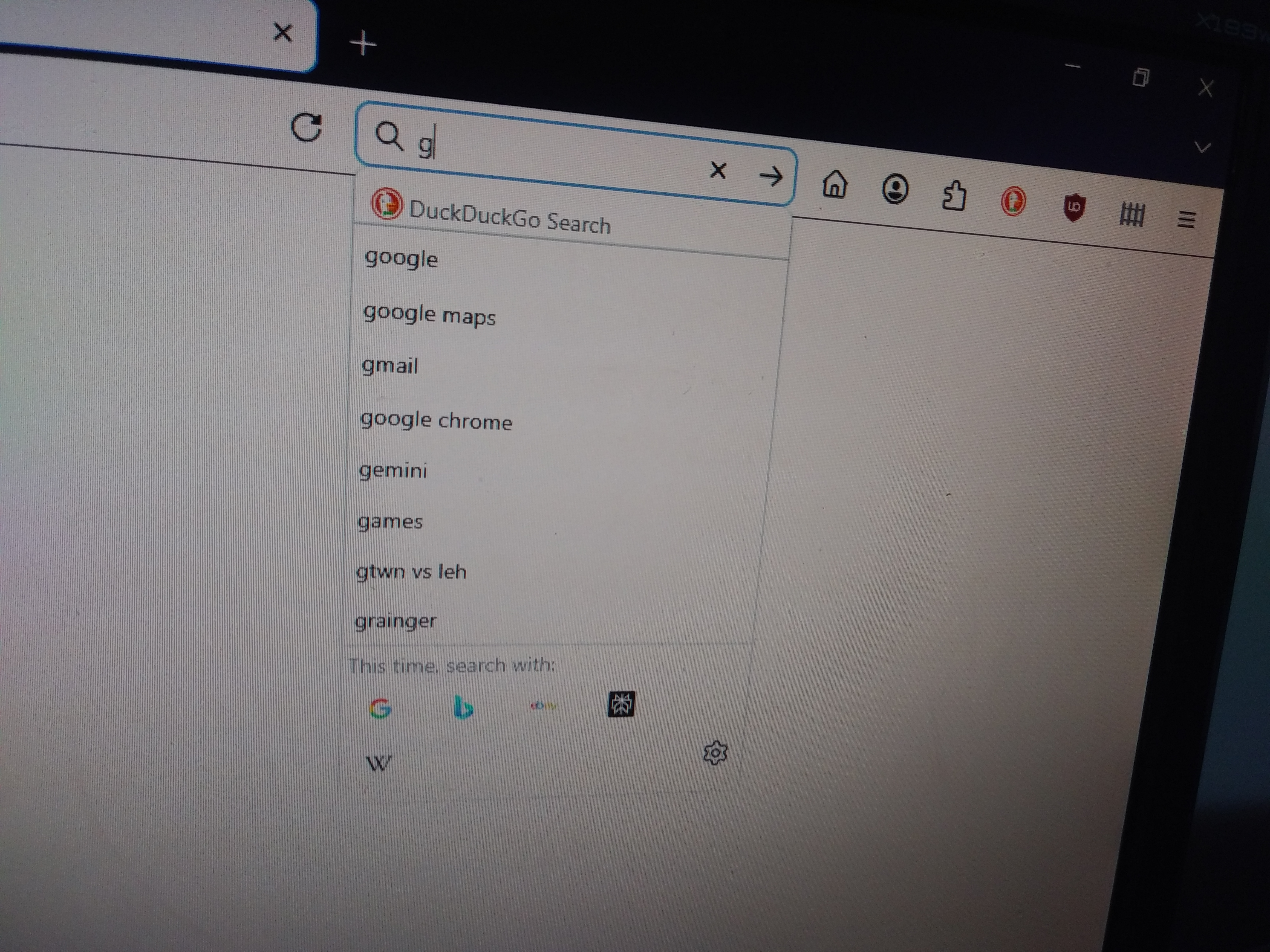
I have another question about the search bar. In previous versions, I am able to see some of my search history without needing to press the down arrow key when I click on a blank search bar. For example, let's say I initially searched for Google. If I then went back to the search bar and wanted to search for Google Maps, once I started typing the first few letters of Google on the search bar, it will tell me that I also previously searched for Google. With the new update, I can only do this in the address bar but not the search bar. I know the obvious answer is to start searching using the address bar, but is there a way to do the same from the search bar? (prior to sending this question I searched for Google and Google Maps just to let it show up in the recent search history)