


Open
how to split a two column page

I have a document that allows me to extend the page for supporting information. However when I move the up/down bar the original document moves but there is no way to move up/down the supporting page.
I have a document that allows me to extend the page for supporting information. However when I move the up/down bar the original document moves but there is no way to move up/down the supporting page.
All Replies (1)
Hi Karin,
It's so easy to do that with the split view feature.
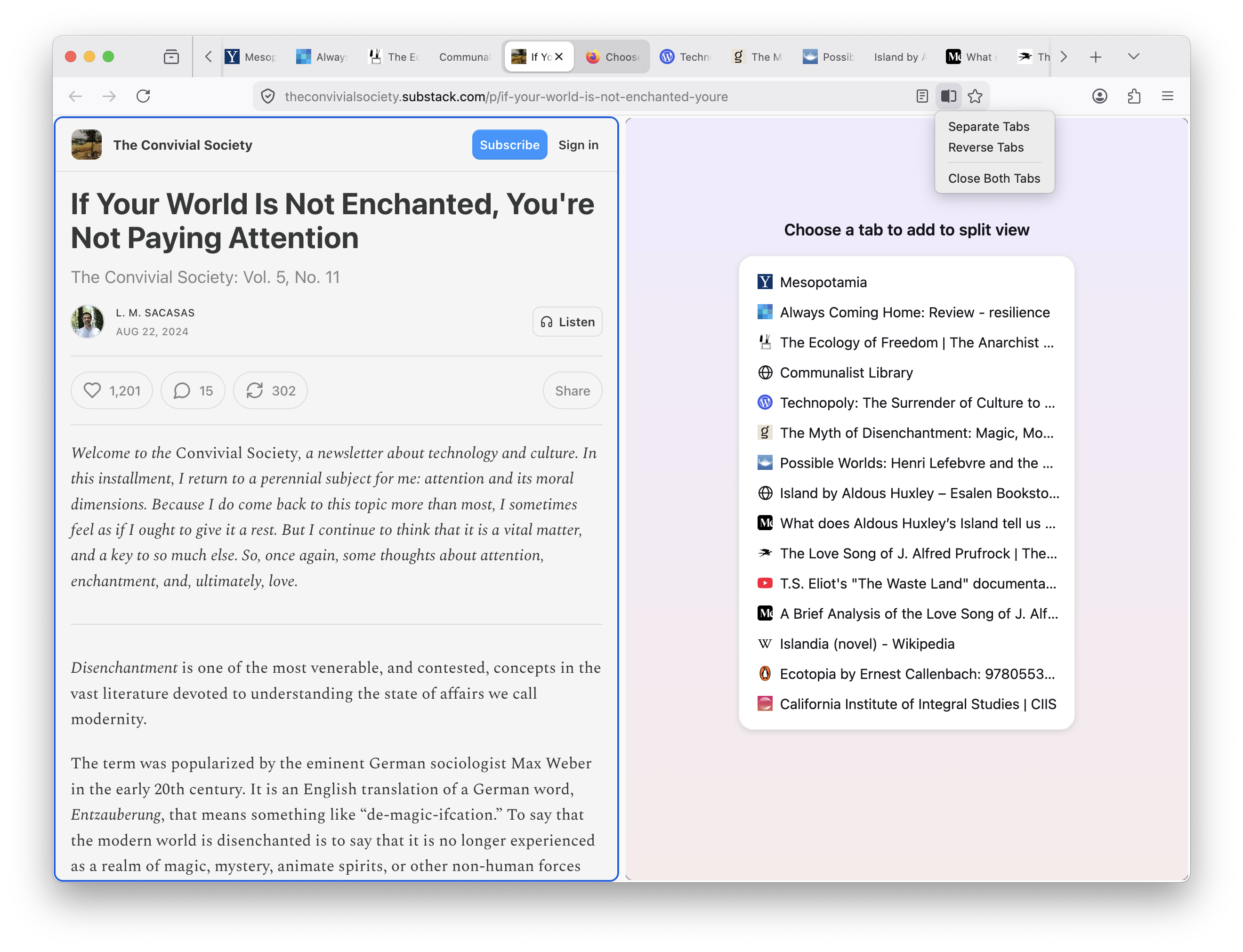
Just right-click on the link to open the context menu, then choose Open Link in Split View. To learn more about this feature, you may want to check out Split View in Firefox.