


remove firefox logo from home page

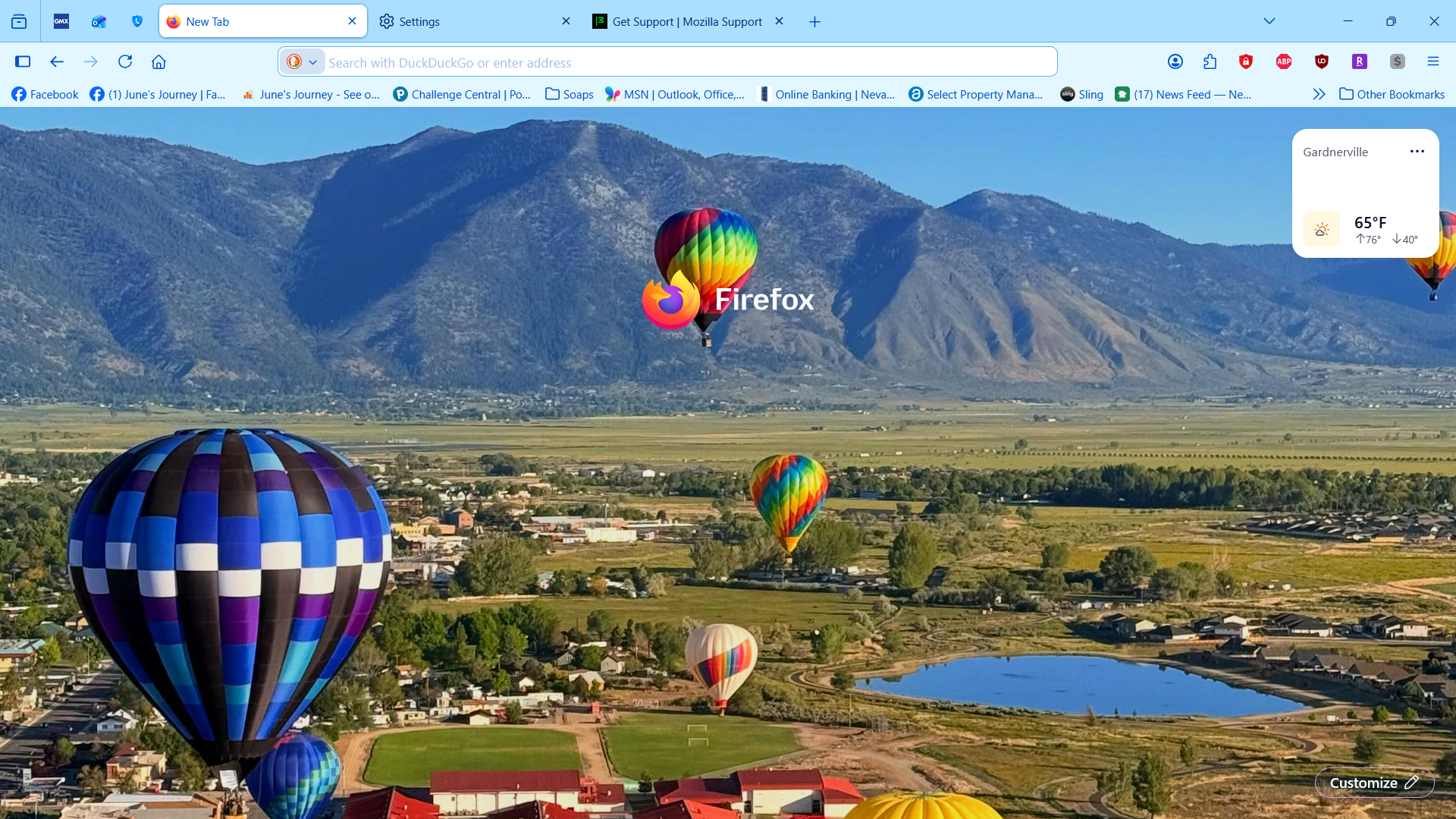
Since new update the firefox logo is appearing on my home page and new tab pages, how do I remove it? I changed the setting to false and it still does not go away.
Chosen Solution
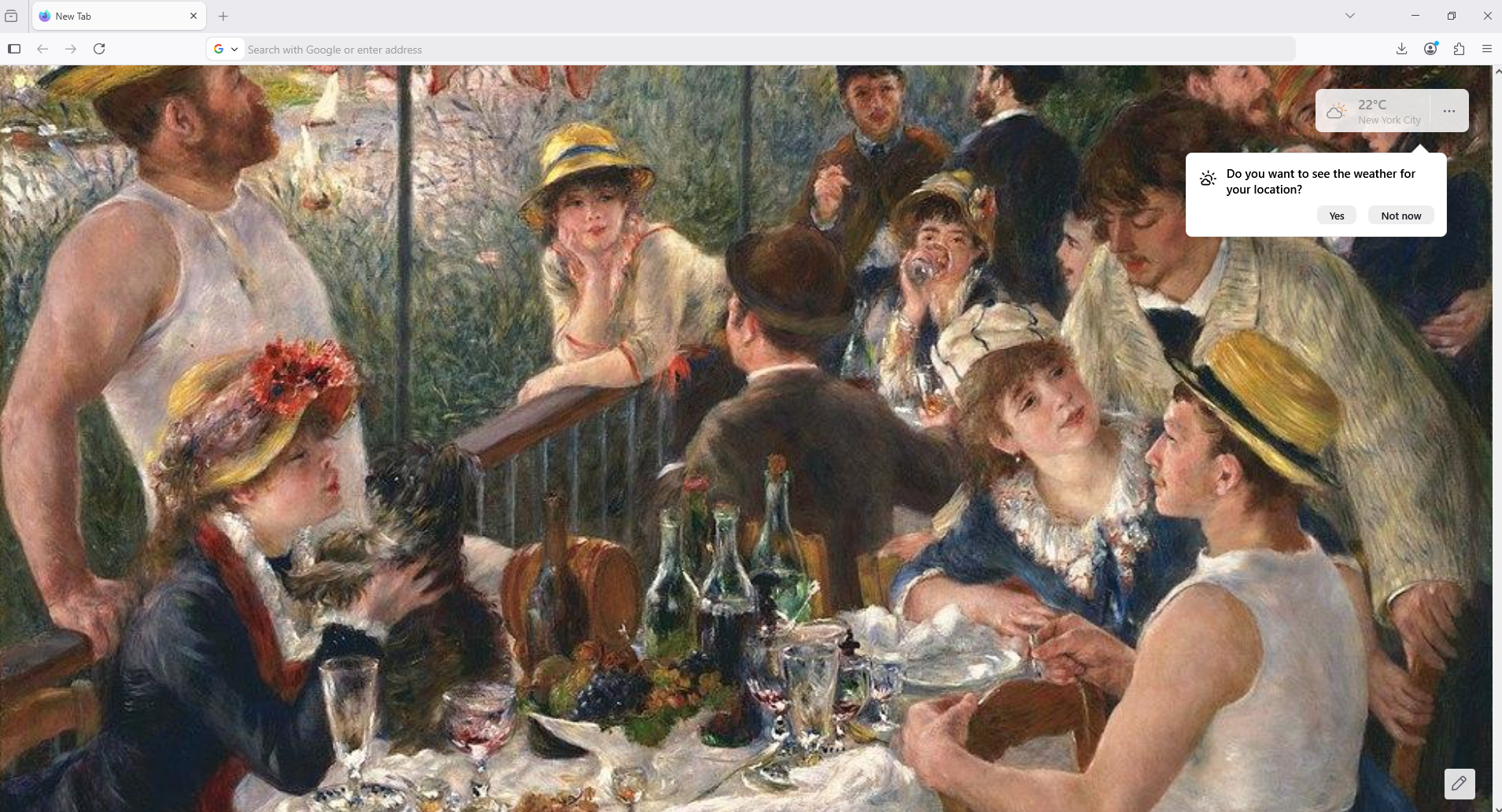
Try, only, browser.newtabpage.activity-stream.nova.enabled
1 - Go to configuration editor https://support.mozilla.org/en-US/kb/about-config-editor-firefox 2 - Enter a search term browser.newtabpage.activity-stream.nova.enabled You can double-click on the preference to set the value to false
All Replies (5)
Hello
A space for users to give product feedback https://support.mozilla.org/en-US/kb/what-mozilla-connect
Solved nothing. I want to remove the firefox logo from my home page, it is in the way of my wallpaper
Of course, userContent.css, this is not the expected answer.
Chosen Solution
Try, only, browser.newtabpage.activity-stream.nova.enabled
1 - Go to configuration editor https://support.mozilla.org/en-US/kb/about-config-editor-firefox 2 - Enter a search term browser.newtabpage.activity-stream.nova.enabled You can double-click on the preference to set the value to false