Thunderbird не подключается к почте Gmail

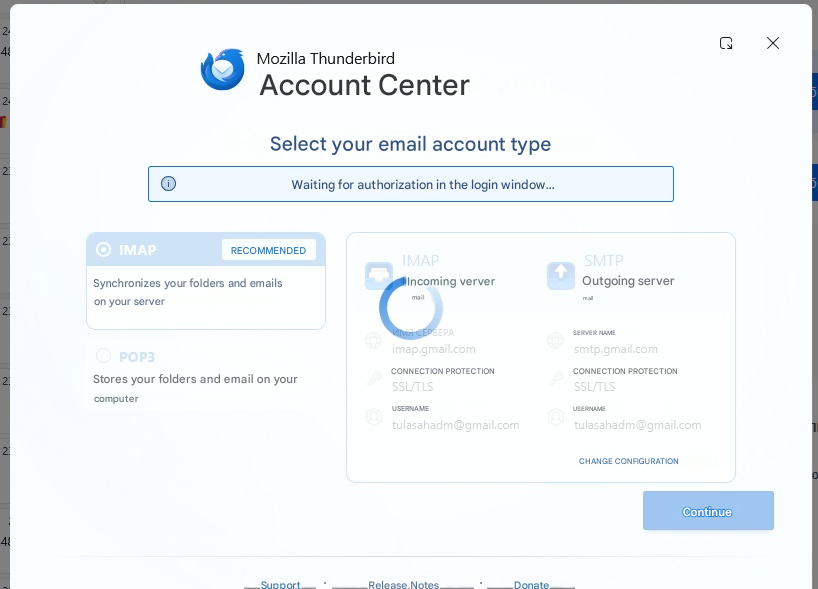
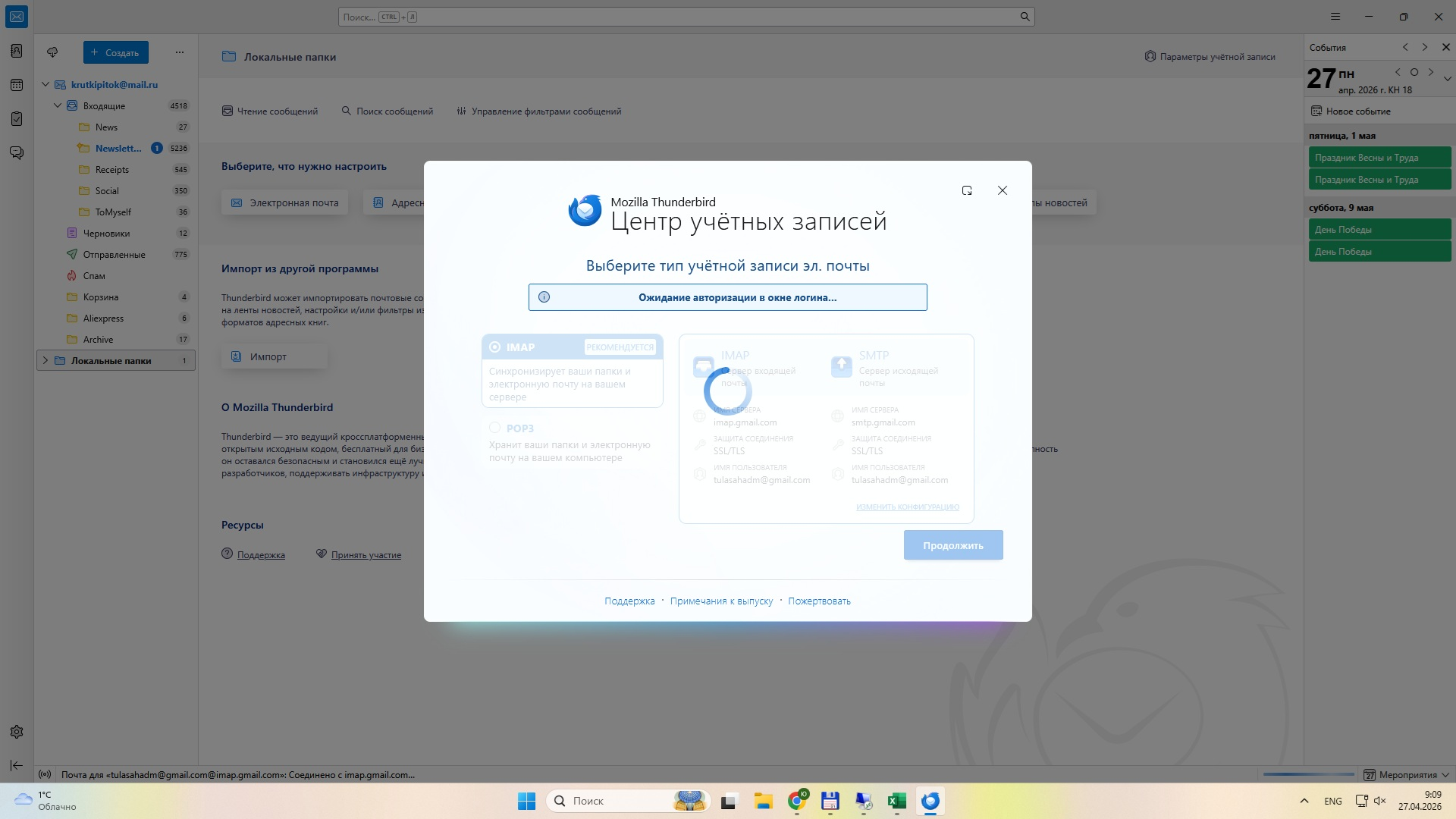
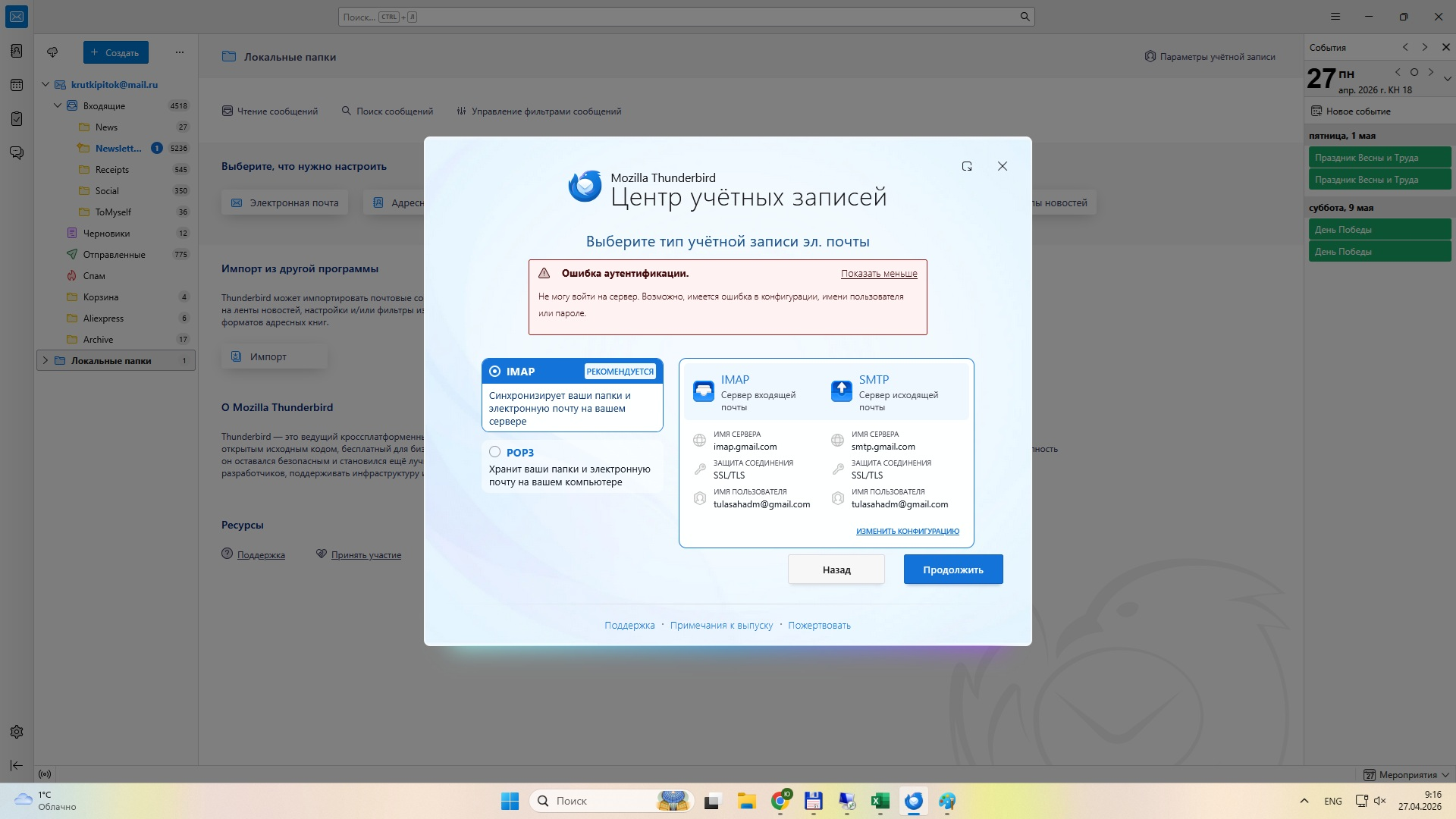
3 дня назад перестали приходить письма - вышла ошибка авторизации. Пароль точно верный (через браузер все работает) и работает Thunderbird на другом ПК. Снес мозиллу, касперского, пробую заново создать почту, не дает, смотрите скриншот 1. Потов выдает ошибку смотрите скриншот 2. Вообще не могу понять что не так! На другом ПК все работает. переносил профиль с другого ПК на свой все тоже самое - ошибка авторизации. Куки разрешены, в исключения gmail.com добавил в Thunderbird Куда копать, что искать?
All Replies (5)

If that error is 'Unable to log in at server. Probably wrong configuration, username or password',
- Make sure cookies are allowed in Thunderbird
- Do not use a VPN while attempting to authenticate your Google account
- Make sure there is no application running on your computer which is blocking local TCP port 80, e.g. a local web server
All the above points were checked and taken into account earlier, but this did not help. The second mailbox on the mail.ru works great in Thunderbird, the problem is with gmail
tulasahadm said
Three days ago, I stopped receiving emails – I got an authentication error. The password is definitely correct (everything works via the browser) and Thunderbird works on another PC. I uninstalled Mozilla and Kaspersky, and tried to set up the email account again, but it won’t let me; see screenshot 1. Then it gives an error – see screenshot 2. I really can’t figure out what’s wrong! Everything works on another PC. I transferred the profile from the other PC to mine, but it’s the same – an authorisation error. Cookies are enabled, and I’ve added gmail.com to the exceptions in Thunderbird. Where should I look, what should I check?
Disable account hub in Settings/General, then see if the account can be added from ≡ - New Account - Email.
didn't help, see screenshots
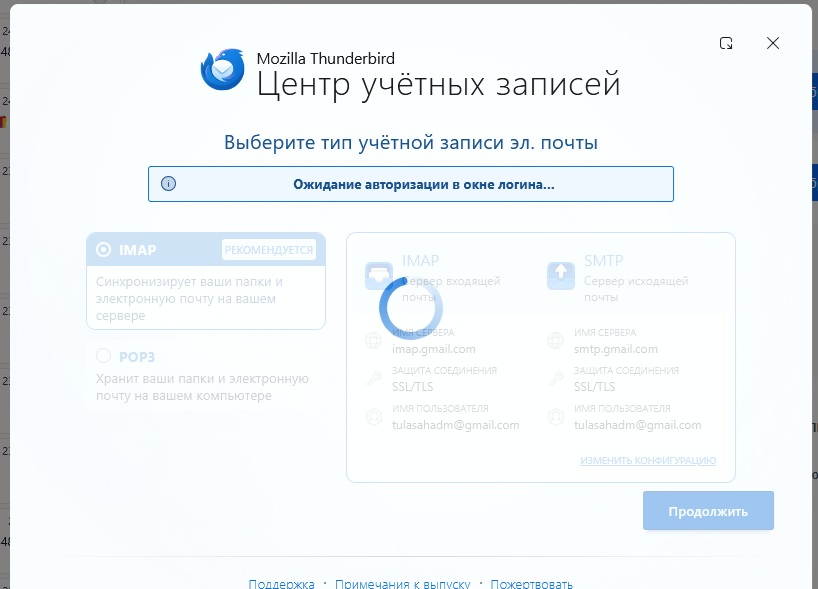
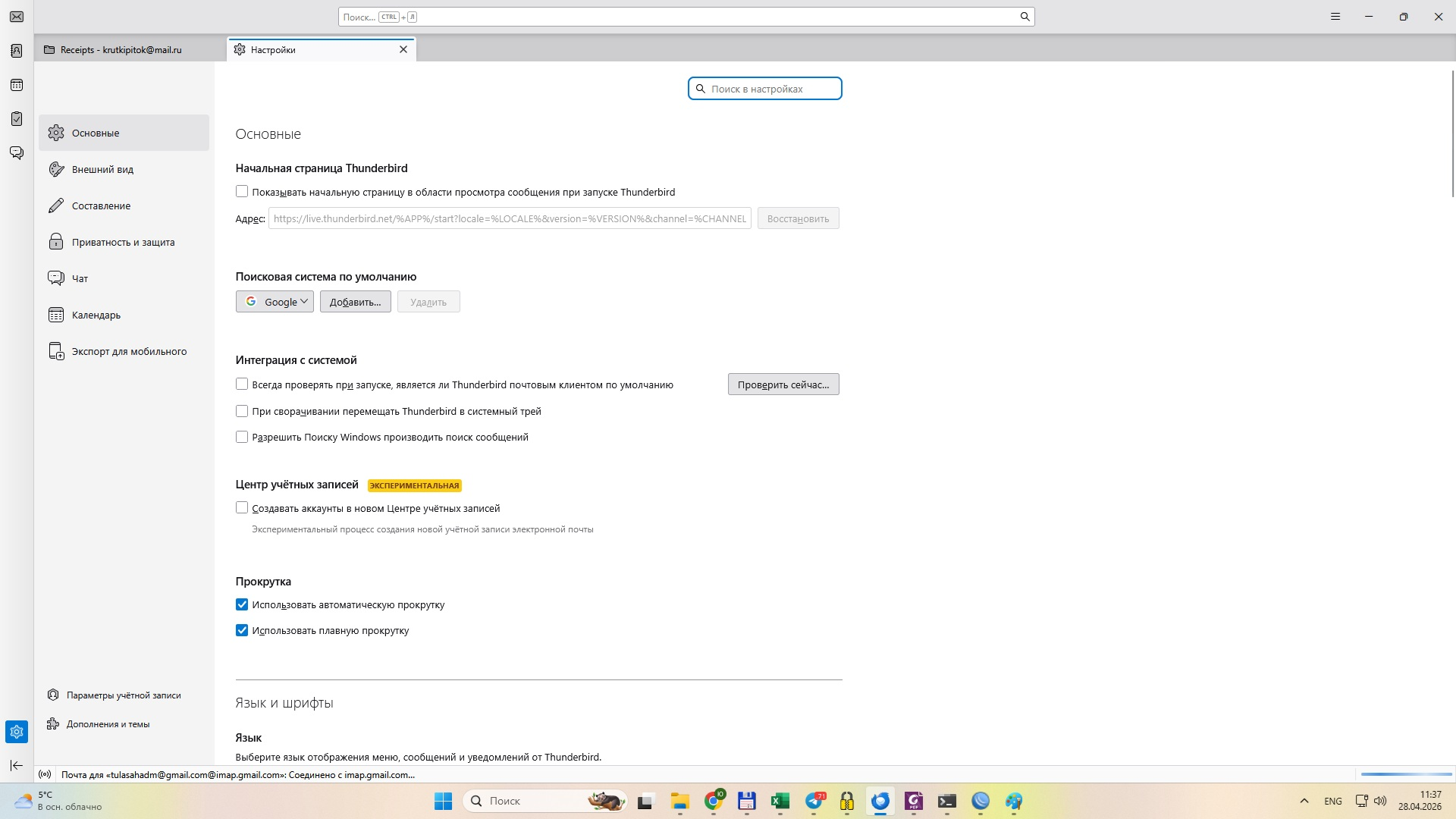
It seems the account hub is invoked in 150 even if it's disabled in settings. I don't get the spinning wheel like your picture (attached in EN), so I don't know exactly what the issue is. Besides disabling the VPN and removing (not disabling) Kaspersky, try with Windows running in safe mode. If that doesn't help, test with a new profile (Help/Troubleshooting Info, about:profiles). The existing profile is not affected.