Firefox does not save all my bookmarks !

Hi,
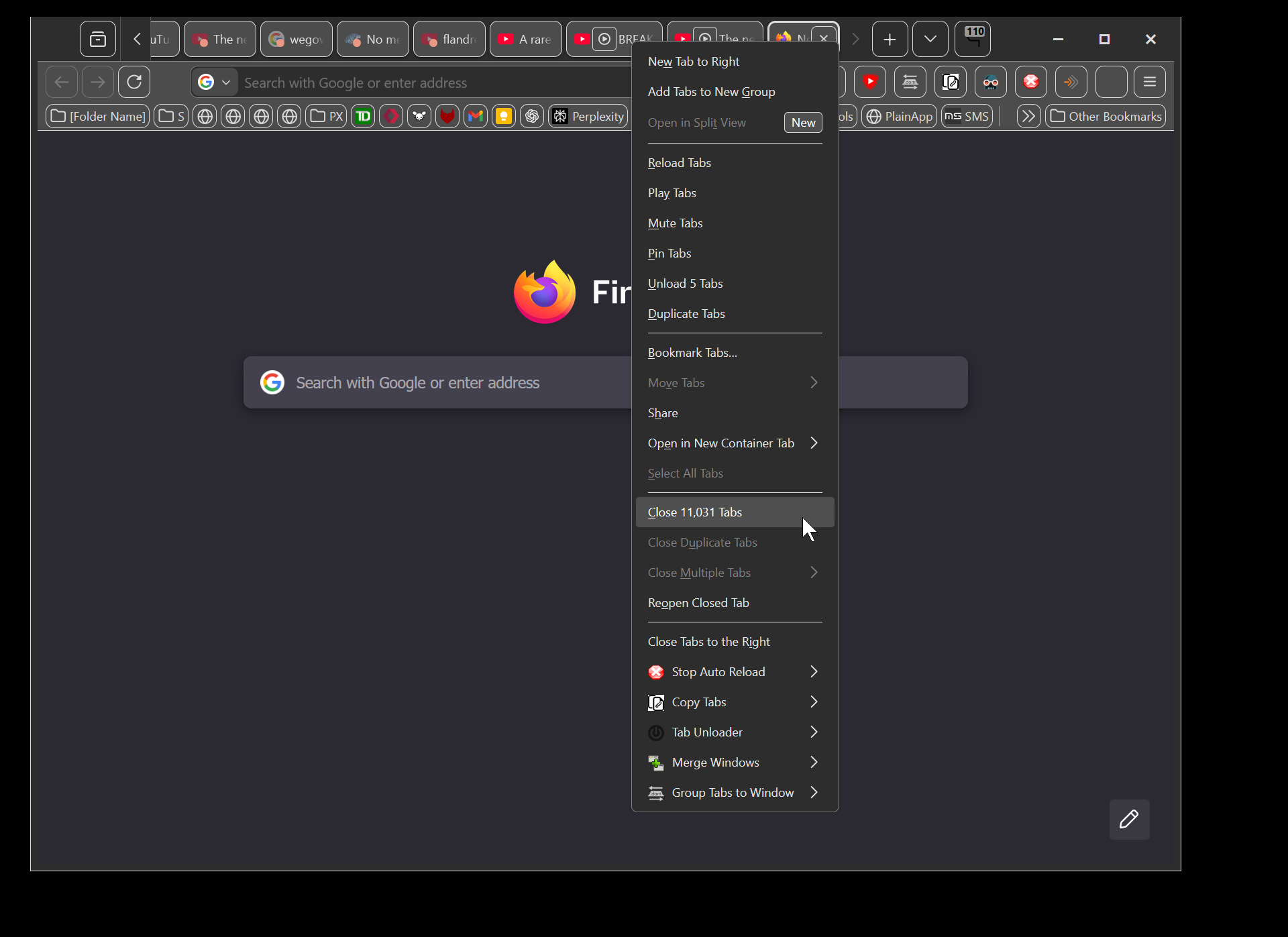
I had 11031 tabs open. I decided to save all of them because my browser was getting slow.
Just running "select all" was taking minutes, and resizing the window was very very sluggish.
So I selected them all
(screenshot 1)
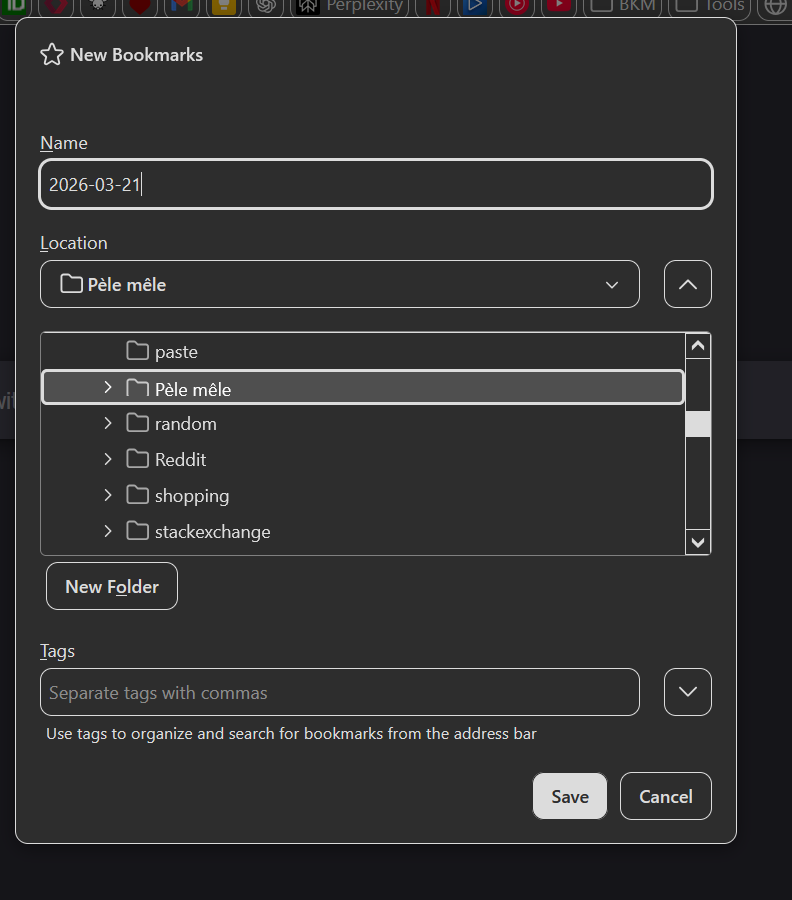
then I added them to a bookmark folder
(screenshot 2)
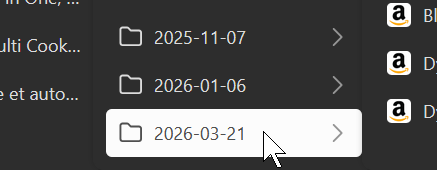
Then I went in the toolbar where that bookmark folder was created, and I middle-clicked on it to open all tabs again.
(screenshot 3)
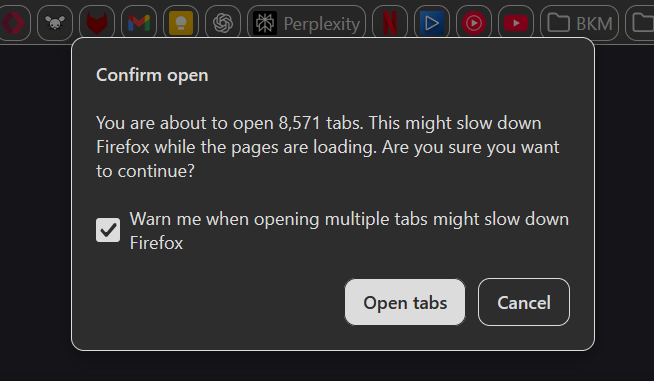
And then the warning "you are about to open X tabs" appears
(screenshot 4)
And the problem is that the number is 8571 not the 11031
Why is firefox losing 2460 of my tabs ?
Also, bookmarking all the tabs, took 4 seconds, while selecting all tabs too minutes. I think the "select all" function could do well to have some optimization as it starts getting slow with as few as 1000 tabs. And