


Error Message on Auto Update of Firefox

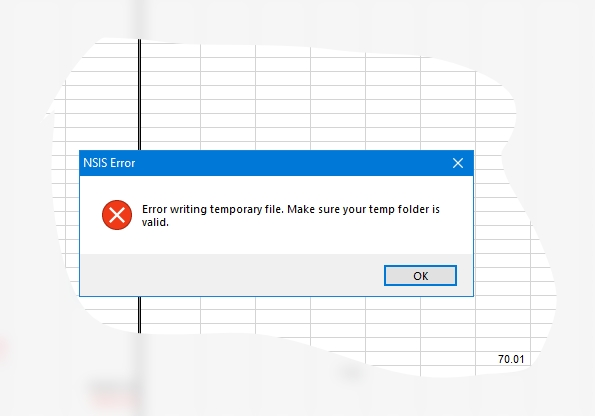
Greetings, Team. When Firefox does an Auto-update while starting, an error message arrives, " NSIS Error:
Error writing temporary file. Make sure your temp folder is valid.
OK " Please, where and what name does this 'temp folder' have?
How may I fix this Error?
Thank y'all in advance. Phil T. ps W10, Chkdsk OK, system appears OK.
All Replies (3)

With all apps closed, navigate to C:\Users\YourUsername\AppData\Local\Temp and erase everything in the folder. Then do the same in C:\Windows\Temp in File Explorer, then press Ctrl + A to select all, and delete. Skip any files that are reported as "in use".
Same error everytime Firefox updates. On Windows 11, haven't found a solution yet. Every suggestion about clearing the temp folders, verifying it's location, setting permissions, nothing works and this error ONLY appears when I start Firefox and there is a pending update being installed. Once the error pops up, I click OK and Firefox works as normal.
I know this is not the solution, but more like masking the symptoms — but in case you use Microsoft Store, you can get Firefox installed from there and updated it by the system if that makes the permissions/access issues go away that way. It has some other specifics though: