


Email with attachment tries to send every day
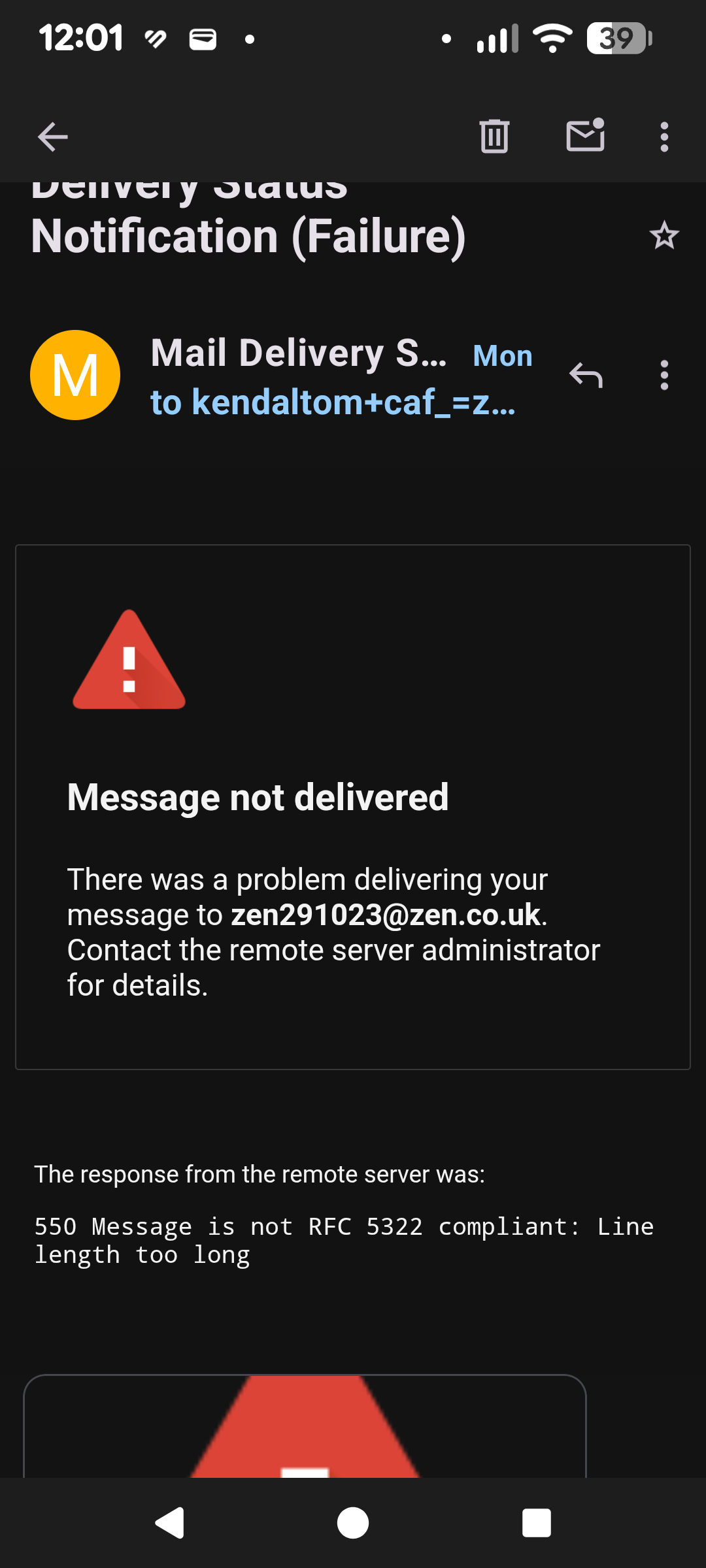
Recently, I tried to send an email with a too large attachment and it gave a too large fail message. However, every day I get this fail message (see screenshot). But there is no message in the Outbox or Drafts. How do I stop these attempts to send the message?
Recently, I tried to send an email with a too large attachment and it gave a too large fail message.
However, every day I get this fail message (see screenshot). But there is no message in the Outbox or Drafts. How do I stop these attempts to send the message?
All Replies (1)

Have you tried logging into your email provider's webmail to check if it's still in the outbox there?
Is your email account a personal one or an office365 corporate/school one? If the later, the IT admin may be able to clear the email from the outbound queue.