


Email List Columns Changing Widths on Thunderbird re-Opening

I'm running Thunderbird 140.5.0esr (32-bit) on Windows 10 Pro Build 19045. After the last few updates the columns in the email listings are changing widths from what I've set them, this seems to happen after I close then reopen Thunderbird; which I'm having to do more often these days to resolve weird calendar malfunctions. For instance, the data column would appear so narrow that only the month/day show with "..." at the end, when I know I've looked at this yesterday with the full view of the date and time showing. I've reviewed my options and I've set them individually, set them globally and it makes no difference. Of course I've rebooted, etc. I have over a hundred local folders and they all change differently, of course some look the same but others don't. Most have the same column headings selected but it doesn't seem to matter. Some have the "Correspondents" column selected but many don't.
This is very irritating and I'd like to know why Thunderbird is doing this, and more importantly, how can I prevent this behavior in the future. Thanks,
All Replies (2)
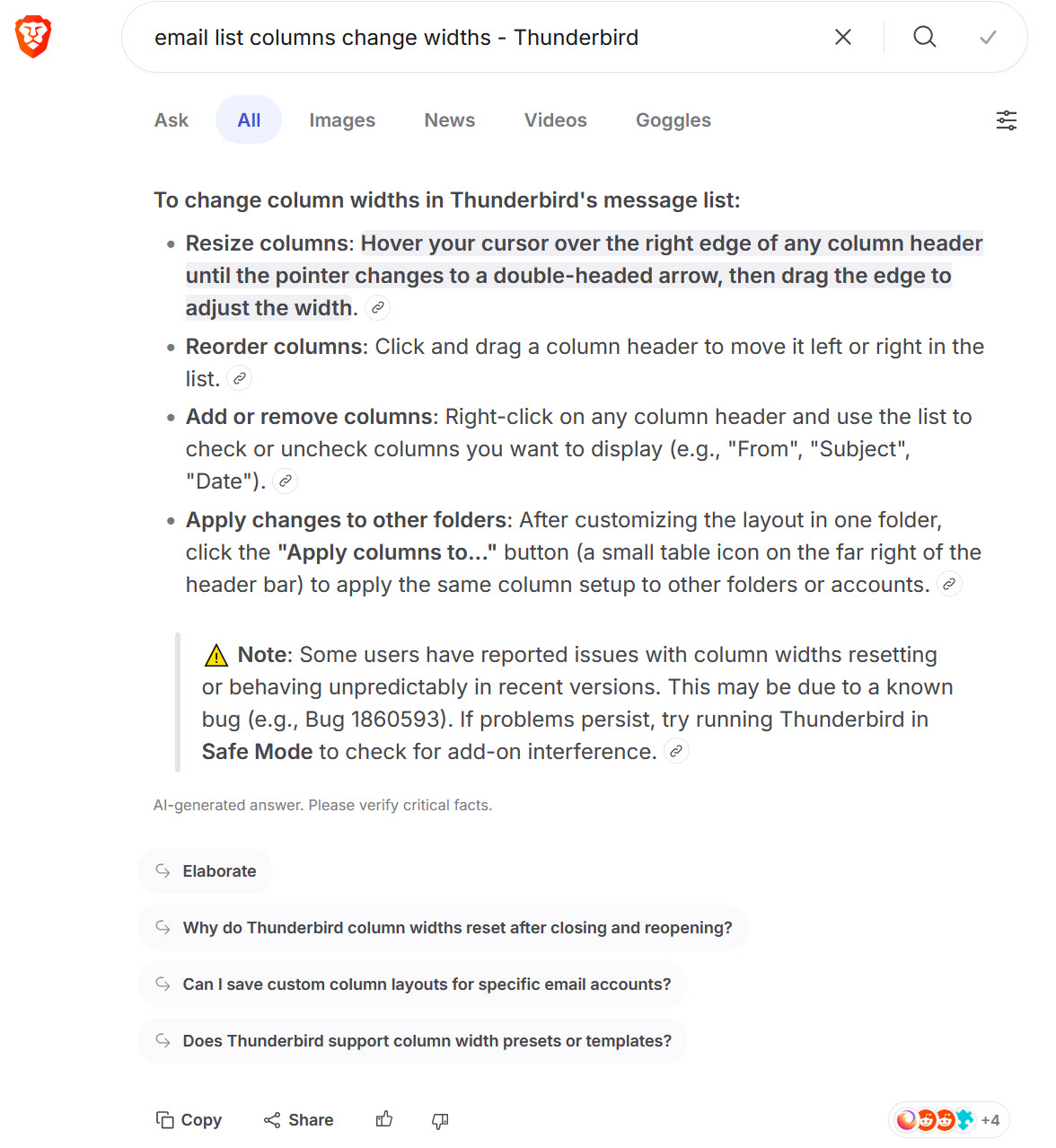
I got the reference from a Brave search AI (see image). Here's the link to bug# 1806893, which is a bit different but still happens...
https://bugzilla.mozilla.org/show_bug.cgi?id=1860593
I'm now looking at Chrome.css opportunities. So far, "body#paneLayout -> --messagePaneSplitter-width:" seems to do something but not exactly what I'm looking for. :-(
In fact after the redesigning of the columns "elastic" width resize feature it made me mad since I didn't understand a feature which moved two columns when I wanted to resize only one column. But in the meantime I've learned how to use it and I'm at ease to use it. Some years ago I used CSS code in my userChrome.css file to fix a steady width for my date column but I've abandoned the code when I got along with the revised feature of manually moving the separators.