


Thunderbird Event

Hi. Ubuntu Unity 24.04 Thunderbird 140.5
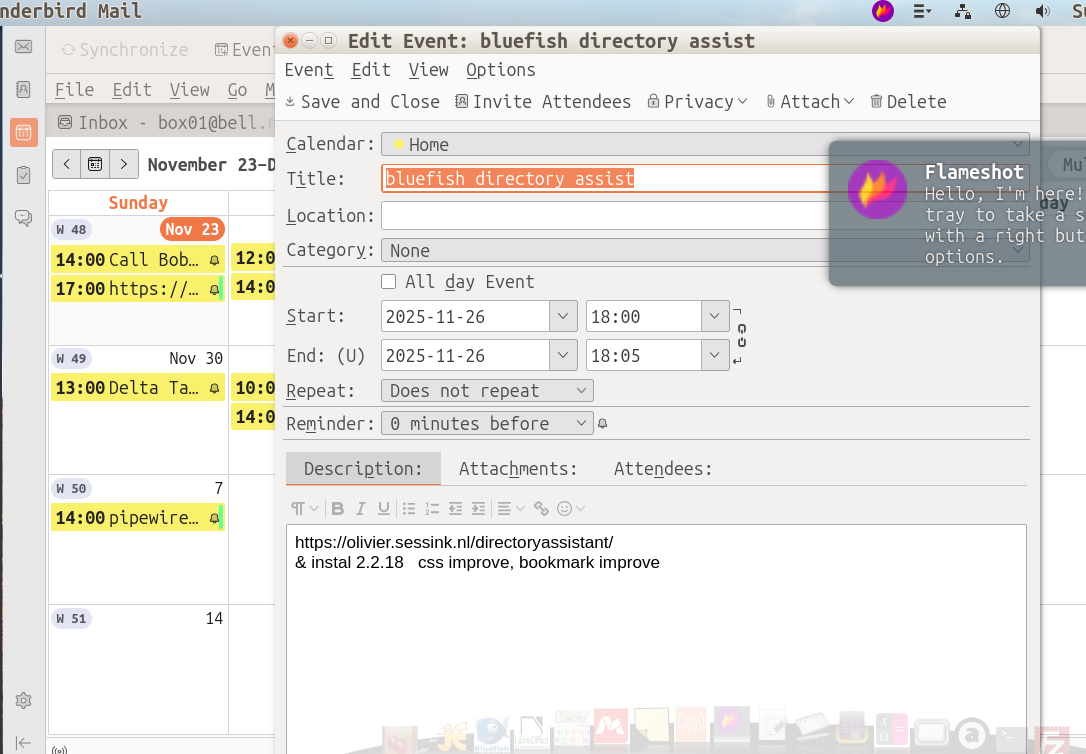
When creating a New Message, the top 5 lines are missing - i.e the “End: (U)” (end time) line is displayed at the top of the screen. The only way to enter the Title of the Event is to drag the window down. Also, the Event window CANNOT be resized. This has been happening for more than a year now. Can you help? Thanks, M...
Chosen solution
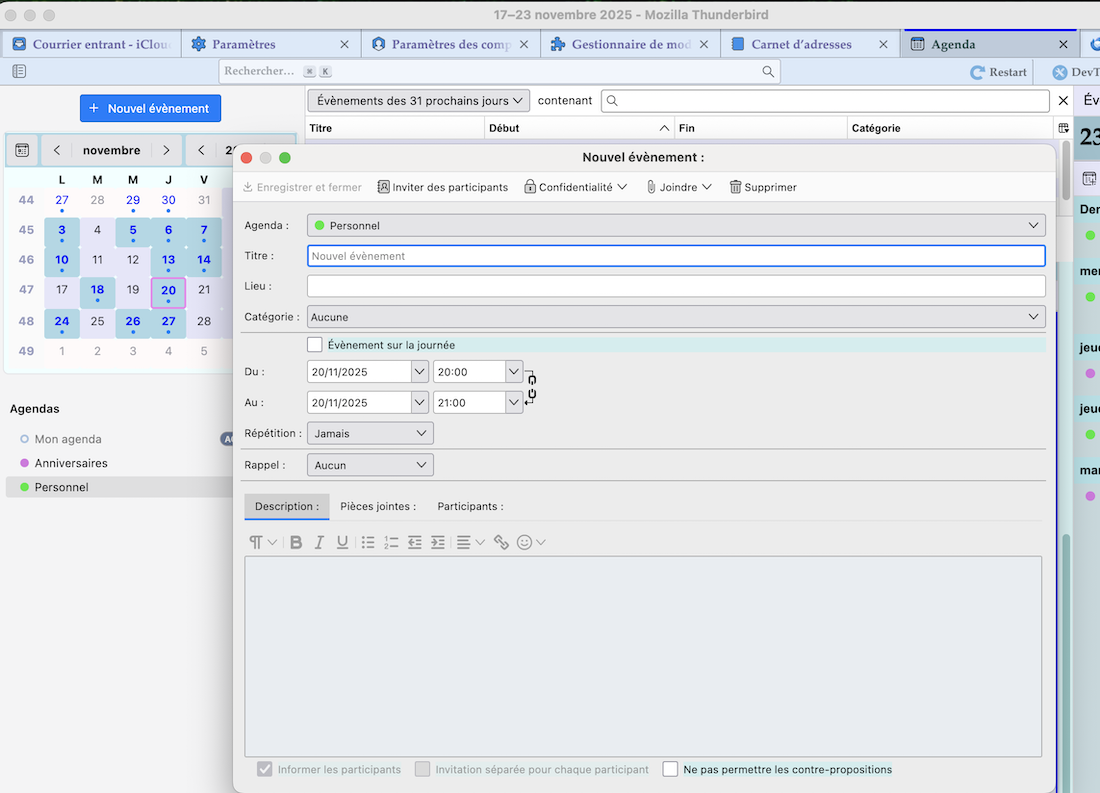
Your monitor seems to be rather small and I guess there isn't any space left to push the whole window further to the upper screen border. When I compare with a New Event or Edit Event window on my 21.5" screen there is plenty of space above and below the Event window. If no one proposes a simpler solution (zoom?) might it help you if I propose a CSS code for a userChrome.css file to resize the event window, diminishing the total height and increasing the width a bit as shown in my picture? If you like the idea I would explain in detail the code and how and where to create a userChrome.css file and a chrome folder.
Read this answer in context 👍 0All Replies (6)
Do you mean when creating a New Message or rather a New Event? Does the same happen when you start Thunderbird in "troubleshoot mode"?
Hi and thanks for your prompt reply.
New Messages work fine. New Events have the Screen problem - the display is too big from Top to bottom, so the lower portion is not displayed. Also, cannot resize - the Resize Arrows are shown but you cannot do anything with them.
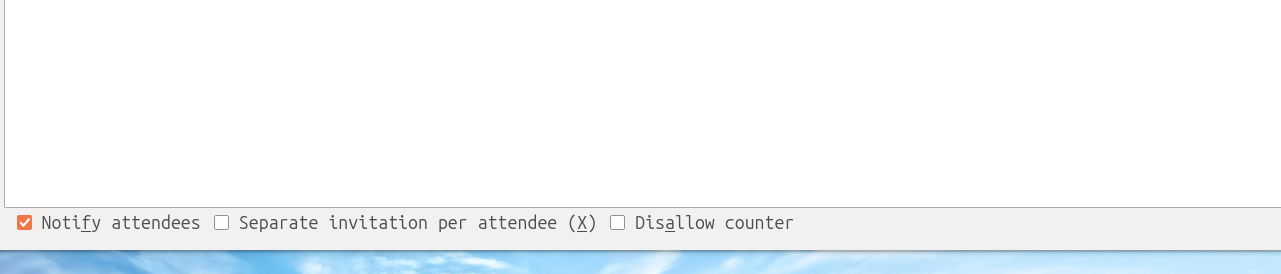
The fist attached pic shows the problem. The 2nd attached pic shows the 'missing' portion as displayed on the lower Workspace ( I use 4 Workspaces).
This problem is identical in the Troubleshoot mode.
I like Thunderbird mail and have been using it for years. This problem has developed since I went from ubuntu 22.04 to ubuntu Unity 24.04, and is quit annoying,
Please help. Thanks,
M....
Chosen Solution
Your monitor seems to be rather small and I guess there isn't any space left to push the whole window further to the upper screen border. When I compare with a New Event or Edit Event window on my 21.5" screen there is plenty of space above and below the Event window. If no one proposes a simpler solution (zoom?) might it help you if I propose a CSS code for a userChrome.css file to resize the event window, diminishing the total height and increasing the width a bit as shown in my picture? If you like the idea I would explain in detail the code and how and where to create a userChrome.css file and a chrome folder.
Is it better if you edit events in a tab? Settings/Calendar/Events & Tasks.
Thank you. Selecting "Edit events and tasks in a tab instead of in a dialog window." fixed my 2 year old problem. Thanks again and have a nice day, M...
mjbox23 said
Thank you. Selecting "Edit events and tasks in a tab instead of in a dialog window." fixed my 2 year old problem.
Hi, this was sfhowes' solution and not mine. You should have credited him instead of me!