


Windows 10 reached EOS (end of support) on October 14, 2025. If you are on Windows 10, see this article.

Search Support

Avoid support scams. We will never ask you to call or text a phone number or share personal information. Please report suspicious activity using the “Report Abuse” option.

Learn More
Archived

About Missing Selenium Ide Extension File

Paul replied
özen taştan

I use the Selenium IDE plugin for my job about 1 year. But yesterday I encountered a problem. I saved the project I was working on and left work on Friday(10.10.2025). And for a year, I kept saving it to my desktop. Yesterday(13.10.2025) morning I restarted my computer because it was running very slow. When I turned on the computer, I saw that the Selenium IDE project file I was working on was missing. I say "lost" because when I had it checked by the system team at the company I work for, it didn't appear to have been deleted. Also, I don't have any files with the ".side" extension in the recycle bin. I tried to find it with programs like Recuva and Everything, but it is not found. This is a very important file for me and my work. Can you help me please?

File name: MevaTest.side Selenium Ide extension version: 3.17.4
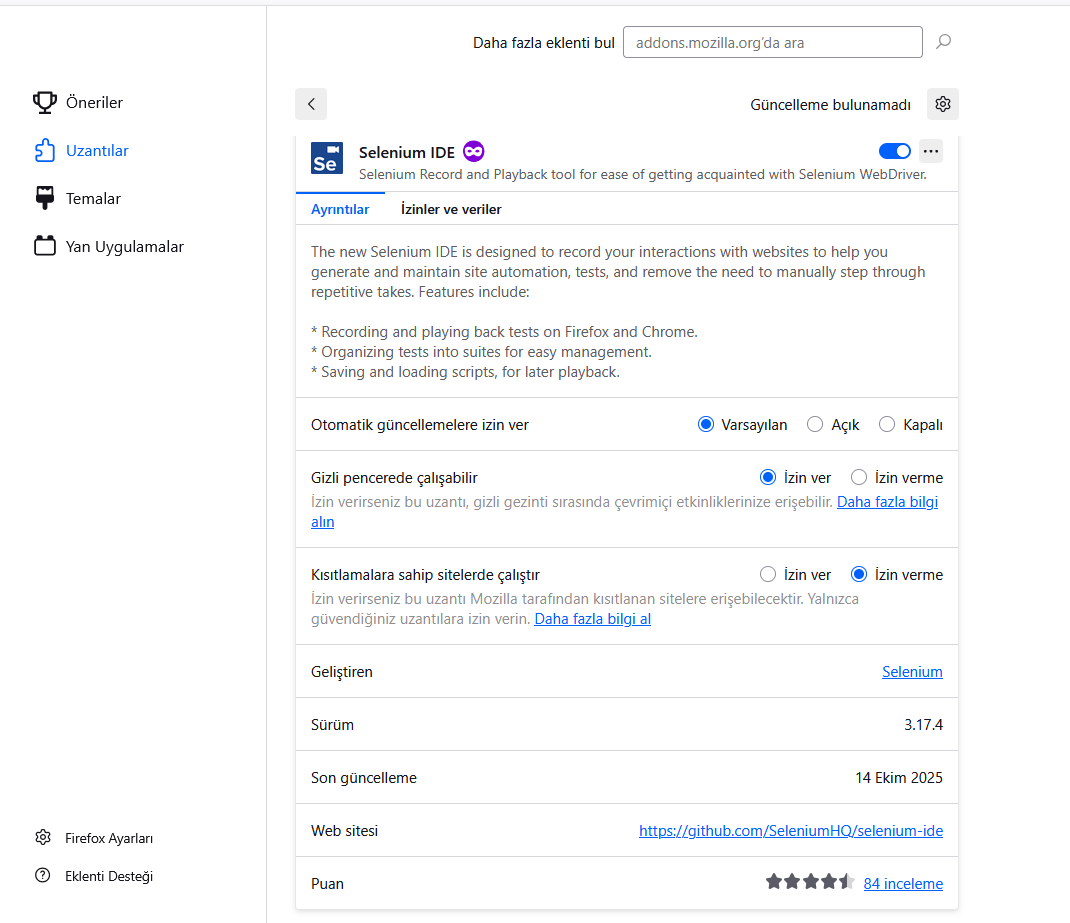
I use the Selenium IDE plugin for my job about 1 year. But yesterday I encountered a problem. I saved the project I was working on and left work on Friday(10.10.2025). And for a year, I kept saving it to my desktop. Yesterday(13.10.2025) morning I restarted my computer because it was running very slow. When I turned on the computer, I saw that the Selenium IDE project file I was working on was missing. I say "lost" because when I had it checked by the system team at the company I work for, it didn't appear to have been deleted. Also, I don't have any files with the ".side" extension in the recycle bin. I tried to find it with programs like Recuva and Everything, but it is not found. This is a very important file for me and my work. Can you help me please? File name: MevaTest.side Selenium Ide extension version: 3.17.4
Attached screenshots

All Replies (1)

Hi

This does not sound like an issue with Firefox, but is something that the Selenium support team should be able to help you with.