


HOW DO I DELETE UNWANTED SEARCH ENGINHES/SHORTCUTS??

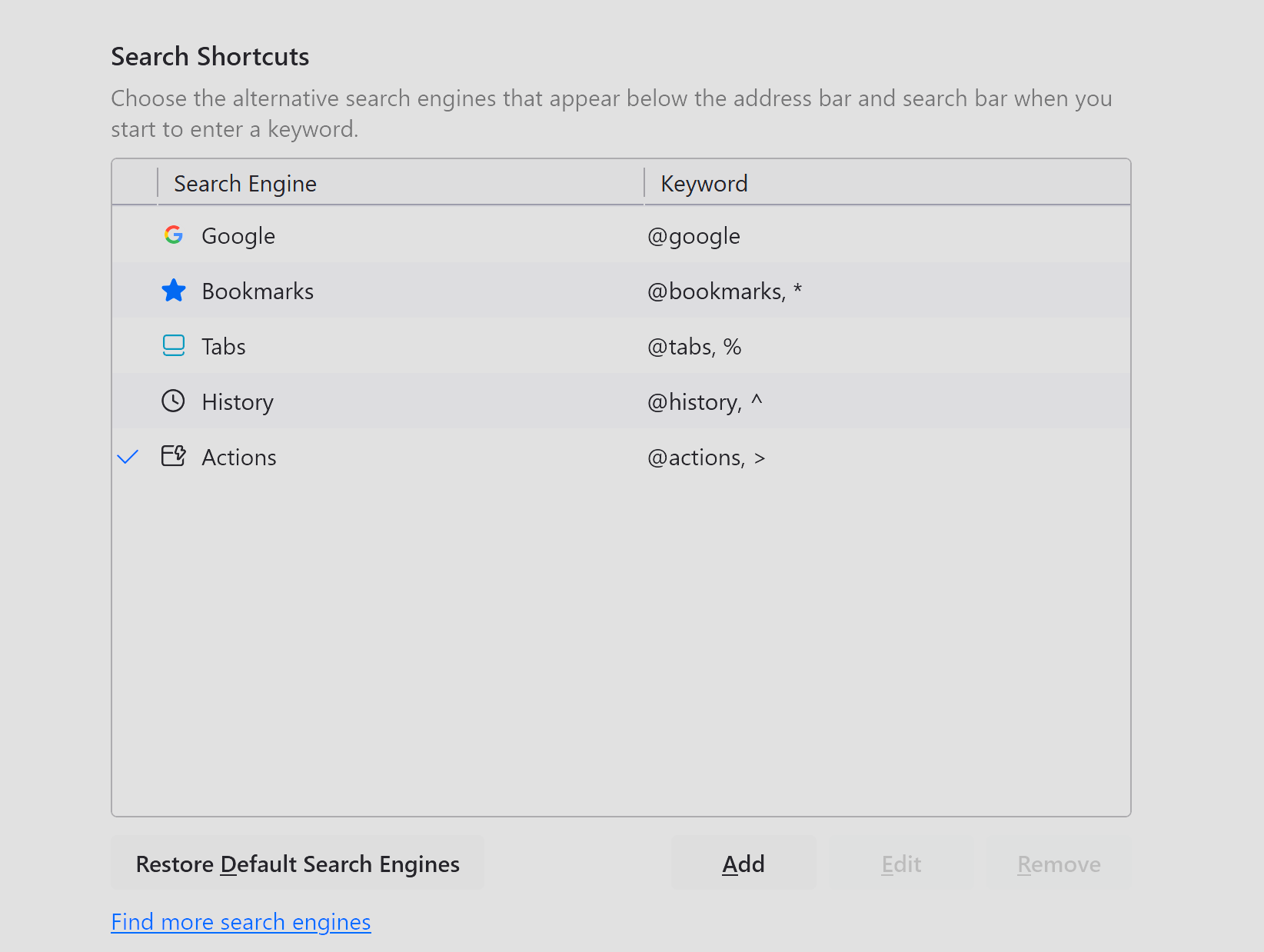
I HAVE UNWANTED SEARCH ENGINES AND KEYWORDS THAT I DID NOT SELECT NOR INSTALL AND CANNOT BE DELETED. (everything but google)
PLEASE EXCUSE THE CAPS WHEN I HAVE TO REDUE THIS ASK A QUESTION THINGGY THREE TIMES TO GET IT TO TAKE AND POST THE QUESTION I GET A LIL PISSED....
Any help would be GREATLY appreciated.
An irritated FF user in Ephrata PA.
All Replies (6)
Hello
No idea.
Of course, this is not the expected answer, nevertheless. You can use, test, Add the Search bar to your Firefox toolbar https://support.mozilla.org/en-US/kb/add-search-bar-firefox-toolbar Note : for information purposes, since the release of Firefox 122 See https://bugzilla.mozilla.org/show_bug.cgi?id=1852044
So you are saying to add a search bar to the address bar, or in the toolbar area. How would I perform testing with once installed that is relevant to my issue?
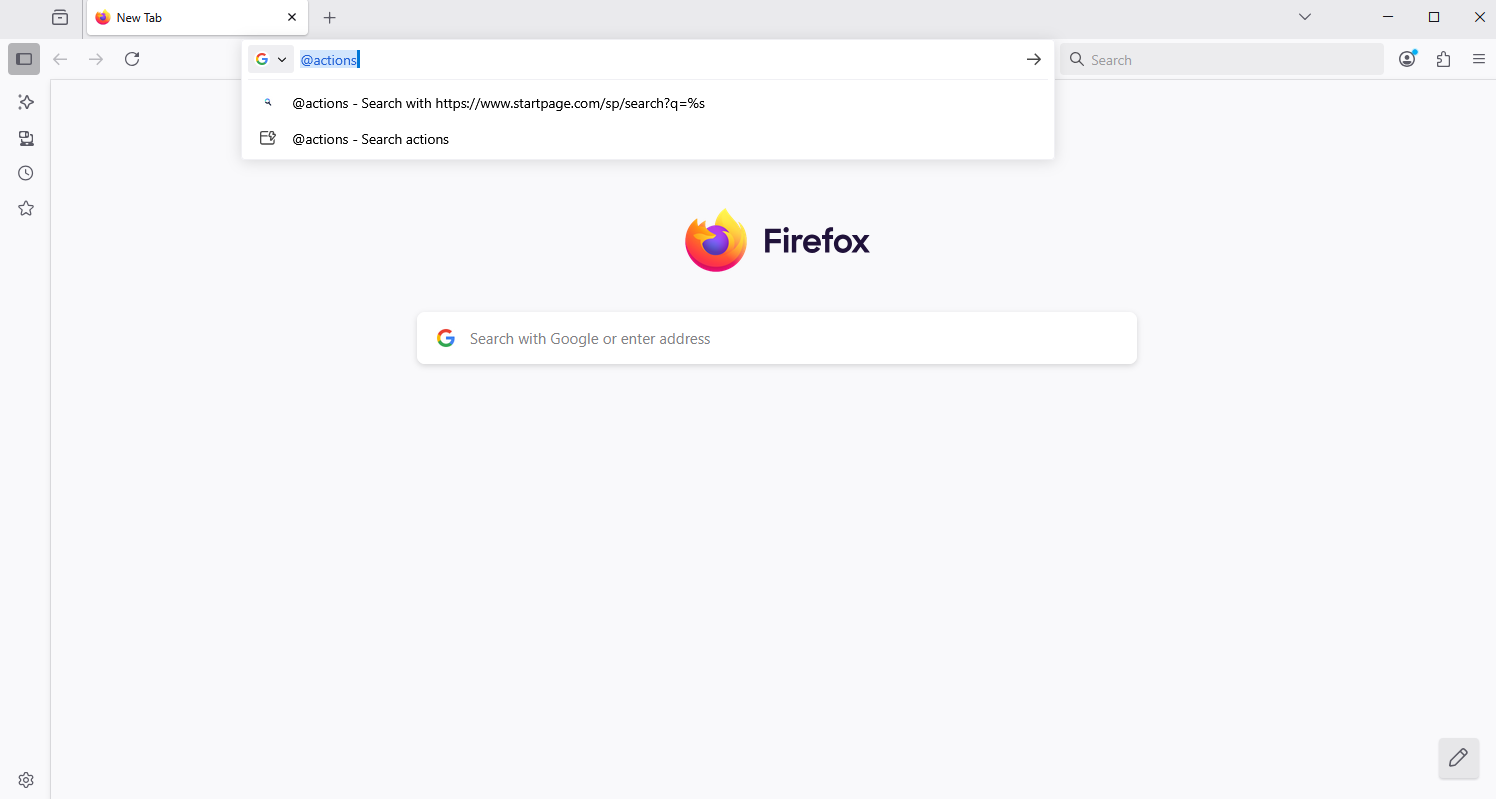
For example, @actions
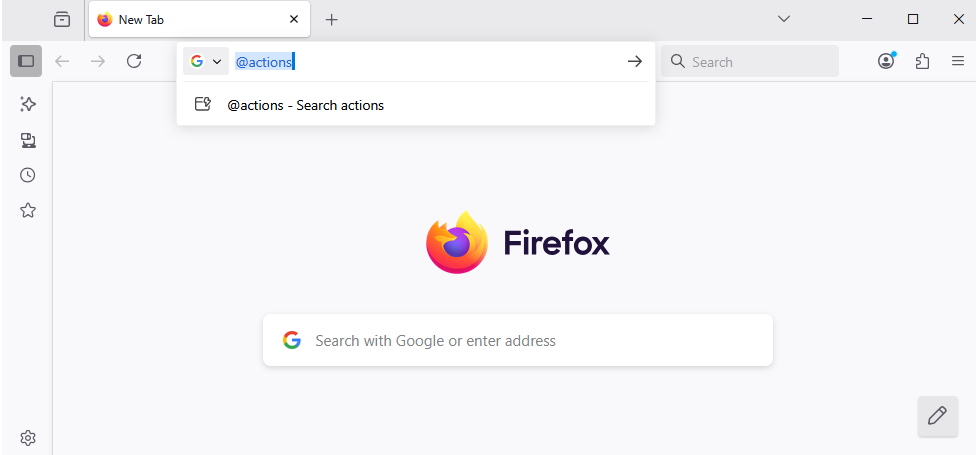
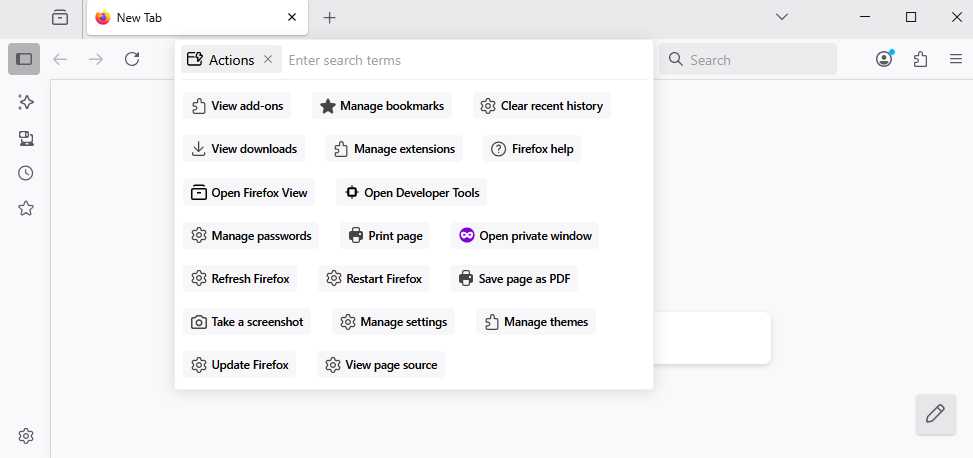
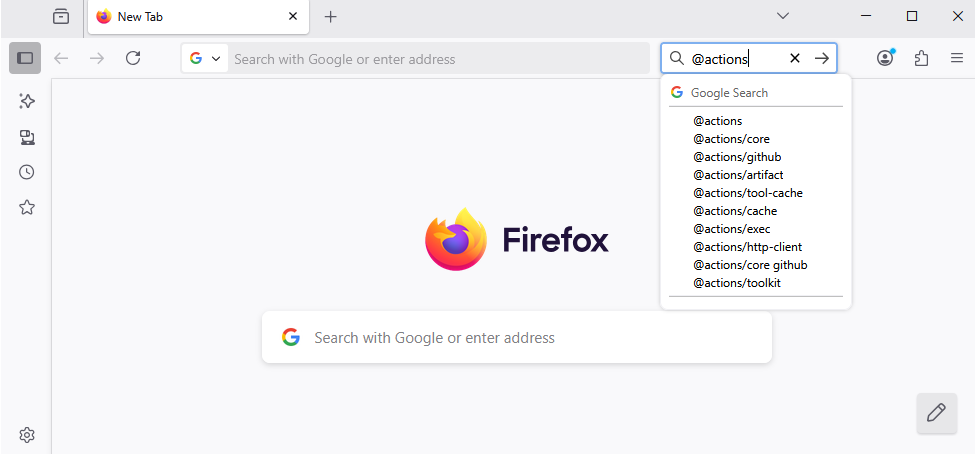
I am not sure what I am to do with the information in your last post.
Hello
Remove search engines https://support.mozilla.org/en-US/kb/add-or-remove-search-engine-firefox#w_remove-search-engines
Assign a keyword shortcut https://support.mozilla.org/en-US/kb/assign-shortcuts-search-engines, Remove Shortcut Bookmarks, Tabs, History, Actions, no idea.
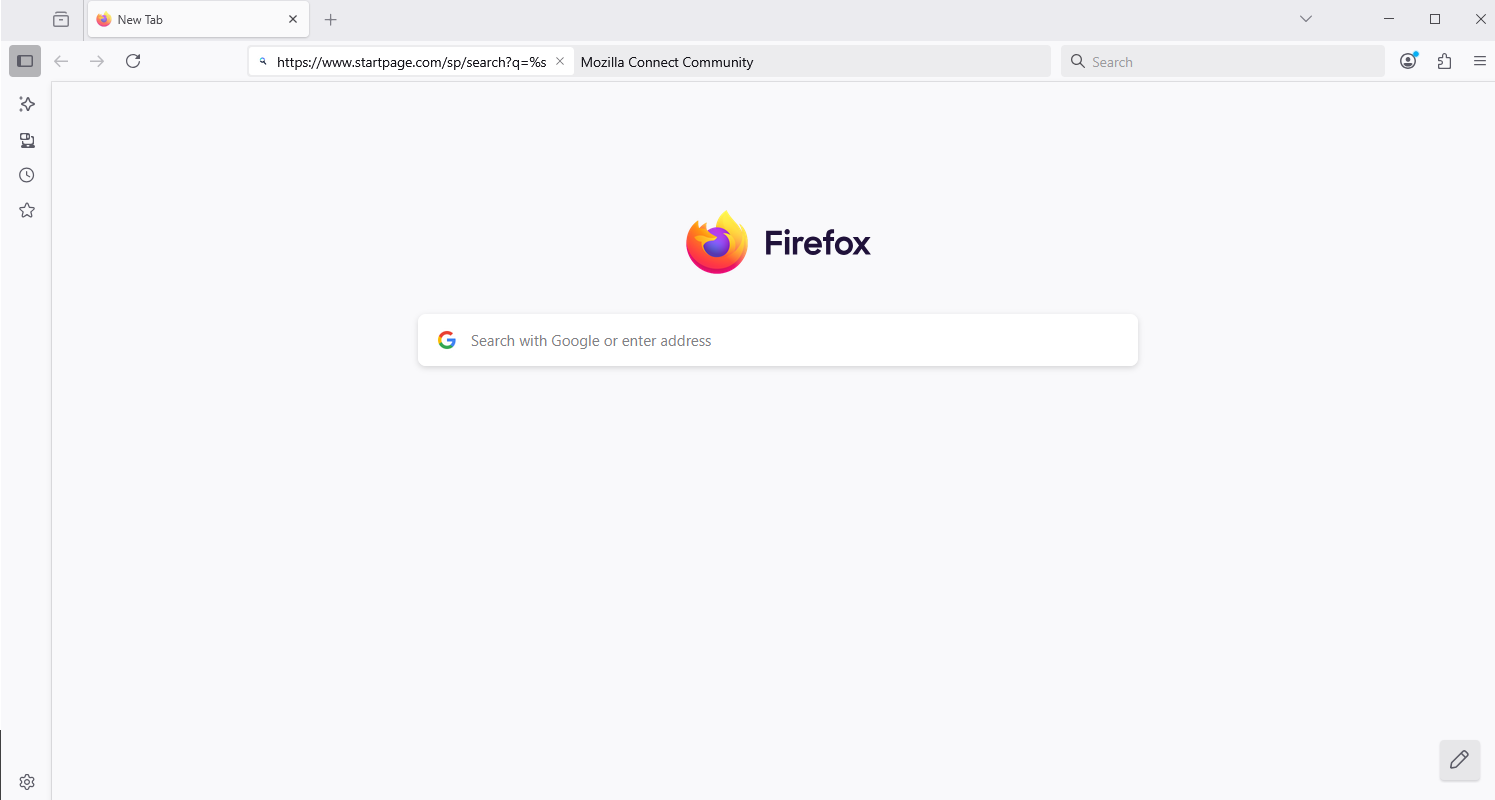
For information, Mozilla Connect https://support.mozilla.org/en-US/kb/what-mozilla-connect
In Search bar toolbar, by way of illustration, @actions/github, does not trigger the Search Shortcut @actions. Do you agree.
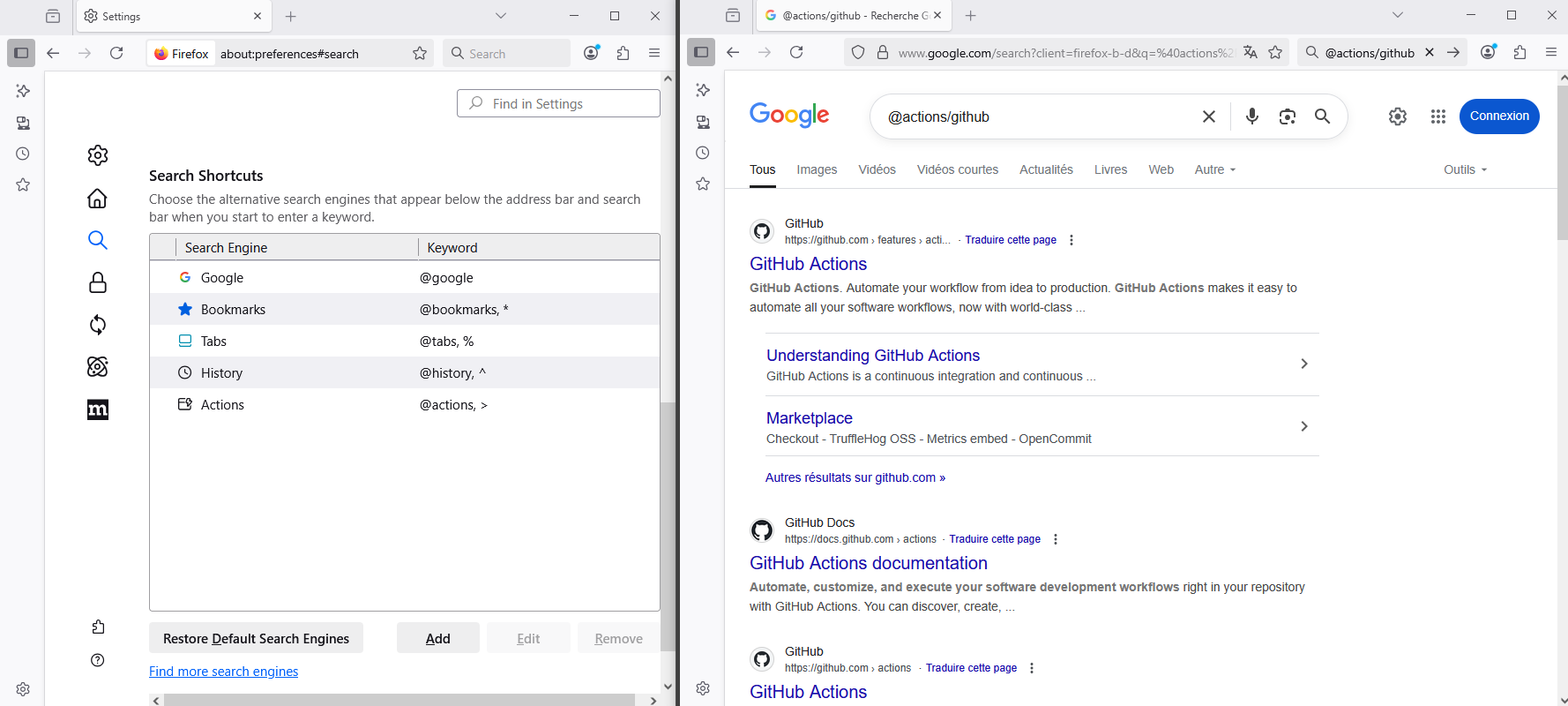
Modified by Agent virtuel
About Add a custom search engine in Settings https://support.mozilla.org/en-US/kb/add-or-remove-search-engine-firefox#w_add-a-custom-search-engine-in-settings
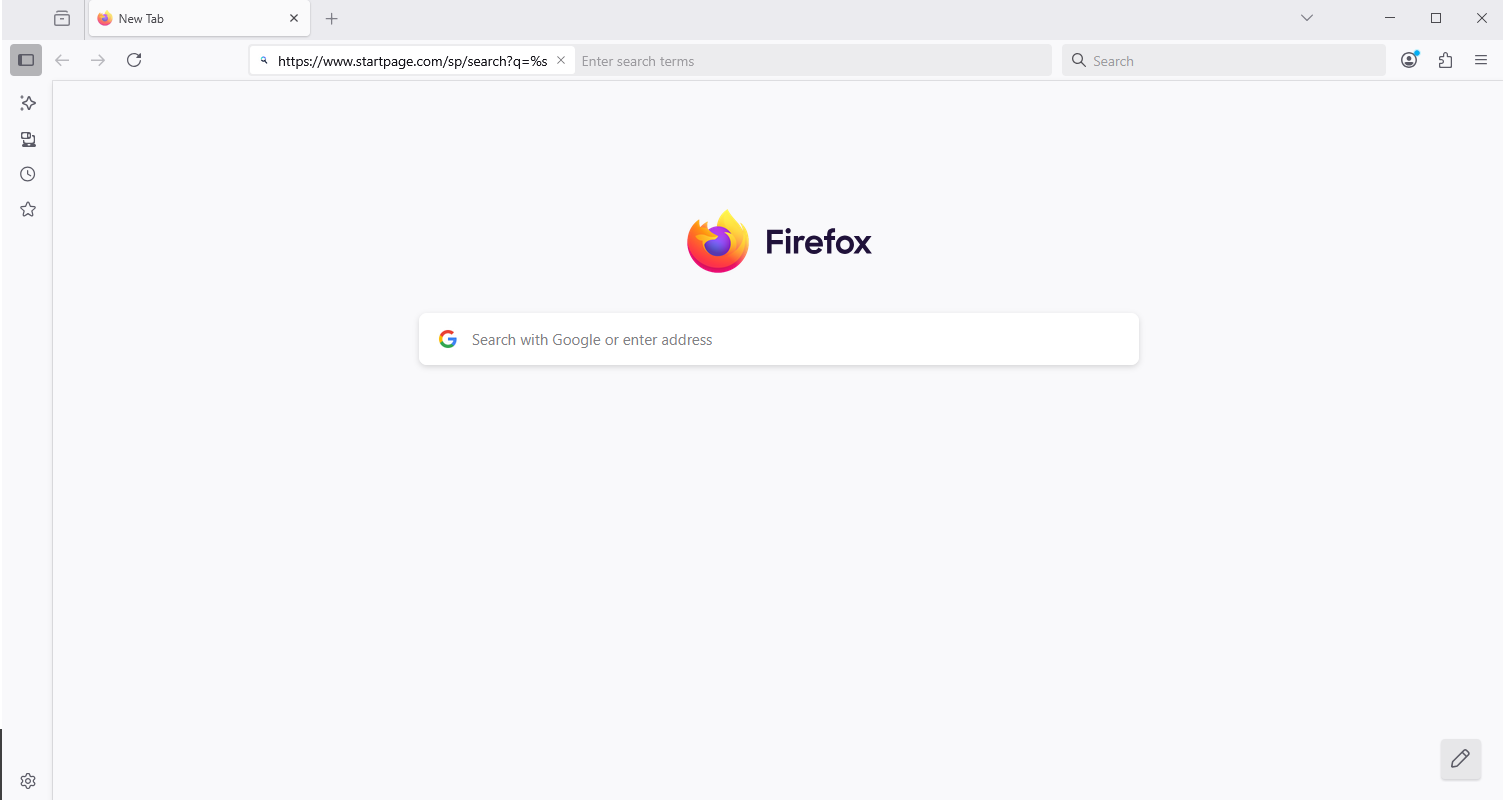
Below, by way of illustration
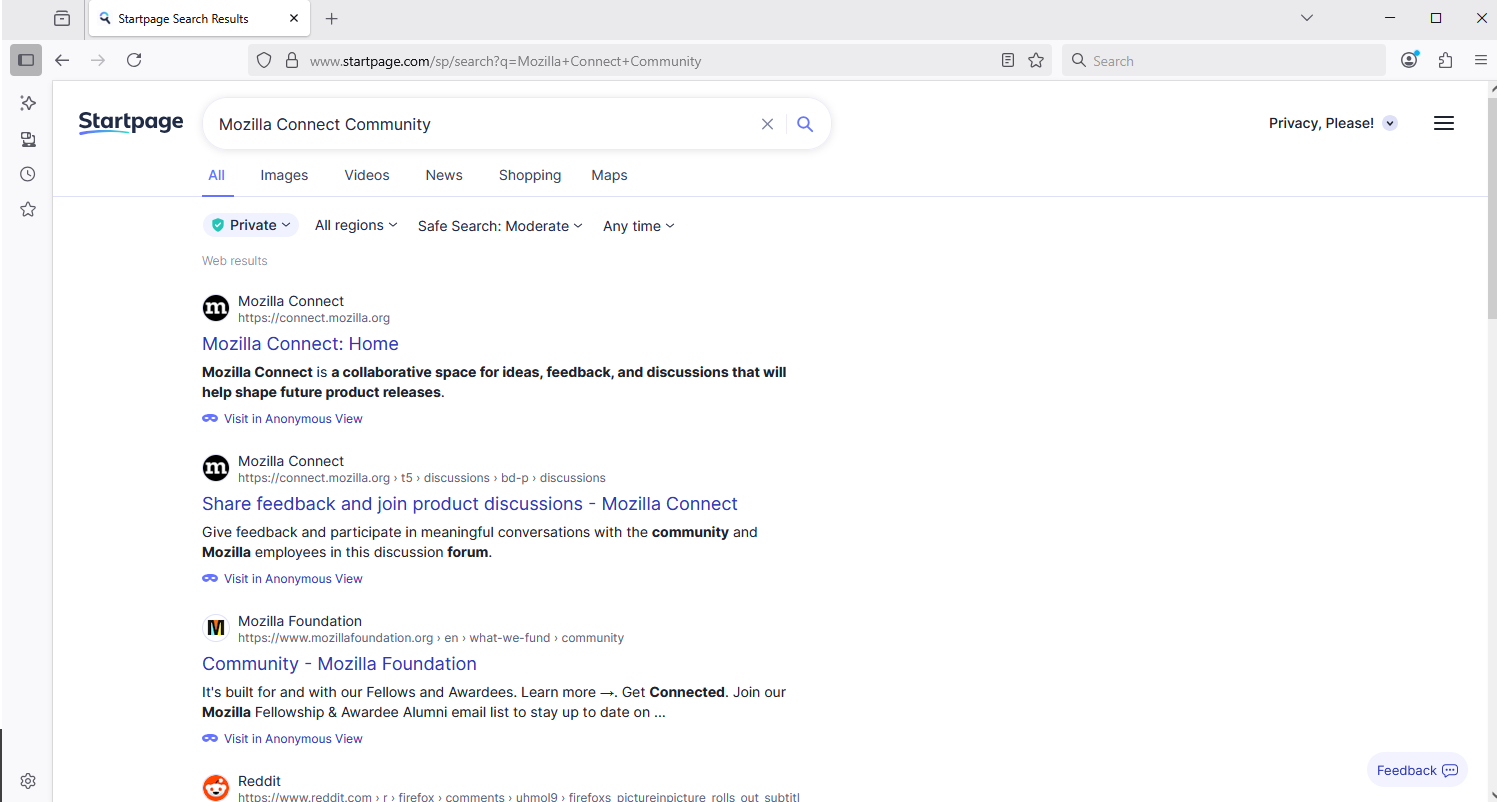
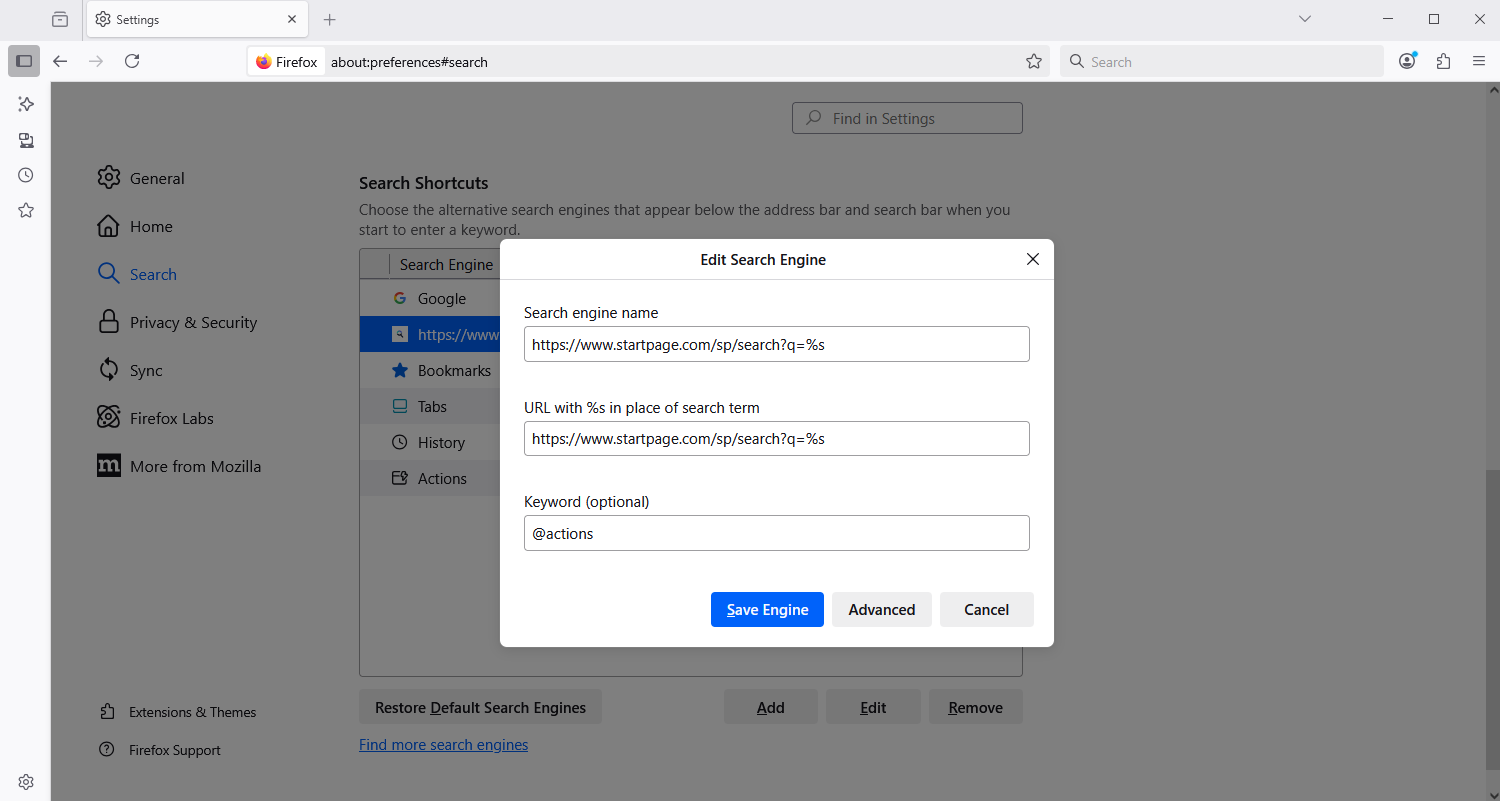
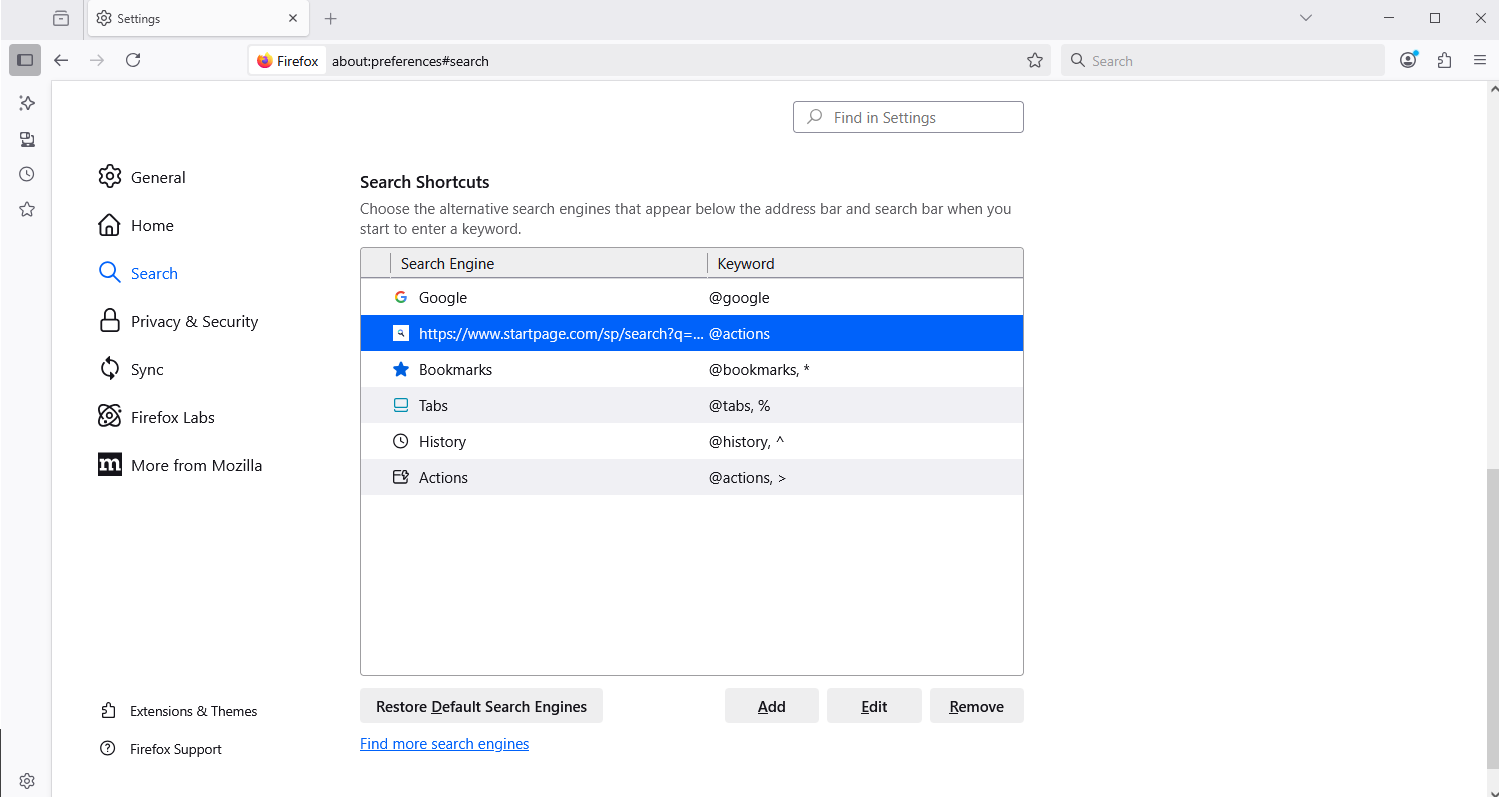
Modified by Agent virtuel