

This thread was archived.
Please ask a new question if you need help.

Archived
Changed Local Folder location, lost all access to initial location

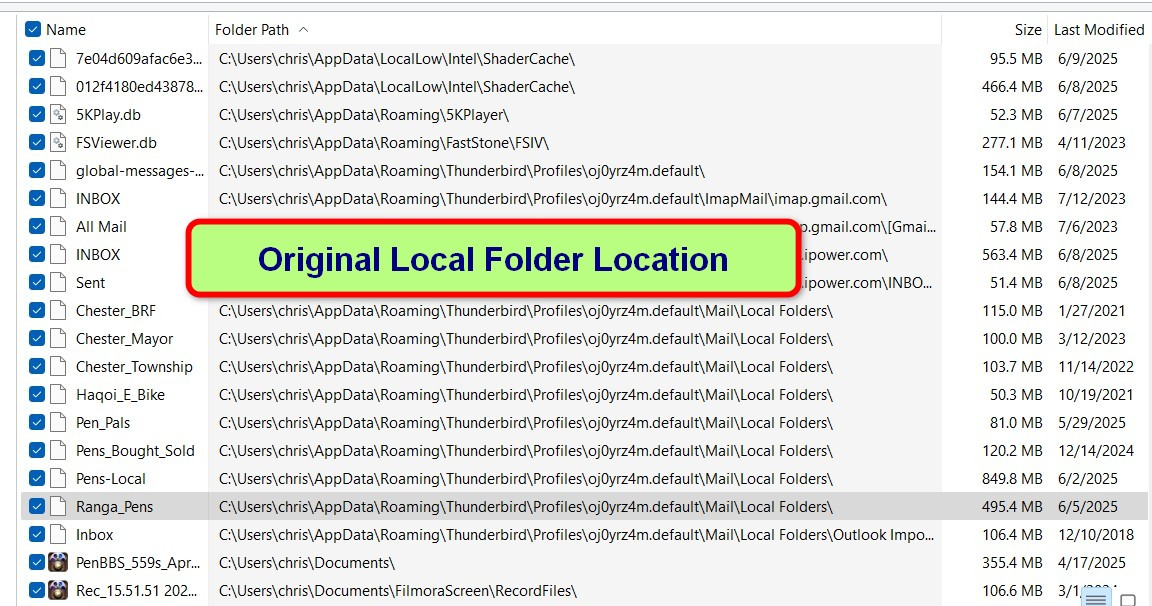
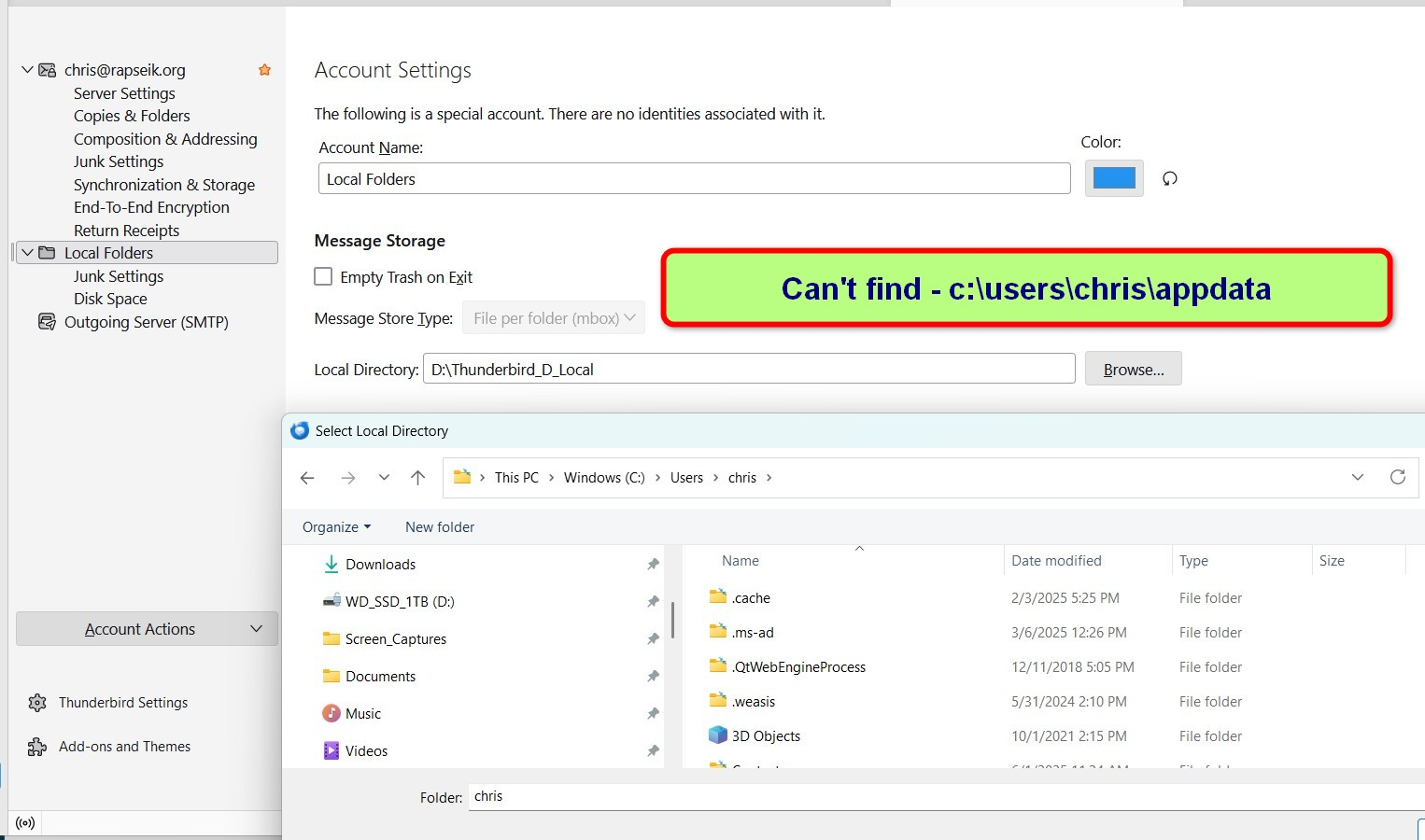
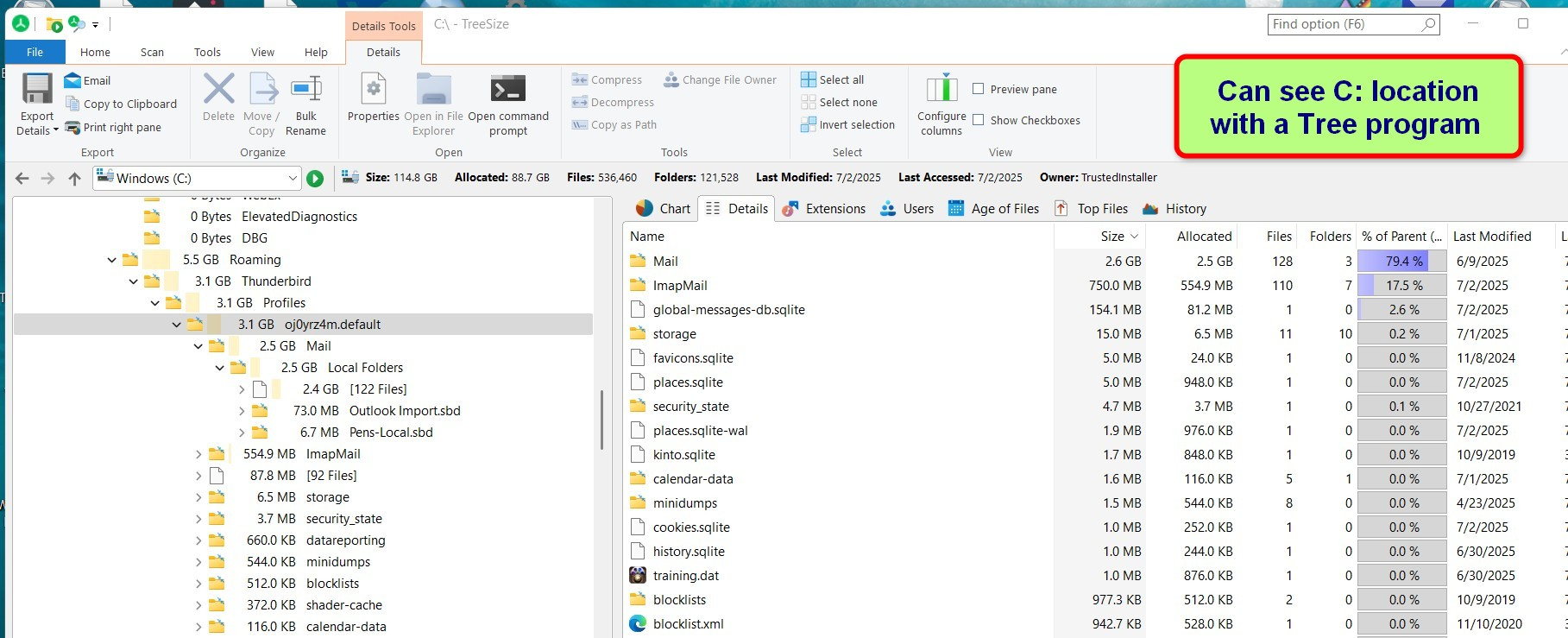
Local folders were in default location on C: drive, 128GB SSD boot drive. Installed a 1TB SSD as D: drive. Want to use D: for local folders. When changed local drive to D: lost access to default Local Drive. Can't reconnect as location not visible in file explorer. Want to move local folder from C: to D:.
Local folders were in default location on C: drive, 128GB SSD boot drive. Installed a 1TB SSD as D: drive. Want to use D: for local folders. When changed local drive to D: lost access to default Local Drive. Can't reconnect as location not visible in file explorer. Want to move local folder from C: to D:.
All Replies (1)

"AppData" is a hidden folder. I think that making your operating system show hidden folders should solve your problem.