Windows 10 reached EOS (end of support) on October 14, 2025. If you are on Windows 10, see this article.

Search Support

Avoid support scams. We will never ask you to call or text a phone number or share personal information. Please report suspicious activity using the “Report Abuse” option.

Learn More

Mozilla doesn`t work

  • 1 reply
  • 0 have this problem
  • 53 views
  • Last reply by Ed

Hello!

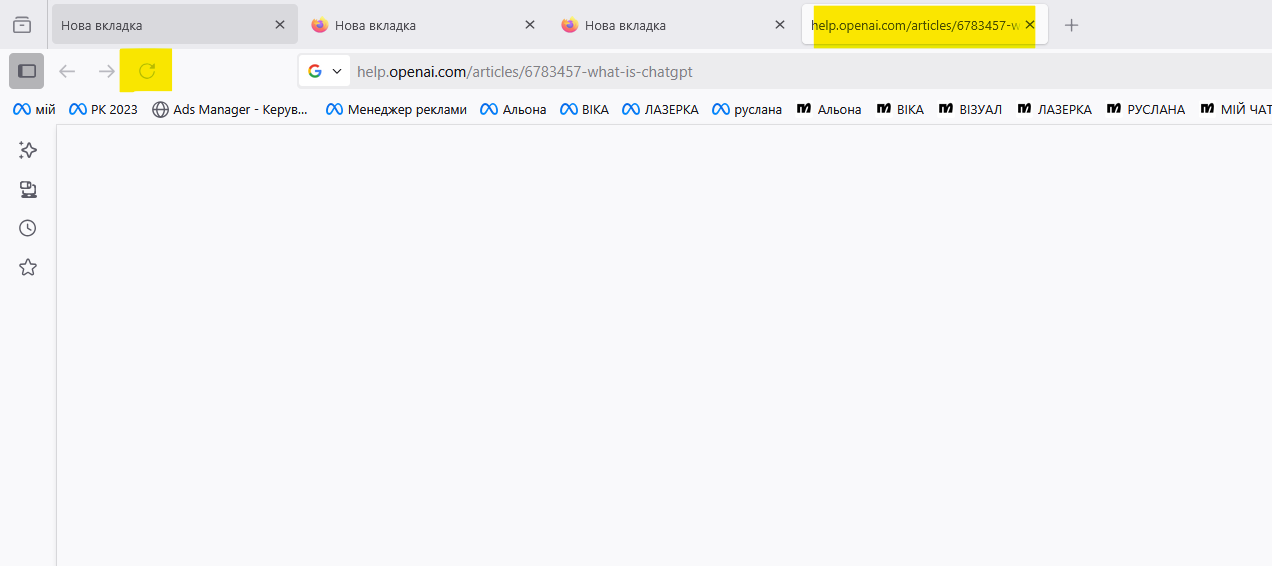
I would be very grateful if you could help me figure it out, the browser suddenly stopped working, does not open any tabs, just a blank screen, does not open settings, some buttons simply do not respond at all. I cleaned the SScleaner yesterday, but I did not select anything special there, it was a basic regular cleaning that the program offers.

How do I fix this? reinstalling does not help, the browser still does not work
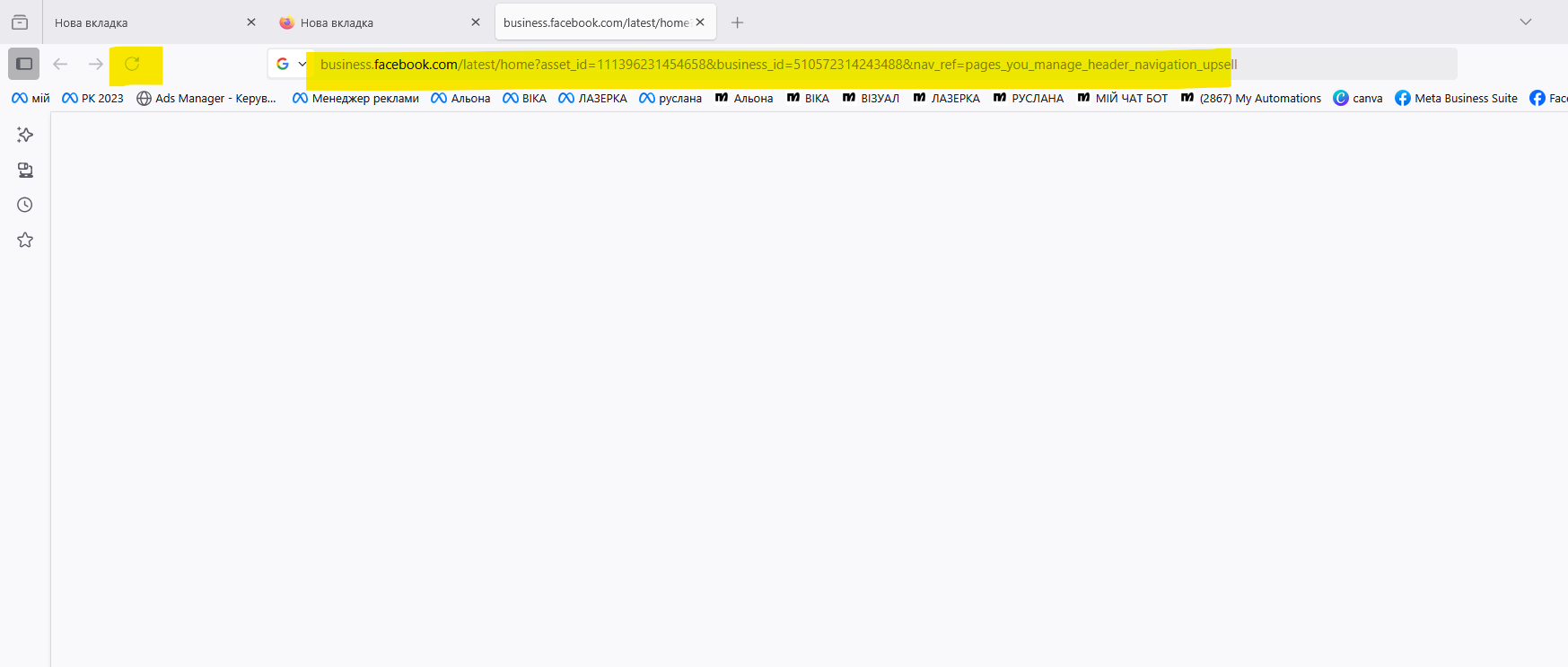
Hello! I would be very grateful if you could help me figure it out, the browser suddenly stopped working, does not open any tabs, just a blank screen, does not open settings, some buttons simply do not respond at all. I cleaned the SScleaner yesterday, but I did not select anything special there, it was a basic regular cleaning that the program offers. How do I fix this? reinstalling does not help, the browser still does not work
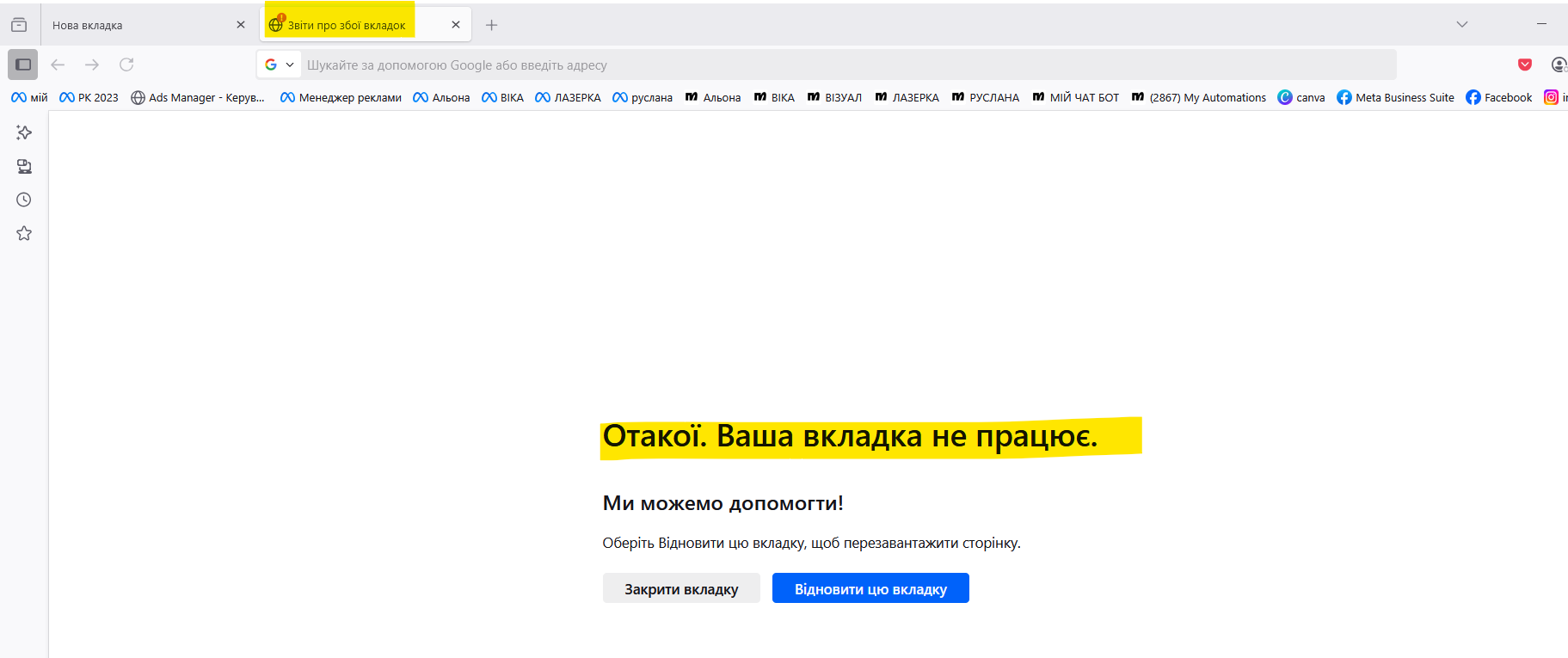
Attached screenshots

All Replies (1)

Does that also happen with a clean [new profile](https://support.mozilla.org/en-US/kb/profile-manager-create-remove-switch-firefox-profiles)? If not, you could switch back to your broken profile and [refresh](https://support.mozilla.org/en-US/kb/refresh-firefox-reset-add-ons-and-settings) FF there. That will save you some time restoring things.