


Cannot access google.ca

I'm trying to have Google.ca as my homepage, but Firefox won't let me. It keep reverting back to Google.com Please help. Claude Hamel [edited] @gmail.com
Modified by James
All Replies (8)
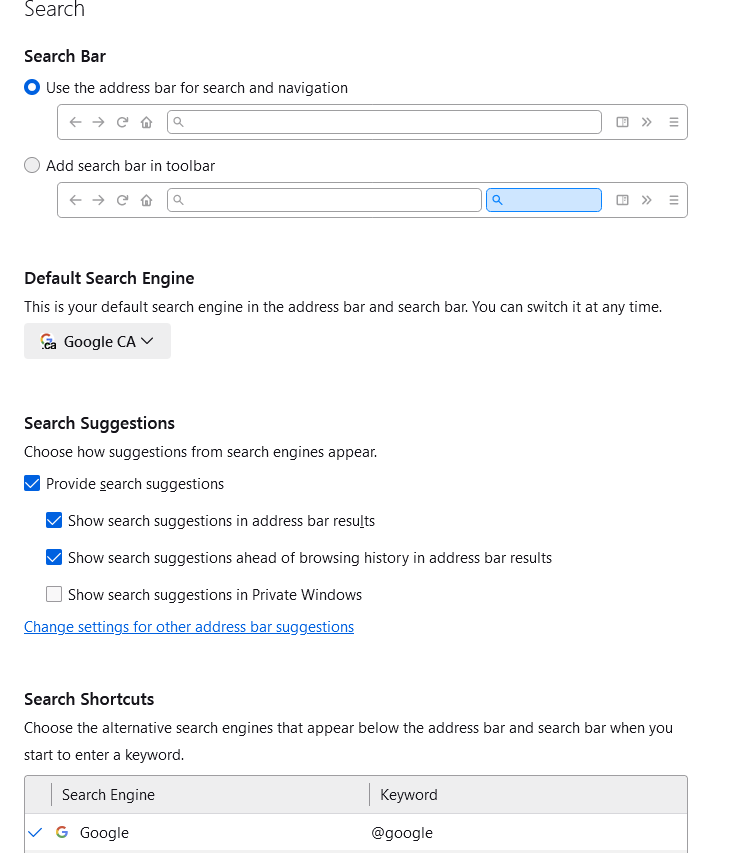
Can you show what you're doing? Works for me. see screenshot What OS? If windows, home or pro and what security software are you running besides MS Defender? What version of Firefox?

Windows 7 Pro 64bit, using Avast anti-virus, using the latest Firefox available version for Windows 7 Pro.
/Claude
Can post a similar screenshot showing your homepage settings? What happens when you try to go to Google.ca in Firefox? What happens in other browsers?
Modified by jonzn4SUSE
As requested. As soon as I type Google.ca for my homepage, it changes back to google.com right away. Only Firefox is compatible with Windows 7 so I can't try other browsers. And it worked before I encountered this problem just before I wrote to you regarding this problem. I do not believe I changed anything in Forefox to cause this.
/Claude
Are you by chance using a proxy or a VPN connection with Firefox?
Avast premium seciruty, no VPN, no proxy
Can you disable Avast, reboot, and try again. You can also boot windows to safe mode with networking and try. Who are you using for DNS?
Before I try safe mode, not sure what you mean by DNS? Is that in the Firefox settings?